



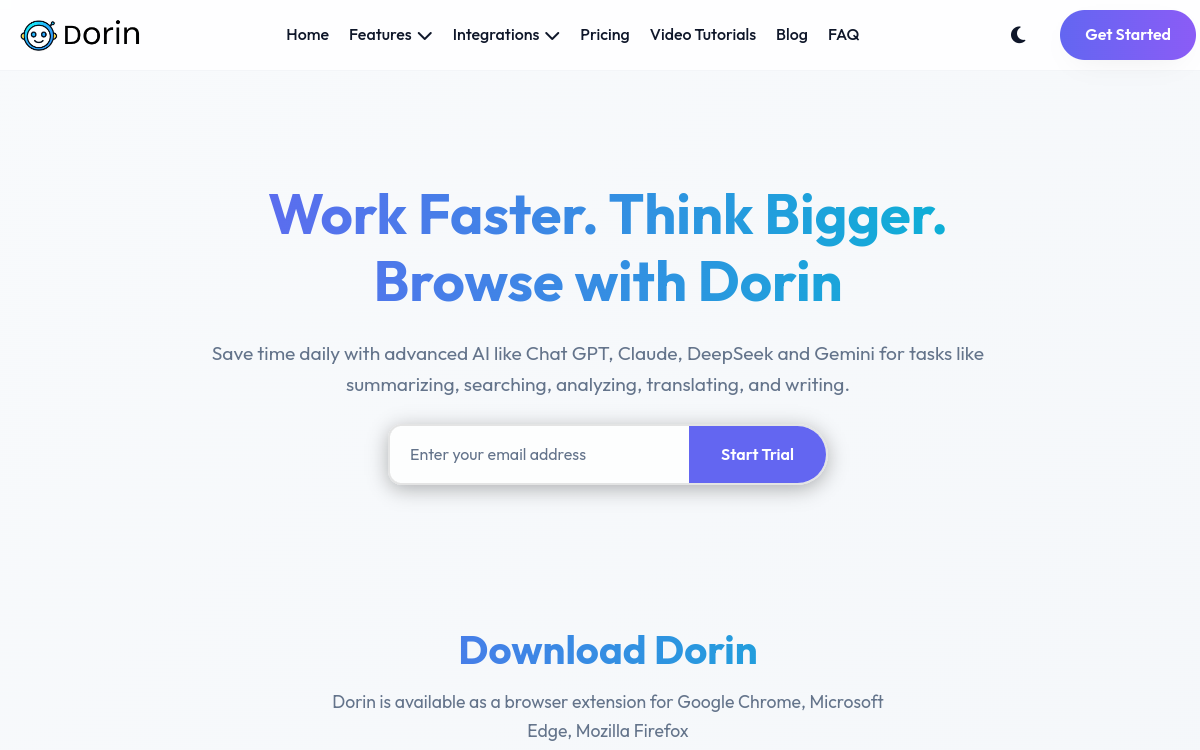
Dorin AI is an all-in-one AI assistant available as a Chrome extension and web app. It centralizes chat, writing, summarization, search, image generation and email help in a single interface. Connected to multiple advanced models, it aims to be the productivity copilot for your emails, LinkedIn content, documents and daily tasks, with a seamless experience for French-speaking users.
What is Dorin AI?
The essentials
Dorin AI is a generalist AI assistant that relies on multiple language and image generation models to offer a range of features in a unified interface. From a user perspective, it appears as a side panel and chat area, accessible from the browser or via a web app. The tool allows you to start conversations, paste text to summarize, generate messages from instructions, translate, or create visuals. It targets both professionals and individuals who spend a large part of their work or creative time in the browser.
Key features
Among Dorin AI’s flagship features is a generalist chatbot capable of answering questions, proposing ideas or explaining concepts. The email assistant can write, rephrase or correct messages, adapting tone and length. Summary tools allow you to condense websites, PDFs or text pasted into the chat window. On the creative side, Dorin AI offers image generation and content rewriting for social networks, especially for commenting on posts or writing targeted private messages. Browser integration makes it easy to maintain context: the tool can analyze the current page or suggest responses adapted to an open email.
Use cases
Dorin AI is particularly useful for people who communicate a lot via email and professional social networks. For example, an independent consultant can use it to respond faster to clients, comment on LinkedIn posts and stay active without sacrificing hours to writing. An employee can use it to summarize long articles or documents and extract key points before a meeting. A content creator can use it to generate post ideas, drafts or visuals. The tool’s versatility allows it to adapt to varied uses without requiring technical skills.
Advantages
Dorin AI’s benefits lie mainly in individual productivity. By reducing the time needed to write, correct and summarize, the assistant helps you focus on higher value-added tasks. Browser integration avoids interrupting your workflow to switch between applications. Support for French and other languages opens the door to use in international contexts. Finally, the ability to use AI for both emails and social networks or documents reinforces the consistency of the user experience.
Pricing
On pricing, Dorin AI offers monthly subscriptions with usage limits and different feature tiers depending on needs. Promotional offers or lifetime deals can occasionally be offered through specialized platforms, making it an interesting option for users who prefer a single payment. The presence of affordable entry plans allows freelancers and small organizations to test the tool without heavy commitment.
Conclusion
Dorin AI doesn’t try to reinvent every business vertical, but rather to offer a simple and comprehensive AI assistant for daily communication. By focusing on writing, reading and social interactions, it addresses a very widespread need, especially among independent workers and connected employees. For Comparateur-IA, it represents a good example of a generalist AI assistant focused on productivity, to be considered alongside other copilots and extensions in the same segment.