


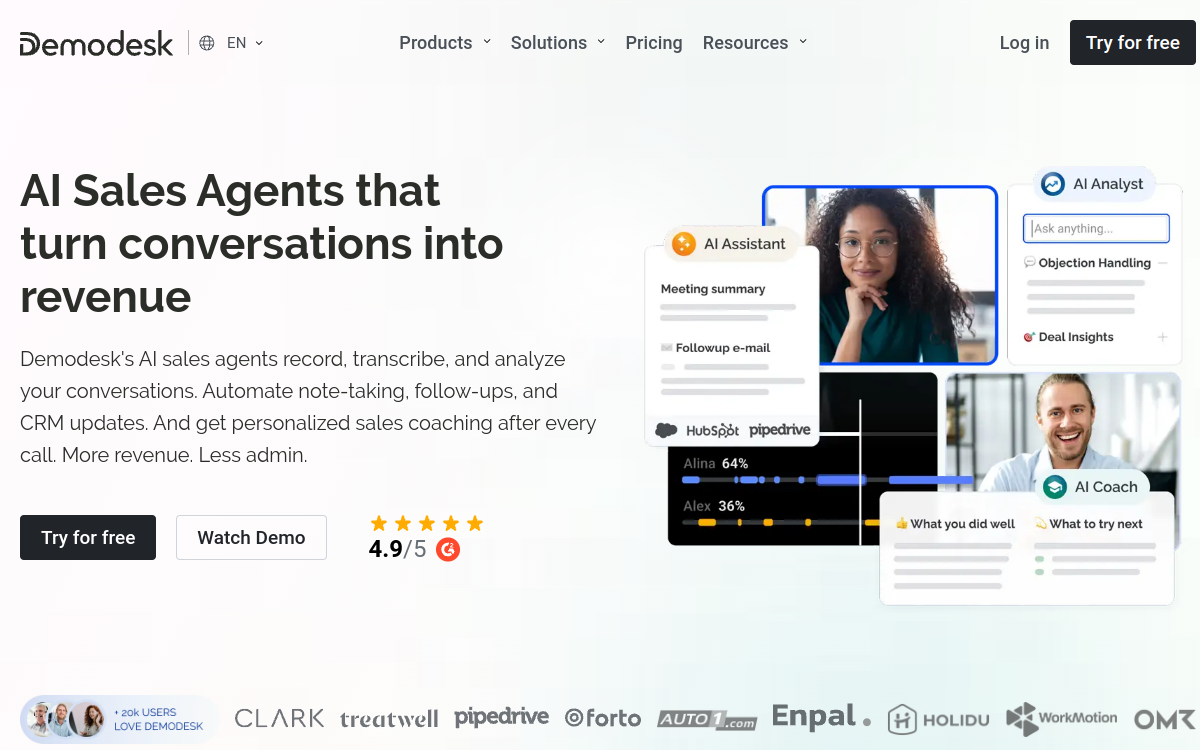
Demodesk is a virtual meeting platform designed for sales teams. It replaces Zoom or Meet with a customized experience for selling: integrated scripts, screen sharing without download, intelligent scheduling, multilingual transcription and AI coaching. Ideal for SDRs, AEs and managers who want to professionalize their demos, shorten sales cycles and measure call quality to improve conversion.
What is Demodesk?
The essentials
Demodesk is a SaaS platform dedicated to commercial virtual meetings. It replaces Zoom, Teams or Meet with an experience optimized for sales: no download required for the prospect, interactive shared browser, scripts visible only to the salesperson and CRM connected in real time. The platform also integrates intelligent scheduling that automatically routes each meeting request to the right salesperson based on product, region or account size. An AI layer captures the conversation, transcribes each call, summarizes key points and proposes quality execution analysis. Demodesk primarily targets B2B teams with a structured sales cycle, where each demo carries significant weight on final conversion.
Key features
The heart of the product remains the meeting environment. The salesperson accesses a private panel with scripts, pitches and notes, while the prospect sees only shared content. Screen sharing works without installation, eliminating usual friction. Intelligent scheduling lets prospects book a time slot via a personalized link, and Demodesk automatically assigns the right person. AI records, transcribes and summarizes each conversation in dozens of languages, then updates the CRM with key information. The coaching module exposes indicators like speaking time ratio, objections encountered or uncovered topics. Native CRM integrations enable bidirectional sync, and a dedicated module facilitates creating shared playbooks. For highly visual teams, Demodesk also offers interactive presentation templates.
Use cases
Demodesk primarily serves B2B teams who practice product demos as a key cycle step. An SDR team uses the platform to quickly qualify leads through structured calls, leveraging integrated scripts. Account Executives use it for in-depth demos, sharing the screen with a smooth prospect experience. Managers use AI coaching to identify improvement areas for each salesperson and build targeted training plans. Sales ops deploy Demodesk to standardize practices across teams, improving sales message consistency. Customer Success teams use it for onboardings and strategic touchpoints with key accounts. Finally, founders and early salespeople find a tool to quickly professionalize their sales approach.
Advantages
The primary benefit is demo execution quality. With integrated scripts and prospect-optimized experience, salespeople deliver more structured and convincing calls. The second benefit is productivity: AI handles transcription, summarization and CRM updates, freeing up time to sell. The third benefit is coaching: managers and sales ops have real indicators to upskill each salesperson. The fourth benefit is conversion: a better-prepared and better-executed call increases transformation rate, translating directly to revenue. Finally, frictionless prospect experience leaves a good first impression of the brand, which is never neutral.
Pricing
Demodesk offers several plans starting at around thirty euros per user per month with annual billing. Higher plans unlock more AI features, advanced coaching, premium CRM integrations and priority support. A free trial lets you test main functions before committing. For larger teams, Enterprise plans bring SSO, advanced security and admin options. The entry ticket is higher than generic video tools, but the investment is easily justified by added value on conversion and sales productivity.
Conclusion
Demodesk is today a reference for B2B teams wanting to professionalize and industrialize their sales demos. Its combination of optimized prospect experience, integrated scripts, AI coaching and CRM integrations make it a true sales performance tool. For teams where every call counts, Demodesk deserves priority evaluation against generic video tools.