


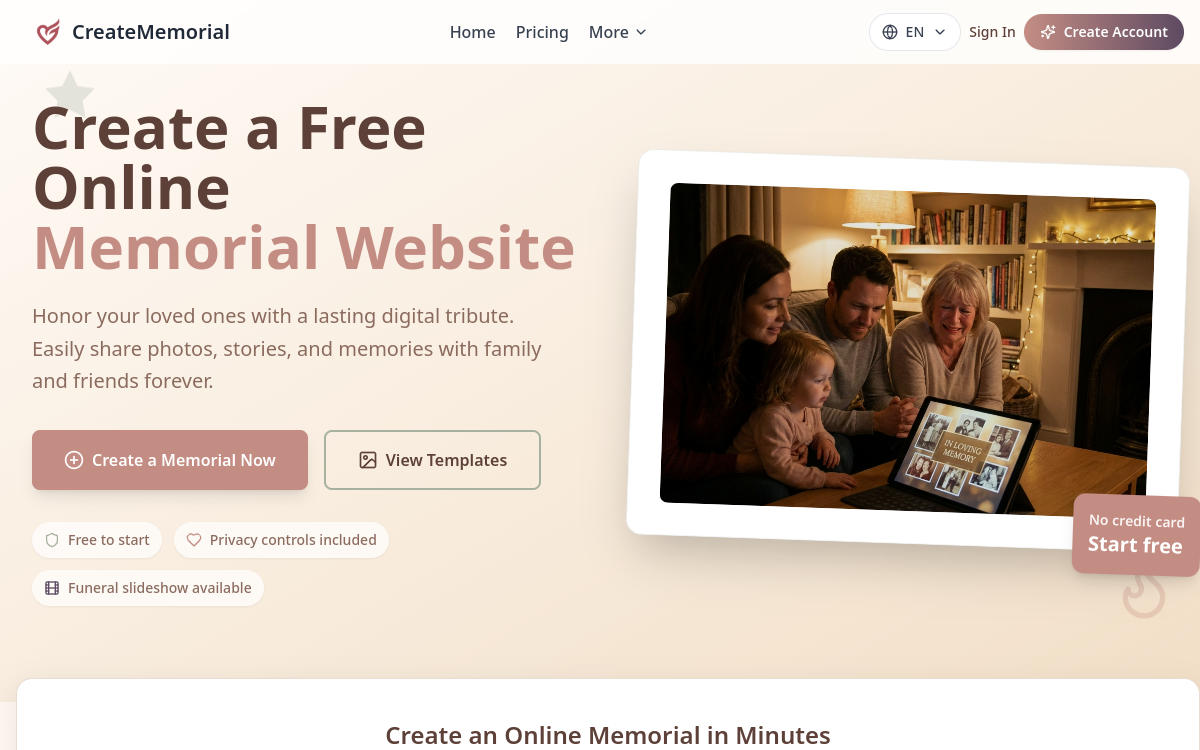
Losing a loved one is a trial, and gathering memories to honor them can quickly become complicated when family is scattered. CreateMemorial offers a concrete answer to this need: an online service that lets you create a lasting memorial page and a quality funeral slideshow without technical skills. In a few steps, you bring together photos, videos, biography, and messages from loved ones in a space for reflection accessible to all. The platform serves both families who want a permanent place of remembrance and funeral organizers seeking a slideshow ready to project at a ceremony. With over 50,000 memorials already created and 200,000 stories shared, the tool has established itself as a solution dedicated to digital commemoration. In this overview, we detail what CreateMemorial actually does, its main features, use cases, benefits, and pricing model, to help you know if it fits your situation.
What is CreateMemorial?
The essentials
CreateMemorial is an online creator of memorial pages and funeral slideshows. Concretely, it combines two complementary uses: on one hand, a customizable web page that gathers a photo gallery, biography, family videos, and condolence messages; on the other, a generator that converts photos into an MP4 video in 1080p accompanied by background music. The platform offers six design themes made for tribute, such as Classic, Rose, Nostalgic, or Serene Nature, as well as privacy settings allowing you to make the page public, private, or password-protected. All of this is designed to be accessible to families without any technical knowledge, the goal being to create a space of memory that you can share and preserve long-term.
Key features
Features are organized around creating and sharing a tribute. The memorial page lets you add a biography, photo gallery, family videos, and stories, while a tributes section allows loved ones to leave condolences and memories. The slideshow generator is the heart of the offer: it assembles your photos into an MP4 video in 1080p with music, ideal for projection on screen or projector at a ceremony. Credits are only consumed at the moment of final export, preview and editing remaining free. On the customization side, six themes are available, complemented by a custom banner on the paid offer. Privacy settings provide three access levels, and the Lifetime offer adds role-based permissions, family collaboration tools, and contact transfer for long-term management. Storage in full quality, without compression, ensures that photos and videos retain their original sharpness. This combination makes the tool a complete assistant for building a careful and lasting tribute.
Use cases
CreateMemorial’s use cases are closely tied to grief and commemoration. The most common is creating a funeral slideshow to project at a funeral ceremony or celebration of life, on a chapel screen or television. The online memorial page, for its part, serves as a permanent space for reflection, where family and friends can return at any time to leave a message or view memories. This use is particularly valuable when loved ones are geographically scattered and cannot all meet physically. The platform is also suitable for gathering stories and anecdotes within a family, transforming scattered memories into a coherent testimony. Finally, it can accompany rituals like death anniversaries, offering a lasting digital gathering point around the memory of a person.
Advantages
The main benefit of CreateMemorial is simplifying an emotionally heavy task. Rather than juggling complicated editing software, families get a professional slideshow in a few clicks. Free startup, with no credit card, allows you to test the tool without commitment and create your first memorial page. The permanence of hosting ensures the memorial stays accessible over time, meeting a deep need for legacy. Easy sharing helps distant loved ones participate in the tribute, and privacy settings respect the intimate nature of the moment. Finally, lossless storage on the Lifetime offer preserves the quality of visual memories, a detail that matters when keeping the last images of a loved one.
Pricing
The pricing model combines plans and credits. The Basic plan is free and includes up to 5 photos, biography, tributes, and an ad-free page with standard themes. The Lifetime offer, at $199 as a one-time payment (instead of $240), unlocks unlimited photos, videos, and audio, lossless storage, all themes, family collaboration, and 3,000 included credits. Video exports work through credits: 300 credits per export, with a Starter pack at $19 for one export, a Family pack at $59 for four exports, and a Professional pack at $129 for ten. Credits never expire. Note: each plan is tied to a specific memorial and is not transferable.
Conclusion
CreateMemorial fulfills a delicate mission with precision: helping families honor a departed loved one through a lasting memory page and a careful slideshow. Its strength lies in its simplicity and specialization, which avoid any unnecessary complexity during a difficult time. The free plan lets you start without risk, while the $199 Lifetime offer and export credits will suit those who want a complete and quality tribute. If you’re looking for a shareable reflection space and a slideshow ready to project, it’s a suitable and well-thought-out solution for this use.