


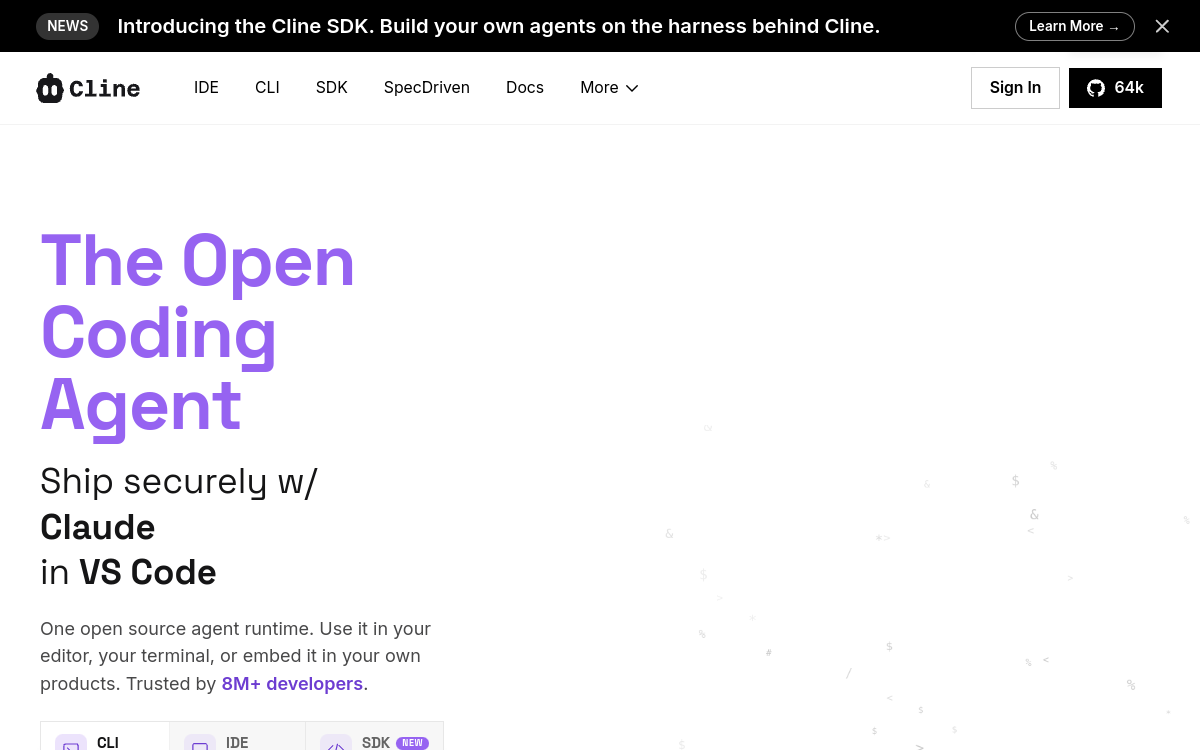
Cline is an open source AI coding agent that integrates directly into VS Code. It can create and modify files, execute terminal commands, navigate the web, and interact with MCP tools. Used by more than 5 million developers, Cline offers a Plan/Act mode enabling planning and execution of complex tasks autonomously and transparently. It is compatible with all major AI providers (Anthropic, OpenAI, Gemini, DeepSeek…) and supports the BYOK model (Bring Your Own Key).
What is Cline?
The essentials
Cline is a VS Code extension that transforms your IDE into an autonomous development agent. It can create and modify files, execute terminal commands, navigate the web, and call MCP tools. Its Plan/Act architecture allows it to plan an approach before acting, ensuring transparency and control of the process.
Key features
Cline offers a set of features designed for modern developers. Its Plan mode allows defining a strategy before execution, while Act mode intervenes directly in code. The integrated MCP Marketplace provides access to hundreds of extensions. Cline is compatible with all major LLM providers: Anthropic, OpenAI, Gemini, DeepSeek, AWS Bedrock, Azure, and can also use local models via LM Studio or Ollama. Real-time API cost transparency is displayed.
Use cases
Cline applies to many use cases: component generation, refactoring, bug fixing, automated test writing, code documentation, and application deployment. It is particularly effective for teams adopting an AI-first approach, wanting to automate repetitive tasks while keeping a human developer in oversight.
Advantages
Cline adds significant value through its transparent approach. Developers see exactly what the agent does at each step. The BYOK model ensures no data passes through third-party servers without your consent. The tool’s gratuity itself allows controlling costs by choosing the most suitable models for each task.
Pricing
Cline is entirely free and open source. The only costs are tokens from the connected LLM. You can use free models like Gemini 2.0 Flash, or premium models like Claude 3.7 Sonnet at varying rates depending on the provider. The dashboard displays costs in real-time.
Conclusion
Cline establishes itself as the reference choice for development teams wanting to integrate a powerful and transparent AI agent into their VS Code workflow. Its active community and rapid evolution make it a tool to closely follow.