


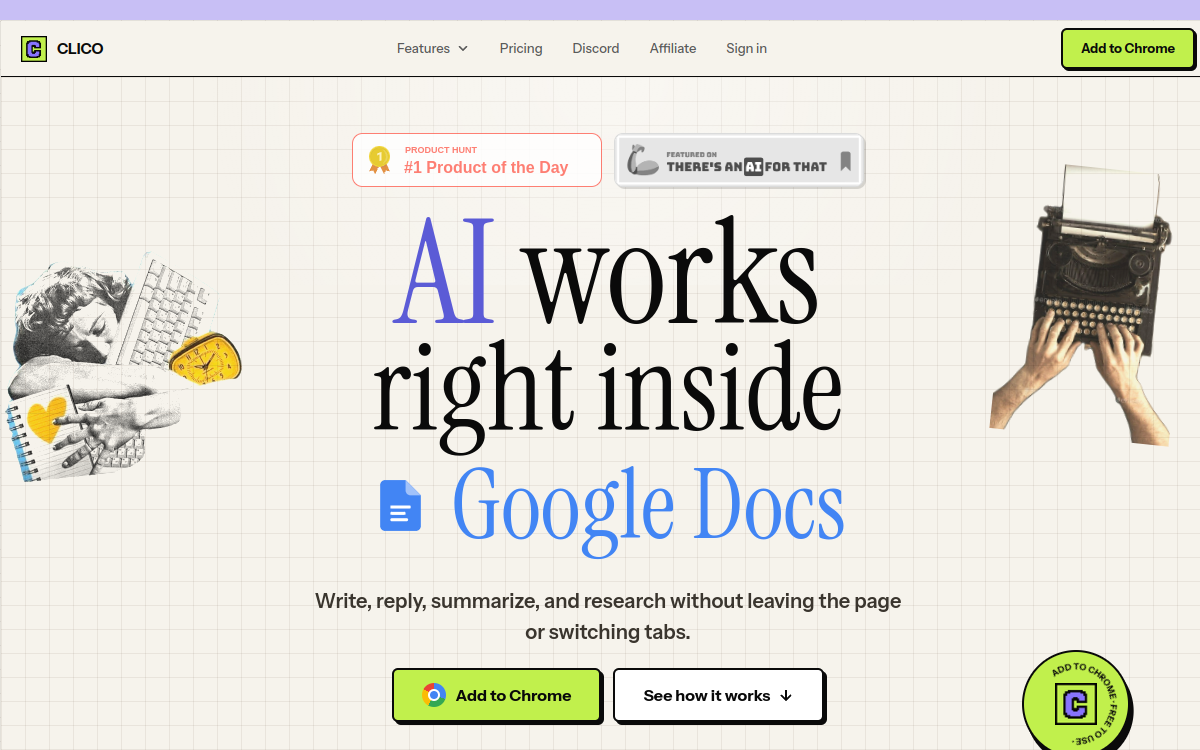
Clico is a free Chrome extension that transforms every text field in your browser into an AI-assisted writing area. Once installed, it shows up in Gmail, Notion, Google Docs, Slack, LinkedIn, or WordPress to offer rewriting, summarization, or grammar correction. The user selects text or calls the assistant by voice to get a response without leaving the tab. Designed for non-technical profiles who write all day on the web, it brings a no-code AI layer universally to all Chromium applications.
What is Clico?
The essentials
Clico is a Chromium-based browser extension that adds an AI writing assistant to every text field on the web. Once installed, it remains discreet until the user selects text or invokes the assistant via keyboard shortcut or voice. The product displays a small floating bar offering several actions: rewrite, summarize, improve, reply, translate, or ask a free question. The extension is free and works without sign-up, without API key, and without configuration. It targets individual users who want a universal and lightweight assistant, as opposed to heavier enterprise suites like Notion AI or ClickUp AI. Clico also claims a strict policy: no data resale and friction-free operation.
Key features
Clico’s flagship module is its contextual writing bar. When the user selects text in a field, a mini interface appears with main options: Write It to generate content, Memo It to summarize the current page, and a free chat mode. Text selection allows asking for rewriting, improvement, or translation without copy-paste. Voice mode, accessible via a shortcut key, lets you dictate an instruction to the assistant. Clico also embeds integrated web search to verify a fact while writing. Compatibility covers most modern web tools: Gmail, Google Docs, Notion, Slack, Discord, LinkedIn, Reddit, Substack, Canva, Google Classroom, X/Twitter, Instagram, TikTok, Threads, Figma, Telegram, WordPress, Medium, WhatsApp Web, or Bluesky. The extension also offers a dedicated mode for Chromium browsers with a global shortcut. For users wanting to go further, a free account unlocks a more generous quota and preference persistence across sessions.
Use cases
Clico targets several profiles. Students use it to summarize long articles, translate academic text, or improve homework answers directly in their Google Doc or Notion. Busy professionals use it to revise a Gmail email in seconds, condense a Slack discussion before forwarding it, or improve the tone of a LinkedIn message. Content creators on Substack, Medium, or WordPress see it as a useful companion for rephrasing an introduction or generating a catchy title. Recruiters and salespeople exploit the rewrite mode to adapt their outreach messages depending on the targeted profile. Finally, communicators use it as a tone corrector before each publication. The tool’s free nature makes it an ideal solution for discovering the potential of contextual AI assistants before investing in a heavier suite.
Advantages
Clico’s main benefit is friction-free. No sign-up, no API key, no extra tab to manage: the assistant arrives where the user already writes. The second benefit lies in free access: at a time when most AI tools impose a subscription, Clico lets you seriously test the potential of a contextual assistant without financial investment. The third benefit comes from coverage: by showing up in most popular web tools, the extension offers a consistent experience across applications. Finally, voice mode and integrated web search provide comfort that justifies daily adoption, especially for those juggling dozens of tabs all day.
Pricing
Clico is available free today, with no subscription or paywall. The Basic plan limits use to 5 AI actions per day for account-free users, which is sufficient for most light use cases. Creating a free account unlocks a larger quota and preference persistence between sessions. The publisher openly communicates that there is no paid version yet, and current priority is improving the product before introducing a business model. Like any free tool, the user should keep in mind that sustainability will depend on future monetization choices. For sensitive or intensive use cases, it may be prudent to plan a paid alternative in addition.
Conclusion
Clico illustrates the new generation of contextual AI assistants that prioritize simplicity of adoption and free access over functional richness. For students, professionals, and creators very active on the web, it’s a remarkably efficient daily companion. For more advanced enterprise needs, suites like Notion AI or ClickUp AI will remain more relevant, but Clico offers an ideal entry point for democratizing AI assistant use across an entire team.