


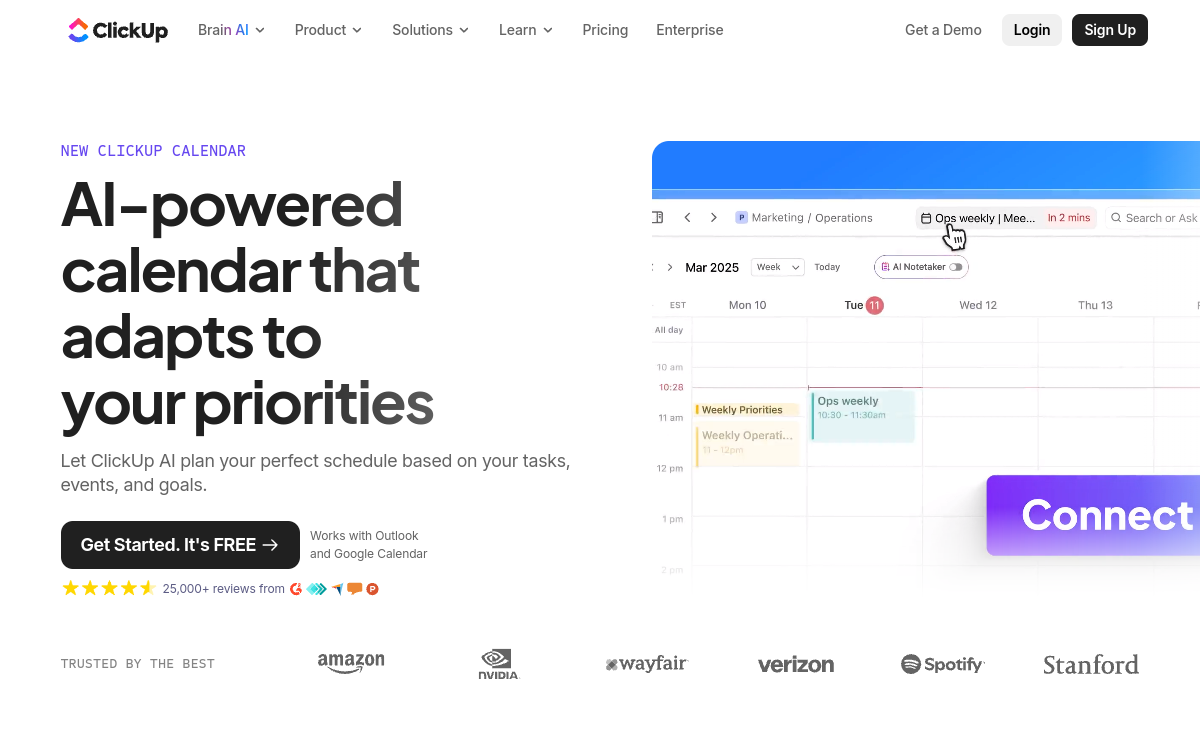
ClickUp Calendar centralizes tasks, deadlines and events, then optimizes your planning with AI. Ideal for time blocking, prioritization and agenda tracking in a single workspace. Connect Google/Outlook, display your workload, convert tasks to time slots, and keep project context. Perfect if you’re looking for a productivity copilot rather than a simple calendar.
What is ClickUp Calendar?
The essentials
ClickUp Calendar is a ClickUp feature that displays, in a single interface, your calendar events and ClickUp tasks. The goal is to transform planning into governance: visualize what’s already reserved (meetings) and what needs to be done (tasks), then organize everything in a coherent timeline. Unlike a traditional calendar focused solely on events, ClickUp Calendar emphasizes execution: you can plan work blocks, track deadlines, and maintain direct access to context elements (documents, discussions, goals). By connecting your external calendars (depending on configuration), you centralize information without changing your messaging habits. Combined with ClickUp Brain, it can also serve as a copilot to prioritize, summarize and accelerate day or week preparation.
Key features
ClickUp Calendar combines several useful daily components. First, the unified view: events and tasks appear together, avoiding planning work on already-taken slots. Next, time blocking: you can turn a task into a time slot, move that slot, adjust duration and, depending on your organization, link the block to a project or list. Workload and priority views help identify unrealistic weeks and smooth out capacity. Synchronization with external calendars (Google/Outlook depending on integrations) helps maintain a single reference calendar. On the collaboration side, the calendar relies on the ClickUp ecosystem: comments, attachments, documents, checklists and automation. Finally, AI (via ClickUp Brain) can support planning: priority suggestions, task summaries, meeting prep and action plan generation from notes or discussions.
Use cases
ClickUp Calendar adapts to several scenarios. For a freelancer, it’s a simple way to block production time while keeping appointments visible, and track progress without opening multiple tools. For a product team, the calendar helps structure the week: focus blocks, rituals (daily, sprint planning), deadlines, and critical tasks at the same level. For a manager, it’s a control dashboard: visibility on priorities, team capacity, and quick arbitration when planning derails. For a marketing team, it’s useful for aligning campaigns with milestones, deliverables and validation points. Finally, for a growing organization, centralizing agenda and execution allows you to industrialize routines: weekly planning, priority review, and automating reminders or assignment.
Advantages
The first benefit is reducing fragmentation: fewer tools to open, less double entry, and fewer oversights. The second is better planning quality: seeing tasks and meetings prevents you from overestimating availability and secures truly achievable work blocks. The third is context gain: each time slot linked to a task provides access to documents, discussions and dependencies, accelerating execution. For teams, the calendar improves alignment: visible priorities, shared deadlines, and faster arbitration. Finally, the AI contribution, when enabled, can save time on preparation (summaries, action plans) and prioritization, especially in busy weeks where everything hinges on priority order.
Pricing
ClickUp offers a free plan providing access to essentials (including views needed to organize work). Paid plans add advanced management, collaboration and administration capabilities, with per-user pricing. AI features are offered via ClickUp Brain, usually as an option or included depending on the plan, which can affect monthly cost. In practice, ClickUp Calendar is interesting from the Free plan to centralize tasks and calendar, but teams wanting to industrialize processes (permissions, advanced automation, AI) often move toward a paid plan.
Conclusion
ClickUp Calendar is particularly relevant if your problem isn’t “having a calendar”, but “fitting work into the calendar”. By unifying tasks, deadlines and events, it helps you plan realistically and protect focus time. For users already in ClickUp, it’s a logical evolution that simplifies the day and strengthens alignment. Points to watch mainly concern learning curve and dependence on integrations for perfect synchronization. If you’re looking for an all-in-one tool focused on execution, ClickUp Calendar is an excellent choice; if you want a minimalist calendar, you’ll find lighter solutions elsewhere.