


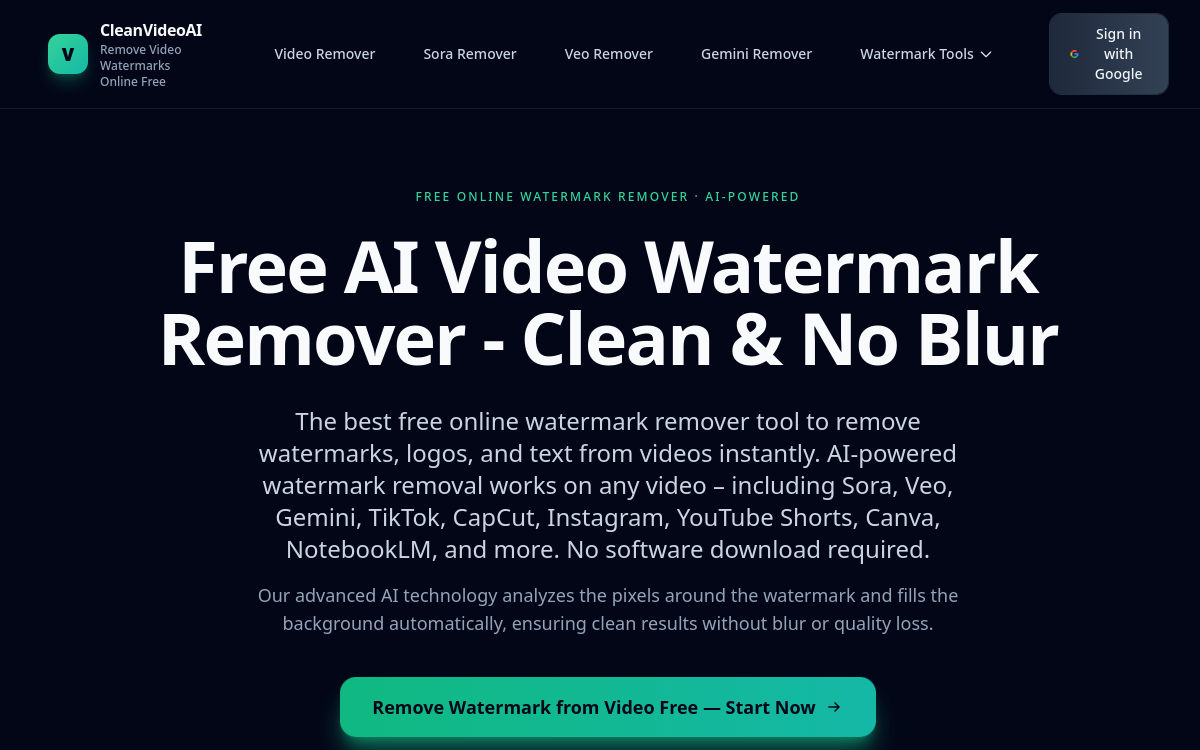
Watermarks, logos and embedded text have become omnipresent on videos from social media platforms and AI generators. Whether it’s a clip exported from TikTok, a video produced by CapCut or a render generated by Sora or Veo, these visual marks often hinder content reuse. CleanVideoAI offers a simple answer to this problem: an online tool capable of detecting and removing these elements automatically, without any installation. Designed for creators, marketers and educators, it focuses on accessibility and speed. In this overview, we detail what the tool actually does, its named features, concrete use cases, its advantages and limitations, as well as what is known about its business model. The goal is to help you determine whether this free solution meets your video cleaning needs or if a more complete workflow will be necessary.
What is CleanVideoAI?
The essentials
CleanVideoAI is a web service for video watermark removal. Concretely, it analyzes an imported video and identifies areas containing a watermark, logo or text, then erases them while reconstructing the image. Processing happens directly in the browser, which avoids any software installation. The tool combines automatic detection by artificial intelligence and a manual mode where the user can precisely select the area to be processed using a brush. It supports MP4, MOV and WebM files and allows export in high definition, up to 4K according to the site. It caters to both individuals and content professionals.
Key features
The heart of CleanVideoAI relies on its AI detection, which automatically identifies watermarks and logos to be removed. For trickier cases, a precision brush allows manual selection of the area to be cleaned, frame by frame if necessary. The tool offers presets dedicated to major watermark sources: TikTok, CapCut, Instagram, YouTube Shorts, Canva, as well as recent AI generators like Sora, Veo, Gemini, NotebookLM and Nano Banana Pro. On the technical side, the service announces high-definition export up to 4K, without loss of quality, pixelation or visible blur. Processing times are clearly indicated: approximately 30 to 60 seconds for a video under one minute, and 2 to 5 minutes for longer 1080p content. Finally, privacy protection is highlighted: files are automatically deleted once processing is complete. Batch processing, meanwhile, is presented as a premium feature coming soon.
Use cases
The most immediate uses concern content creators who want to reuse their own clips without an app’s watermark. A creator can, for example, retrieve a video exported from CapCut or TikTok and clean it before republishing elsewhere. Marketers use it to prepare clean excerpts for campaigns or presentations. Teachers and trainers can remove visual marks from educational materials to integrate them more subtly into a course. Agencies, which handle many short formats, see it as a quick way to standardize their deliverables. Presets linked to AI generators like Sora or Veo address an emerging need: cleaning outputs from these new tools. In all cases, the tool targets short videos and occasional cleaning rather than industrial production.
Advantages
The main benefit of CleanVideoAI is its ease of access. No software to install, no configuration: you import a video and get a result in minutes. This browser-based approach makes it usable from any computer. The combination of automatic detection and manual brush offers a good balance between speed and control, allowing you to handle both standard watermarks and more complex cases. Export up to 4K avoids sacrificing original quality, an important point for content intended to be redistributed. Finally, automatic file deletion after processing is an asset in terms of confidentiality, reassuring for users concerned with data protection.
Pricing
CleanVideoAI operates on a freemium model. A free tier is offered, described as generous and designed for individual creators, allowing you to test the tool without commitment. Premium offerings exist to unlock higher export resolutions, longer videos and, eventually, batch processing. However, the exact amounts of these paid plans are not publicly displayed on the site at the time of our review. You will need to visit the platform directly to find out prices before subscribing, especially if you are considering regular or professional use requiring significant volumes.
Conclusion
CleanVideoAI is a practical and accessible solution to quickly remove watermarks, logos and text from a video, without software to install. Its AI detection, precision brush and presets adapted to popular platforms make it a suitable tool for creators, marketers and educators with occasional needs. High-definition export and automatic file deletion strengthen its appeal. Its limitations mainly stem from its youth: lack of batch processing and undisclosed premium pricing. For free and occasional cleaning of short clips, it’s an effective option to try.