


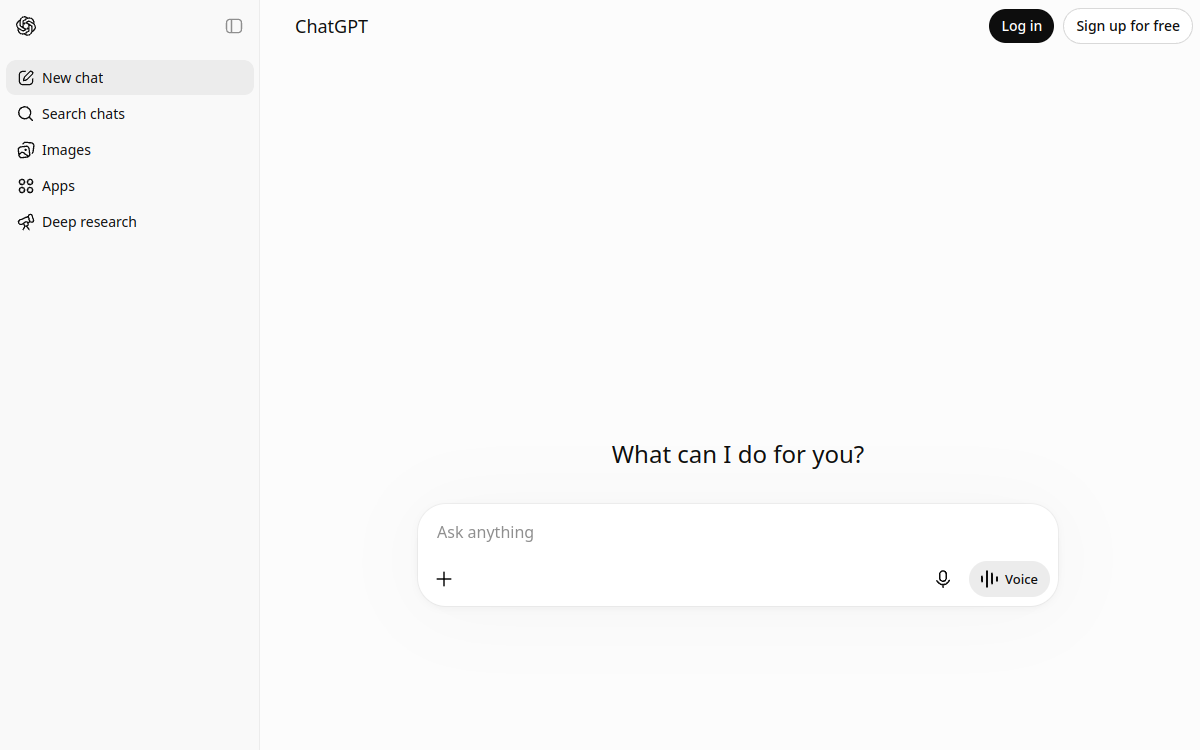
Artificial intelligence no longer just answers questions: it’s starting to act. ChatGPT’s agent mode, which incorporates OpenAI’s former Operator product, perfectly illustrates this shift. Rather than simply generating text, this agent opens a browser, browses websites, clicks buttons, fills out forms and handles files to accomplish concrete goals you give it. First launched as a standalone experiment under the name Operator, it has since been unified with ChatGPT’s deep research capabilities and classic conversation, forming a coherent agentic system. In concrete terms, the user phrases a request in natural language, and the agent breaks the task into steps, reasons about the path to follow and then carries out the necessary actions online. This approach paves the way for automating many repetitive digital tasks, from gathering information to filling out forms. In this article, we detail what agent mode really is, its main features, its typical use cases, its advantages, its pricing model and our overall take on this OpenAI tool.
What is ChatGPT agent (Operator)?
The essentials
ChatGPT’s agent mode is a feature built into the ChatGPT app that lets the AI complete online tasks end to end. Where classic ChatGPT is limited to conversing, the agent has a virtual browser that it controls itself to interact with real websites. It can navigate between pages, fill in fields, submit forms, read documents and edit spreadsheets. The agent combines three complementary capabilities: controlling a browser, searching and synthesizing information, and fluid conversation. This combination lets it handle complex requests that require several successive actions. It also relies on connectors to access third-party services with your authorization. Agent mode runs under supervision: you keep the ability to follow what it’s doing and step in.
Key features
Agent mode brings together several notable features. The first is autonomous web browsing: the agent drives a browser to visit sites, click, scroll and interact as a human would. It can also fill out online forms and submit information on web pages. File handling is also central: the agent works from documents you import and can edit spreadsheets. Connectors extend its capabilities to your usual services, with support for Gmail, Google Drive, GitHub, Outlook, SharePoint, Dropbox, Box, Google Calendar, Linear, HubSpot and Teams, depending on the permissions granted and the plan subscribed to. Another popular feature is task scheduling: once an operation is finished, you can schedule it weekly or monthly, and manage all your recurring tasks from a dedicated page. Finally, the agent combines deep research and multi-step reasoning, which lets it carry out online research and then synthesize the results. For Enterprise workspaces, administrators have a setting to enable or disable the mode and assign it to specific roles.
Use cases
Agent mode has many uses whenever the task involves clear, reproducible steps on the web. You can ask it to gather information across several sites, compare offers, or carry out competitive monitoring. It excels at filling out forms, scheduling appointments, sending emails from templates and summarizing web pages. On the office side, it can fill in and update spreadsheets from data collected online. Teams connecting Gmail and Google Drive can have it process emails and files. Thanks to scheduled tasks, it becomes possible to automate regular reports, such as a weekly summary of industry news. In practice, a task usually runs in five to thirty minutes depending on its complexity, which makes it an assistant suited to background operations rather than instant needs.
Advantages
Agent mode’s main benefit is the time savings on repetitive digital tasks. By delegating browsing, data collection and form filling, the user frees themselves from tedious operations to focus on higher-value activities. Integration within ChatGPT is an asset: no need for a new tool, the agent fits into an already familiar interface and talks to you in natural language. Connectors make it possible to center the work around your existing services, while scheduling automates recurring tasks with no manual intervention. Finally, the combination of search, action and conversation offers rare versatility: a single agent can search, act and deliver a usable result. For professionals already subscribed to ChatGPT, these capabilities are added without requiring heavy technical learning.
Pricing
Agent mode is included in several ChatGPT plans rather than billed separately. The Plus plan, at $20 per month, gives access but with relatively strict usage quotas, poorly suited to intensive or production use. The Pro plan, at $200 per month, offers much higher limits and suits sustained use. The Business, Enterprise and Edu plans also give access to agent mode, and they’re the ones that unlock the most complete business connectors, such as Gmail, Drive or SharePoint. Note that for Enterprise workspaces, the mode is disabled by default and must be enabled by an administrator. So the choice of plan mainly depends on the volume of tasks envisaged and the integrations needed.
Conclusion
ChatGPT’s agent mode marks a tangible step toward an AI that acts concretely on the web. By unifying browsing, search and conversation, OpenAI offers an assistant able to take on complete online tasks, from gathering information to filling out forms and editing spreadsheets. Its connectors and scheduled tasks reinforce its usefulness for automating digital routines. The main obstacle remains cost: comfortable use goes through the Pro plan at $200 per month, with the Plus plan offering more limited access. For professionals and teams already invested in the ChatGPT ecosystem, the agent is a powerful, well-integrated addition that’s worth testing on repetitive, well-defined tasks.