



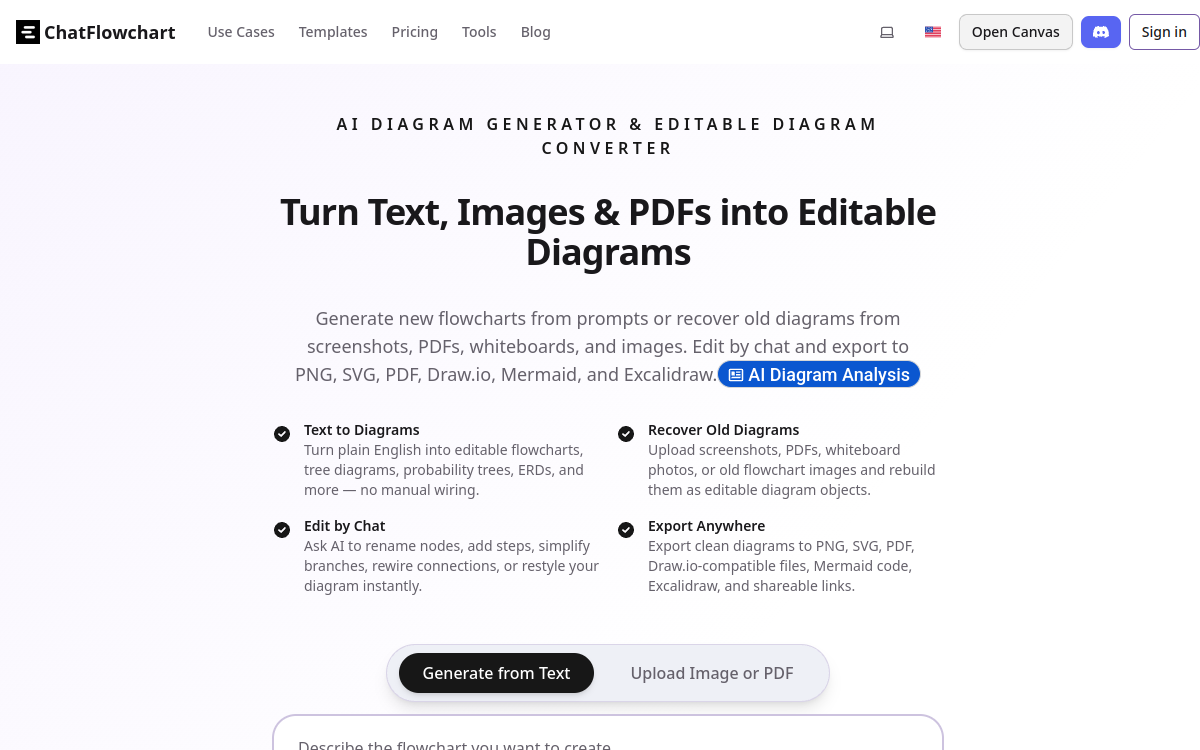
ChatFlowchart transforms an instruction into clear diagrams: flowcharts, UML, ERD, trees and more. You describe the process in natural language, the tool creates the structure, then you iterate via chat editing. Ideal for documenting an architecture, formalizing a no-code workflow or clarifying a product logic, with automatic layout and PNG/SVG/PDF export.
What is ChatFlowchart?
The essentials
ChatFlowchart is an AI-assisted diagram generator. From text (or a “chat” prompt), it automatically produces an adapted diagram: flowchart, tree, UML diagram, ERD, mind map or other similar formats. The tool prioritizes clean rendering through automatic layouts (spacing, alignment, organization) to get an immediately usable visual.The peculiarity of ChatFlowchart is conversational iteration: instead of redoing everything by hand, you request modifications in natural language. For example, you can add a step, move a decision, rename a node, modify a relationship or even change the diagram type.The goal is to move from a text draft to a clear visual representation, then evolve it quickly until a shareable version. Exports (PNG, SVG, PDF) facilitate integration into documents, wikis, tickets or presentations.
Key features
Diagram generation from text: you describe a process, product logic, relationship between entities or architecture, and the tool builds a coherent structure.Editing by conversation: you can request targeted changes (rename, add/remove, reconnect, reorganize). This approach reduces manual manipulation and speeds up iterations.Automatic layout: the tool applies auto-layout rules to produce readable visuals (alignment, spacing, hierarchy), useful when starting from long text.Multiple diagram types: beyond flowcharts, ChatFlowchart covers varied formats like UML (sequence, class), ERD, mind map, C4, BPMN or specific trees.Templates and use cases: starter models allow faster start and standardized presentation.Exports and sharing: export to PNG/SVG/PDF for distribution in a doc, slide, project management tool or customer support.Quick access: trial possible without registration to test the generation flow before committing.
Use cases
Documentation of processes (SOP): formalize a processing route, a support checklist or an internal procedure and share it in a wiki.Product & Growth: model an onboarding, conversion funnel, permissions logic or payment flow to align product, marketing and support.Tech & Architecture: represent an interaction between services, an API sequence, a high-level architecture (C4 type) or business logic.Data & Modeling: generate a basic ERD or clarify relationships between entities to prepare a database or integration schema.Training: create educational materials (algorithm diagrams, decision trees, mind maps) faster from a course.Consulting and pre-sales: illustrate a diagnosis, deployment plan or value proposition with a clear, exportable diagram.
Advantages
Immediate time saving: you start from raw text and get a usable diagram in minutes, which reduces manual production.Better team alignment: the diagram makes dependencies, decisions and responsibilities more visible, so fewer misunderstandings.Simplified iteration: instead of re-editing a canvas, you adjust in natural language, which speeds up feedback and versions.Consistent visual quality: auto-layout improves readability, even for non-designer users.Versatility: one tool covers multiple schema types, which avoids multiplying solutions.Easy sharing: PNG/SVG/PDF exports integrate quickly into your supports (docs, slides, tickets) and streamline communication.
Pricing
ChatFlowchart offers free demonstration access without registration, convenient to validate generation quality and editing workflow. For regular use (volume, advanced options, possibly collaboration), paid subscription formulas exist, with billing managed via a billing provider.Exact pricing may vary by options and is generally presented when activating an account or moving to a paid plan. To choose, the recommended approach is to test on 2-3 real cases (process, architecture, ERD), then evaluate the need for exports, diagram types and frequency of use.If you use it as a team, also verify the sharing, commenting and version management features offered by the selected formula.
Conclusion
ChatFlowchart addresses a simple but frequent need: transform a text description into a clear diagram, then iterate fast. Conversational editing and auto-layout make it an effective tool for documenting, aligning and communicating, whether in product, ops, data or tech.If your goal is to quickly produce shareable flowcharts, UML schemas or ERDs, the free trial without registration allows you to immediately verify relevance. For very advanced design requirements, you can complement with a traditional diagramming tool, but for the majority of cases, ChatFlowchart brings real speed and clarity gains.