



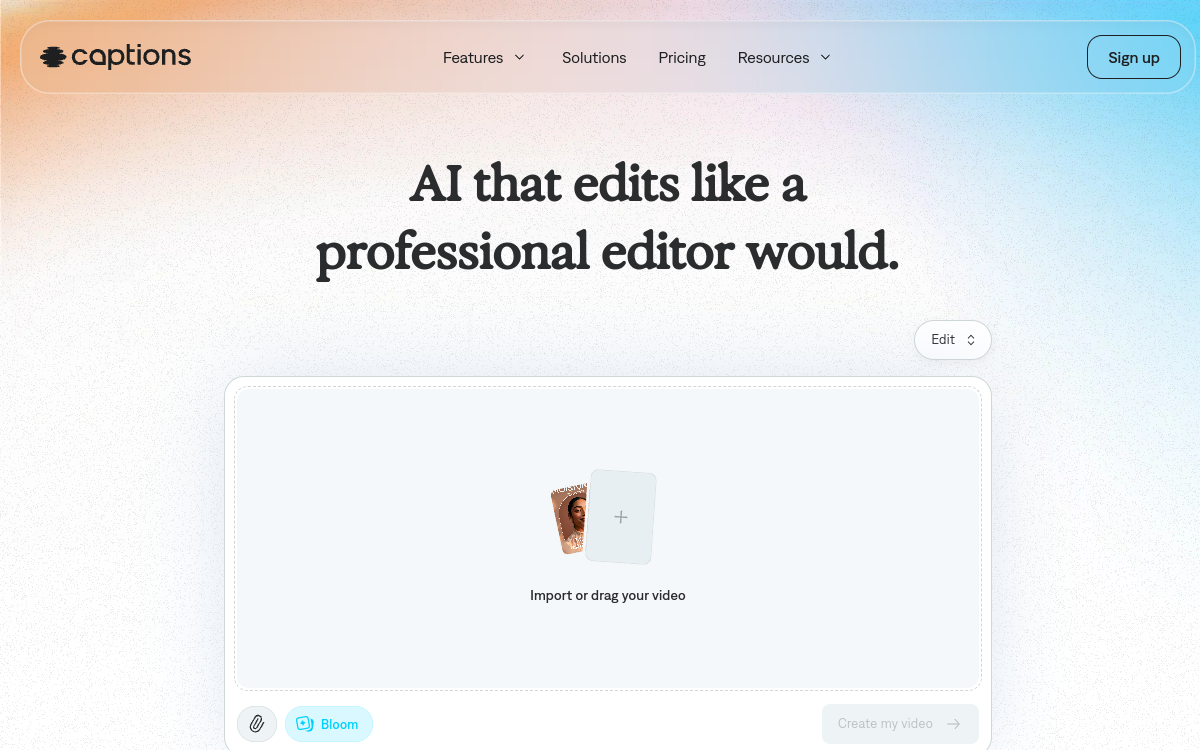
Captions.ai is an application focused on creators of vertical videos for TikTok, Reels and Shorts. It combines recording, quick editing and AI subtitling in a mobile interface designed for solo creators. The tool offers templates, effects and dynamic subtitles to make videos more attractive, while reducing time spent on post-production. It is ideal for coaches, experts and infopreneurs in personal branding.
What is Captions.ai?
The essentials
In practice, Captions.ai provides a recording and editing interface accessible from a smartphone. The user records their video, often face-to-camera, then the AI generates subtitles from the audio track. You can then customize the formatting, adjust the text and apply visual templates adapted to current social platform trends. The app focuses on essentials: producing impactful, readable videos formatted for mobile scrolling, without requiring technical video editing skills.
Key features
Features provided by Captions.ai include recording and editing vertical videos, automatic transcription of audio into text, subtitle generation, style customization and the ability to add some visual elements. Some templates allow you to follow the graphic trends of social platforms, with catchy titles and dynamic subtitles. The emphasis is on speed of execution: within minutes, a creator can turn raw footage into a video ready to be published on multiple networks.
Use cases
Captions.ai is particularly suitable for coaches, independent trainers, infopreneurs and content creators who share advice, tips or thoughts daily. “Talking head” style videos face-to-camera, very popular on social platforms, can be produced and subtitled in series. The tool is also interesting for freelancers or entrepreneurs who want to maintain their personal branding without spending too much time on technique. It fits well into a workflow where publication frequency is priority.
Advantages
One of the main benefits of Captions.ai is the drastic reduction of technical friction associated with video creation. By combining recording, AI subtitles and light editing in a single app, it makes production smoother and allows maintaining high frequency. Subtitles improve comprehension and engagement, especially when videos are viewed without sound. Furthermore, the app helps standardize visual output, which strengthens the personal or brand identity of the creator as they publish.
Pricing
Captions.ai generally adopts a freemium model, supplemented by paid subscriptions offering more features, styles and export options. Paid plans target regular creators who directly benefit from video production on social networks. The cost remains affordable for individual professional use, particularly given the time saved on post-production.
Conclusion
In summary, Captions.ai does not seek to replace professional editing software, but to offer a pragmatic solution for creators of vertical videos who publish regularly. Its value lies in the combination of a mobile workflow and AI for subtitles, allowing you to produce consistent and attractive content with minimal friction. For an AI tools comparison, Captions.ai deserves to be highlighted to content creators, coaches and experts who want to strengthen their video presence on TikTok, Instagram and YouTube Shorts.