


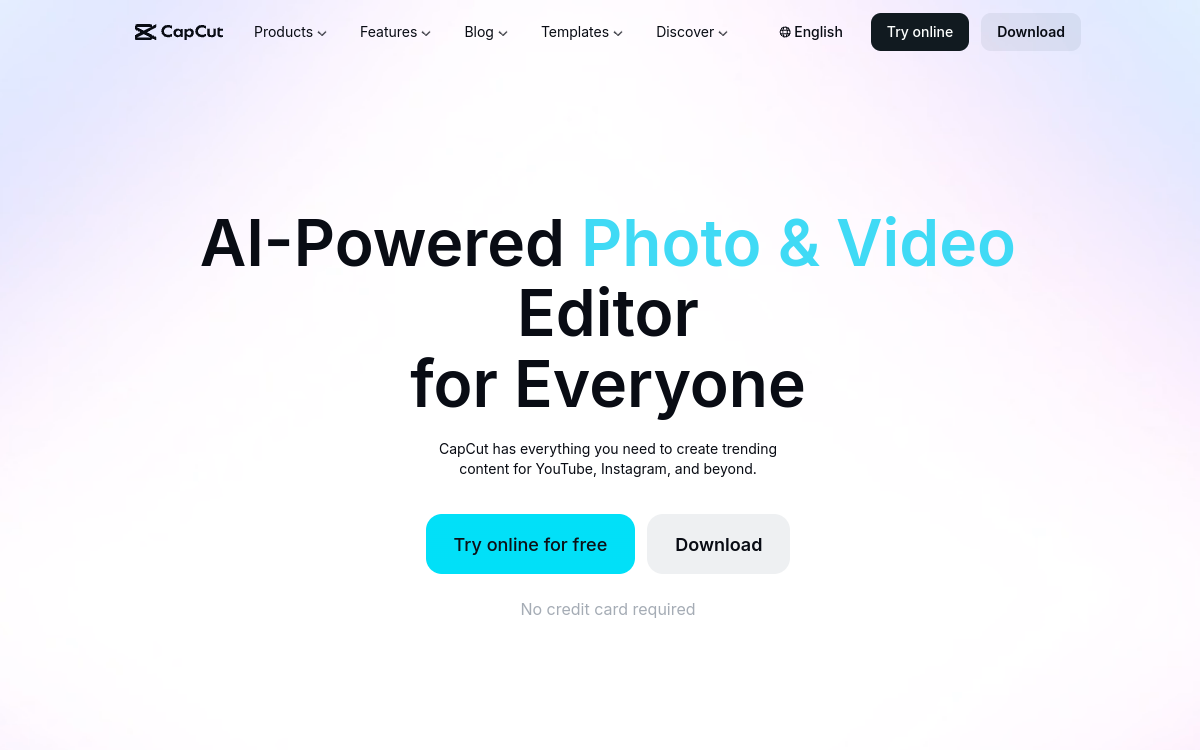
CapCut is a versatile video editing software designed for fast production of short and engaging content. It combines timeline, templates, effects, music and AI tools like automatic subtitles, background removal, audio improvement and text-to-speech. Ideal for creators, brands and social media teams wanting to iterate quickly, standardize formats and publish at high frequency.
What is CapCut?
The essentials
CapCut is an all-in-one video editing software available on mobile, desktop and via web depending on features. It lets you assemble clips on a timeline, add transitions, effects, text, music and graphics, then export in formats optimized for TikTok, Reels, Shorts and other platforms.The tool stands out for quick-production logic: ready-made templates, subtitle styles, effect libraries and simplified workflows. It also includes AI-assisted functions like subtitle generation, transcription and certain improvement tools.CapCut is particularly relevant for creating marketing videos, UGC, short tutorials and social media content, with good balance between simplicity and power.
Key features
CapCut offers accessible timeline editing with cutting, cropping, speed, transitions and effects. Creators can add text, animated titles, stickers and brand elements, then apply filters and rendering settings to standardize style.Automatic subtitles and transcription are among the most-used features: they improve accessibility and retention, especially on mobile where many users watch without sound. CapCut offers caption styling options with templates and animations.On audio, you find music, sound effects and simple adjustments, plus improvement tools for clearer voice. Voiceover creation is facilitated by text-to-speech functions depending on available options.Finally, CapCut shines on publishing workflows: vertical formats, presets, quick exports, and approach designed for iteration, testing and producing multiple variants from the same content.
Use cases
CapCut is particularly effective for short videos: Reels, TikTok, Shorts, teasers, announcements and UGC formats. Social media teams use it for series production, recycling long content into extracts and quickly adding subtitles.For marketing, CapCut serves to create ads, product announcements, simple demos and landing page videos. Freelancers and content creators can use it for tutorials, quick presentations and short educational videos.Small businesses appreciate it for ease of adoption: it enables producing decent videos without complex software. Finally, in “iteration” mode, CapCut helps generate multiple variants of the same montage to test hooks, pacing, text and caption styles.
Advantages
CapCut’s main benefit is production speed. Templates, effects and assistance tools reduce editing time, facilitating high publishing frequency. Automatic subtitles also improve video performance by enhancing comprehension and retention.Second advantage: consistency. By reusing styles and templates, teams can standardize renders and maintain visual identity across formats. This helps produce series and industrialize content creation.Third benefit: accessibility. The tool remains affordable and simple to learn while offering enough features for most marketing and social media needs. For many, CapCut becomes an excellent compromise between simplicity and results.
Pricing
CapCut offers a free version covering editing and publishing essentials, ideal for starting or producing occasionally. A Pro offer exists to unlock more effects, templates, libraries and advanced features depending on platforms.Pricing depends on country, support and promotions, but entry-level Pro is often presented as monthly subscription with more advantageous annual option. In practice, the paid offer is mainly useful if you produce regularly and need premium assets, more advanced renders or additional productivity tools.To choose, start from your production volume and real needs in templates, exports and advanced features.
Conclusion
CapCut is a very solid solution for rapidly producing videos suited to social networks. Its template-oriented approach, subtitles and exports facilitate iteration and high-frequency publishing, making it particularly relevant for creators and marketing teams.If your needs are very advanced on long-form editing or complex post-production workflows, more specialized software may be preferable. But for vast majority of social, ads and marketing content uses, CapCut offers excellent balance of simplicity, speed and results.