


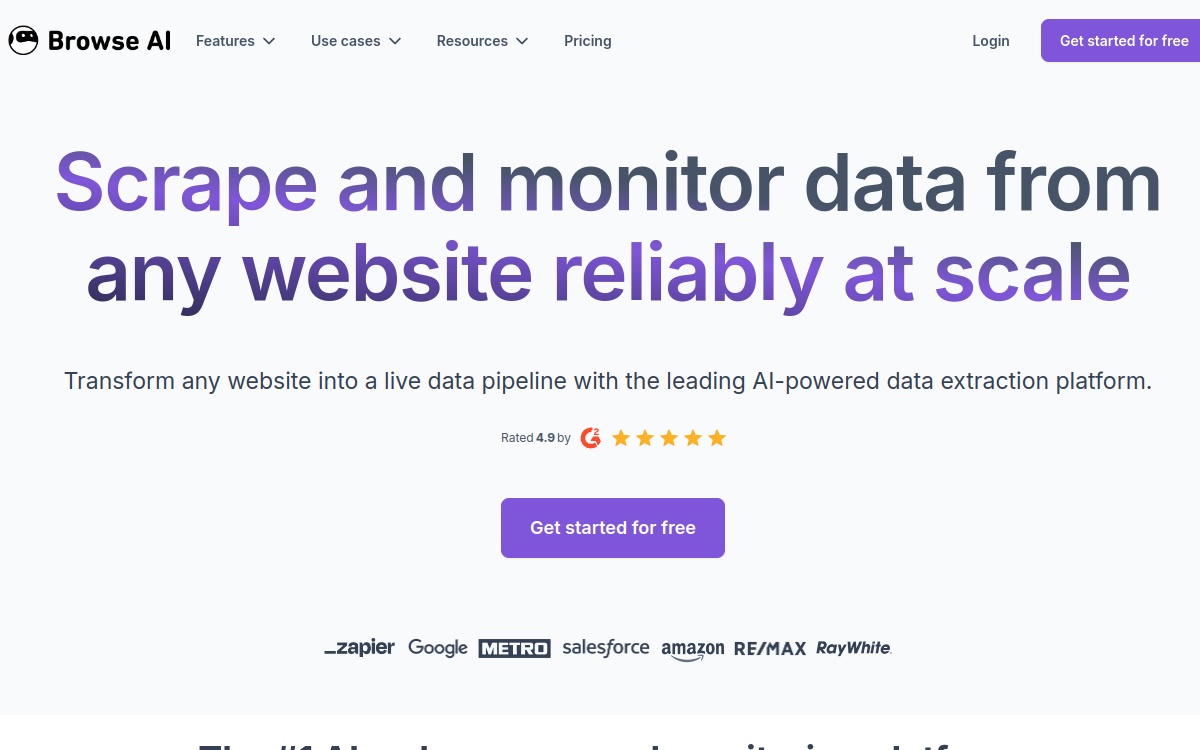
Browse AI lets you create no-code web scraping robots to extract data, monitor changes and feed your tools (Sheets, Zapier, API). Ideal for automating information collection (prices, listings, reviews, inventory) without coding. You train a robot by point & click, schedule execution, then export structured results to your workflows.
What is Browse AI?
The essentials
Browse AI is a web scraping and monitoring platform focused on simplicity. It allows you to “train” robots capable of extracting structured data from web pages without writing code. The user selects elements to capture on a page (text, prices, links, images, lists), and the tool then reproduces this extraction automatically.Beyond one-time scraping, Browse AI emphasizes monitoring: you can schedule robot execution, compare results over time and detect changes (for example a price variation, a product out of stock or a new listing published). Data can then be exported or sent to other applications to power operational workflows.
Key features
Browse AI offers a very guided journey from “I want this data” to “I’m automatically getting it”. Creating robots by point & click is at the heart of the product: you identify fields, validate extraction and can reuse the robot on the same page or similar pages. The tool also handles “deep scraping” in some scenarios, useful when data is spread across multiple pages.On the monitoring side, you schedule executions (depending on your plan options) to get fresh data and track changes. You can then export your results, review them in a history, and connect them to your tools via integrations (for example to feed a Google Sheets document, trigger an alert or push data into a CRM). For more technical teams, API access lets you integrate data collection into broader automations and control robot execution in an application environment.Finally, Browse AI relies on a credit-based model: each extraction consumes credits, allowing you to start free then adapt the plan to actual usage. This logic works well for targeted monitoring projects, but requires accurately estimating volume to avoid surprises.
Use cases
The most common use case is competitive intelligence: tracking prices, promotions, availability or catalog evolution on competitor sites. E-commerce teams also use it to quickly detect stock-outs and adjust sourcing decisions. Another very common scenario: collecting listings (job, real estate, vehicles) to build an internal database and receive automatic updates.Browse AI is also useful for prospecting: extracting data from directories, company lists or contact pages to feed a CRM and accelerate sales work. Finally, some use it for editorial monitoring (new articles, new products, new reviews) and to consolidate dashboards that aggregate public information in one place. The tool is particularly relevant when targeting a limited number of sources and wanting to industrialize retrieval without a dedicated technical team.
Advantages
The first benefit is time savings: you replace repetitive tasks with a robot that runs automatically. This also reduces human error, since extraction follows stable rules and produces structured results. The second advantage is responsiveness: by scheduling executions, you get up-to-date data and quickly detect important changes.Browse AI also brings better traceability through execution history and comparison over time. For a marketing, ops or e-commerce team, this means faster decisions based on fresh information. Finally, easy integration (exports, connectors, API depending on plan) lets you transform simple data collection into a real operational flow: dashboards, alerts, CRM enrichment, or no-code automations via third-party platforms.
Pricing
Browse AI works with a free plan and credit-based paid plans. The free plan lets you start and test the product for simple needs, with a limited monthly credit quota. Paid plans increase credit volume, monitoring frequency, data retention, and access to more advanced options and support depending on tier.To choose, start with your actual volume: number of pages to extract, execution frequency and number of robots needed. If you’re monitoring dozens of pages with regular updates, an entry-level plan usually suffices. However, if you multiply sources, frequencies or complex extractions, it becomes important to calculate credit consumption to avoid unexpectedly high volume costs.
Conclusion
Browse AI is an efficient no-code solution for transforming web pages into actionable data, then automating updates through monitoring and integrations. For an SMB, agency or marketing/e-commerce team, it’s an excellent monitoring and targeted collection tool: quick to deploy, simple to maintain and flexible enough for most scenarios.If your need is to scrape at very large scale, on heavily protected sites or with advanced technical constraints, you’ll quickly hit the limits of the credit model and reliability against anti-bots. In all other cases, Browse AI remains a pragmatic option for industrializing data collection without complicating your stack.