



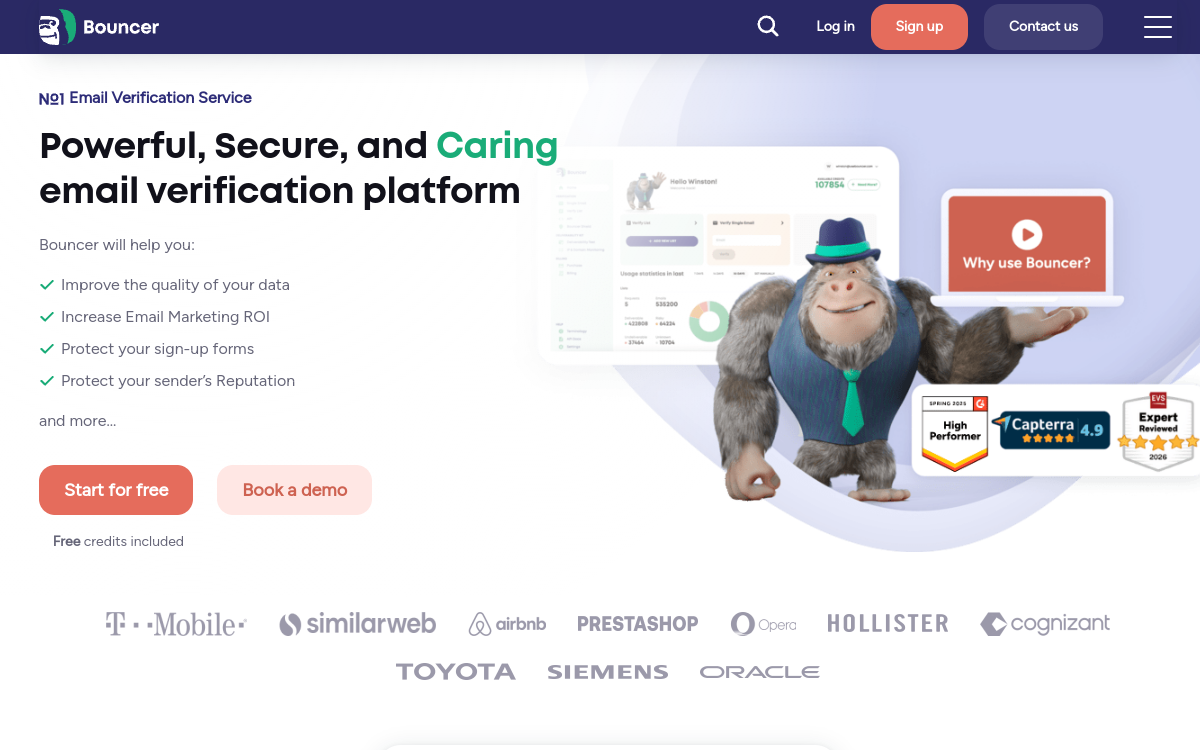
Bouncer is an email verification solution that identifies invalid, risky or temporary addresses before sending. By cleaning your lists, you reduce hard bounces, protect domain reputation and improve campaign deliverability. The tool offers mass checks, risk scores and reports to drive your email campaigns and optimize lead generation.
What is Bouncer?
The essentials
Bouncer is an email address validation solution that analyzes a contact list before a campaign. The tool verifies if an address exists, if the domain is properly configured, and if the email presents a bounce risk. It then classifies the results according to different statuses: valid, invalid, unknown or risky.Unlike a simple syntax filter, Bouncer aims to estimate the actual probability that an email is deliverable. It notably detects catch-all domains, disposable addresses and certain signals typical of spam traps. Users thus obtain a cleaner database, with a higher level of confidence for sending.Bouncer is used by marketing, growth and sales teams who want to limit bounces, improve inbox placement and secure their email operations.
Key features
Bouncer offers mass email verification to quickly clean contact lists. Each address is analyzed and assigned a status, often accompanied by a risk score to help with decision-making. This approach is useful for fine filtering: keep safe addresses, isolate catch-alls, and remove invalids.The tool emphasizes detecting temporary emails, questionable domains and signals related to sending quality. It provides exports compatible with major marketing workflows, making it easy to reintegrate into a CRM, ESP or outbound stack.For automation, Bouncer provides an API to integrate verification directly into a form, lead sync or no-code pipeline. Finally, reports and dashboards allow you to track database quality evolution and measure gains on campaigns.
Use cases
Bouncer is useful whenever a company handles heterogeneous or large email lists. In prospecting, it allows you to verify a database before an outbound sequence to reduce hard bounces and protect sender reputation. Sales teams gain stability and deliverability.In e-commerce, the tool serves to regularly clean the newsletter list, especially after intensive collection periods. This limits bounces and improves effective open rates, since the database contains more active addresses.For agencies, Bouncer is a simple way to secure client campaigns and provide a measurable deliverable: number of invalid emails detected, risk percentage, overall quality. Finally, it’s relevant during CRM migrations or imports to avoid polluting a new database with unusable contacts.
Advantages
The first benefit of Bouncer is reducing hard bounces, which protects domain reputation and improves the ability to reach the inbox. By sending fewer emails to invalid addresses, you also optimize your sending costs and performance metrics.The second benefit is risk management. Scoring and classification allow you to decide what to do with catch-alls and uncertain addresses, rather than treating the entire database the same way. This improves overall list quality and strengthens campaign stability.Finally, easy integration into workflows (exports, APIs, automation) allows you to industrialize database hygiene. Instead of cleaning once a year, you establish a recurring process that supports lead generation and long-term performance.
Pricing
Bouncer typically offers pricing that depends on the volume of verified emails. An entry point around $8 per month is common, with costs increasing based on the number of verifications and team needs.A trial period is available to test the tool on a sample and validate result quality. To optimize your budget, it’s recommended to verify lists regularly, but in a targeted way: new leads, inactive segments, imports, or old databases.For organizations sending large volumes of emails, the cost is often offset by reduced bounces, better deliverability and operational time savings.
Conclusion
Bouncer is a reliable solution to clean email lists and secure deliverability. Its interest is particularly strong for outbound, e-commerce newsletters and growth teams who want a simple and measurable hygiene process.The tool doesn’t replace a complete sending strategy, but it provides an essential building block: a cleaner, less risky, and thus more performant database. Implemented on a recurring basis, Bouncer helps stabilize results, reduce costs and improve lead generation in the long term.