



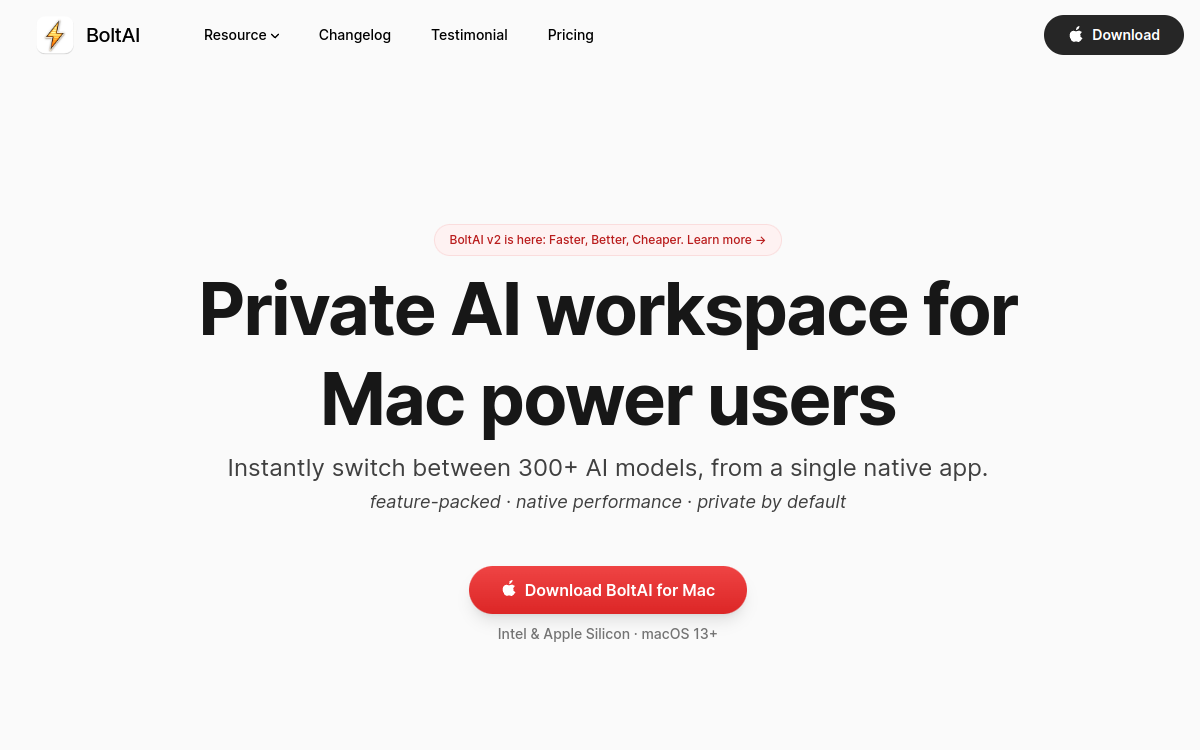
Finding the right AI tool sometimes depends less on the model than on how you access it. Between ChatGPT, Claude, Gemini or Mistral, juggling multiple tabs and subscriptions quickly becomes tedious. BoltAI offers a different answer: a native application for macOS and Windows that brings together more than 300 artificial intelligence models in a single interface, powered by your own API keys. Instead of paying for a new monthly subscription, you buy a lifetime license and connect the providers of your choice. This positioning particularly appeals to advanced users, developers and professionals who want a fast, system-integrated copilot that respects privacy. In this article, we detail what BoltAI really is, its flagship features, concrete use cases, its advantages, pricing and our final verdict. The goal is to help you determine whether this tool matches the way you work with AI daily, especially if you already use APIs and are looking to centralize your interactions without multiplying online services.
What is BoltAI?
The essentials
BoltAI is a native AI client designed for macOS 13 and later, compatible with Intel and Apple Silicon chips, as well as Windows. iPhone and iPad applications are also offered in beta with cloud synchronization. It operates on the bring-your-own-key model: the application doesn’t sell access to models but lets you connect your own API keys from providers like Anthropic, OpenAI, Google Gemini, Mistral, xAI, Perplexity, Azure or AWS Bedrock. It also supports models running locally via Ollama and LM Studio. In total, more than 300 models become accessible from a single interface. Unlike a web application, BoltAI runs natively on your machine, ensuring smooth performance and local conversation storage.
Key features
BoltAI offers many features designed for intensive use. The application lets you manage multiple conversation threads, organize projects, and branch or duplicate a conversation to explore variations. You can create reusable agents with custom instructions and context profiles, and finely control model parameters: temperature, token count, top-p, top-k and penalties. On the multimodal side, BoltAI analyzes PDFs, screenshots, code files and documents, and leverages vision-enabled models. Image generation is possible via DALL·E integration. A global keyboard shortcut lets you invoke the assistant anywhere, while screenshot capture, dictation and inline editing speed up your work. Support for the MCP protocol (Model Context Protocol) opens the door to integrating external tools, transforming BoltAI into an agent platform. Finally, a prompt library makes it easy to reuse your best instructions. Together, these form a complete work environment, more like a true system copilot than a simple online chatbot.
Use cases
BoltAI’s uses are varied. A developer can connect a local model via Ollama to analyze code in complete privacy, then switch to Claude or GPT for more complex tasks. A writer leverages the prompt library and agents to produce and revise texts without leaving their word processor, thanks to the global shortcut. A consultant quickly analyzes a PDF or screenshot received by email, asking questions directly to a vision-enabled model. Privacy-conscious profiles appreciate that conversations stay on their machine. Teams within demanding organizations use the Team offer to share configurations and storage. The keyboard shortcut and dictation make the tool relevant for quick note-taking or rewrites on the fly, in any active application.
Advantages
The first benefit of BoltAI is financial and structural: the perpetual license avoids stacking monthly subscriptions, and the bring-your-own-key model means you pay APIs at their actual cost, with no intermediary markup. The second advantage is centralization: a single piece of software to access hundreds of models, eliminating the back-and-forth between tabs and services. The third is privacy: local chat storage, optional key encryption and no data use for training reassure professionals handling sensitive information. Add to that native performance, system integration via the global shortcut, and extensibility offered by MCP support. For a user already equipped with API keys, BoltAI quickly becomes a sustainable and profitable investment.
Pricing
BoltAI is purchased as a one-time payment, with one year of updates included and a 30-day money-back guarantee. The Essential plan costs $79 for one Mac or Windows device with 512 MB cloud storage. The Pro plan, at $99 (instead of $199), covers 2 computers and 1 mobile device with 1 GB storage. The Team Perpetual plan is $99 per seat per year with a minimum of 5 seats, 10 GB shared storage and priority support; optional renewal is charged at $79 per seat. A free trial version with limited features lets you evaluate the application before purchase. Note: provider API costs remain your responsibility, in addition to the license.
Conclusion
BoltAI is primarily for independent and technical users who want a fast, native AI client that respects their privacy and can bring all major models together in a single application. Its lifetime license model and bring-your-own-key approach make it an economical choice for anyone already using APIs. Beginners or those who prefer an out-of-the-box hosted service will likely prefer a solution like ChatGPT. But for power users and developers on Mac or Windows, BoltAI is a sustainable and flexible copilot that fully justifies its initial investment.