



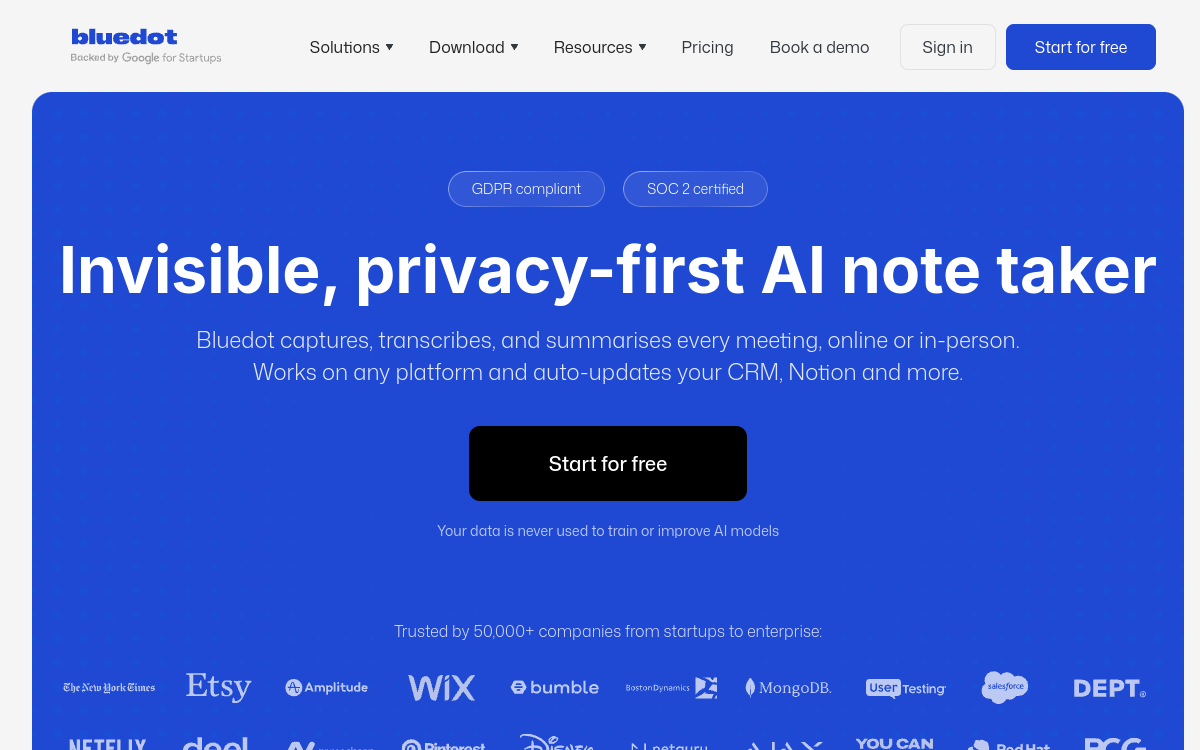
Bluedot is a bot-free meeting assistant that records and transcribes your meetings via a Chrome extension installed on your browser, without ever joining your call as a visible participant. Compatible with Zoom, Google Meet, Microsoft Teams, phone calls and in-person meetings, it generates AI summaries tailored to your use case and automatically updates your CRM, Notion and other tools. Transcription available in 100+ languages.
What is Bluedot?
The essentials
Bluedot is a meeting assistant based on a Chrome extension that records, transcribes and summarizes your professional calls without requiring the addition of a visible AI participant. The tool installs directly in your browser and passively captures the audio of your meetings on Zoom, Google Meet, Microsoft Teams, or even in-person via your device’s microphone. The transcriptions are then processed by AI to generate personalized summaries according to the type of meeting, with automatic synchronization in your favorite tools.
Key features
Bluedot offers a set of features focused on productivity and organization. Recording via Chrome extension allows you to capture any meeting without a visible bot. Transcription in 100+ languages transforms audio exchanges into actionable text. Summaries tailored to your use case generate structured notes differently depending on whether it’s a sales call, HR interview or project meeting. Automatic CRM updates synchronize key information directly into Salesforce, HubSpot or other CRM tools. Video clipping allows you to select and share specific moments from meetings. Integrations with Notion, Slack and other collaboration tools enable smooth information distribution.
Use cases
Bluedot adapts to many professional contexts. Sales teams use it to document their client calls and automatically update their CRM after each interaction. HR managers record interviews for accurate recall without manual note-taking. Product teams capture user feedback during discovery sessions. Training managers extract meeting clips to create onboarding content. Startups use Bluedot to document their decisions and build organizational memory.
Advantages
The main advantage of Bluedot is its ability to integrate seamlessly into existing workflows. The absence of a bot preserves the quality of exchanges, while automatic CRM synchronization eliminates manual post-meeting data entry. Contextualized summaries provide exactly the relevant information based on interaction type, without information overload. Clipping facilitates selective sharing of important moments with colleagues or during training.
Pricing
Bluedot offers a free plan limited to 5 total meetings to discover the tool. The Pro plan starts at $18/month with access to advanced features and unlimited meetings. Business and Enterprise plans are available for teams with larger collaboration, storage and integration needs. Annual billing offers a discount compared to monthly.
Conclusion
Bluedot is a top choice for teams that want to document their meetings without friction and without a visible bot. Its universal compatibility, contextualized summaries and CRM integrations make it a tool particularly suited to sales and HR teams. The Pro plan at $18/month is reasonable for intensive daily use.