



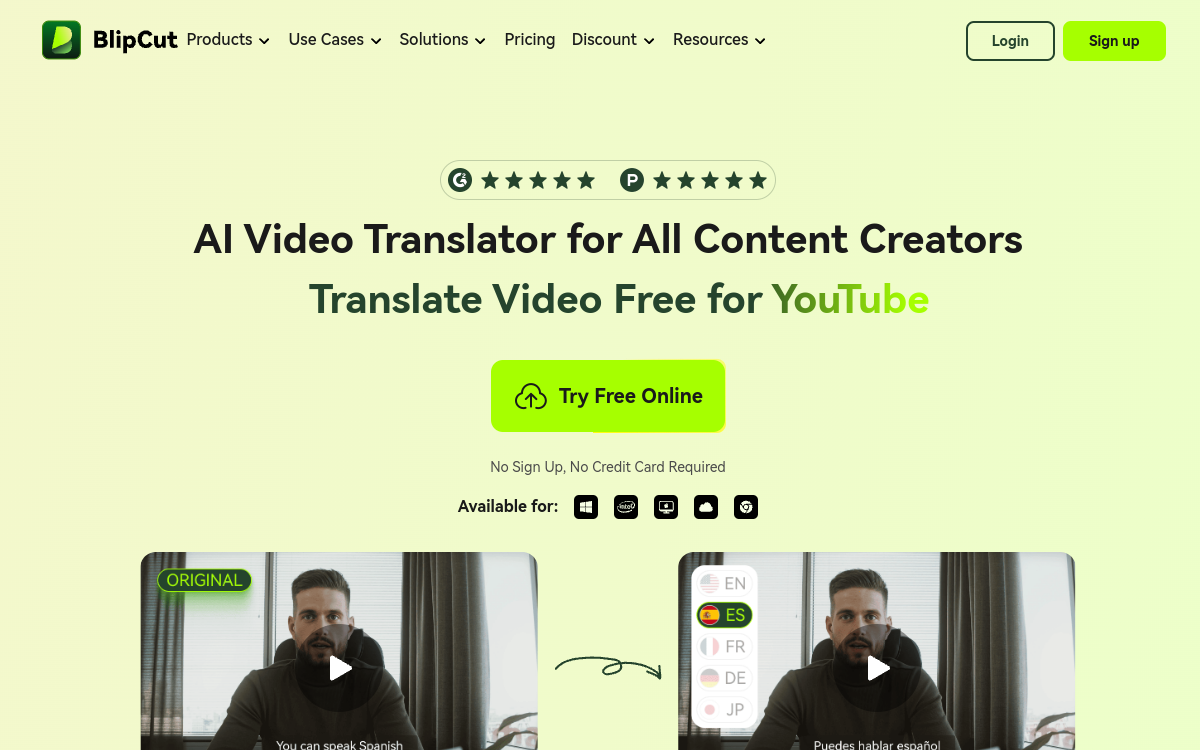
BlipCut Video Translator is an AI video translator that supports more than 140 languages for translation, dubbing and automatic subtitling. The tool offers voice cloning to preserve the original voice while speaking a different language, manages synchronized subtitles and allows free editing of dialogues. Designed for content creators, marketing teams and international trainers, BlipCut eliminates the cost of voice actors and localization studios.
What is BlipCut Video Translator?
The essentials
BlipCut Video Translator is an AI-based video localization platform. It combines multiple technology building blocks. Automatic transcription extracts text from the source video in the original language. Translation passes this text into the target language from over 140 available. The dubbing engine then generates voiceover, either by cloning the original voice or using one of 300 available synthetic voices. The subtitling module produces synchronized editable subtitles. The platform targets YouTube creators, international brands, marketing teams, corporate trainers and anyone who needs to localize a video quickly.
Key features
The tool offers an integrated workflow in several steps. The creator uploads a video from their computer or pastes a YouTube link. The platform transcribes the audio in the original language then translates the text into the chosen target language. The AI dubbing module generates the voiceover by cloning the original voice or using a voice from the library. Synchronized subtitles are produced automatically and can be freely edited. All editing functions (text, voice, subtitles) are free to allow fine adjustments. The final result is exported in standard formats, ready to be published on YouTube, social networks or internal platforms. A library of more than 300 AI voices covers needs when cloning is not suitable.
Use cases
A YouTube creator translates their videos into five languages to multiply audiences without hiring a dubbing studio. A marketing team localizes a video advertising campaign for fifteen markets in less than a week. A corporate trainer adapts a training module from French to English, Spanish and German for international employees. A social media outlet rapidly produces multilingual versions of short videos for TikTok, Instagram and YouTube Shorts. An e-learning platform localizes its courses to reach students in more than 50 countries. A communication agency offers its clients a video localization service at reduced cost thanks to BlipCut. A B2B brand translates customer testimonials for use in multiple geographic zones.
Advantages
The main benefit of BlipCut is access to a video localization workflow that was previously reserved for players with large budgets. The cost per translated minute drops dramatically against traditional studios, and the timeframe goes from several days to a few minutes. Voice cloning preserves the sound identity of the brand or creator, which strengthens multilingual consistency. Coverage of more than 140 languages covers virtually all global markets. Free editing of dialogues allows adjusting cultural or technical nuances before publication. And the free plan allows testing without commitment, which reduces experimentation risk.
Pricing
BlipCut offers a free plan that allows testing essential features with limited volume. Paid plans start at accessible prices for solo creators and increase based on monthly volume of translated minutes, simultaneous languages and advanced features like premium voice cloning. For marketing teams and enterprises, pro and enterprise plans are available with high quota, dedicated support and white-label options. A discount is applied for annual billing for regular users.
Conclusion
BlipCut Video Translator stands out as an accessible reference for AI video localization. The combination of translation, dubbing, voice cloning and synchronized subtitles in more than 140 languages meets a concrete business need. The free plan, ease of use and language coverage make it an essential tool for creators and international brands.