


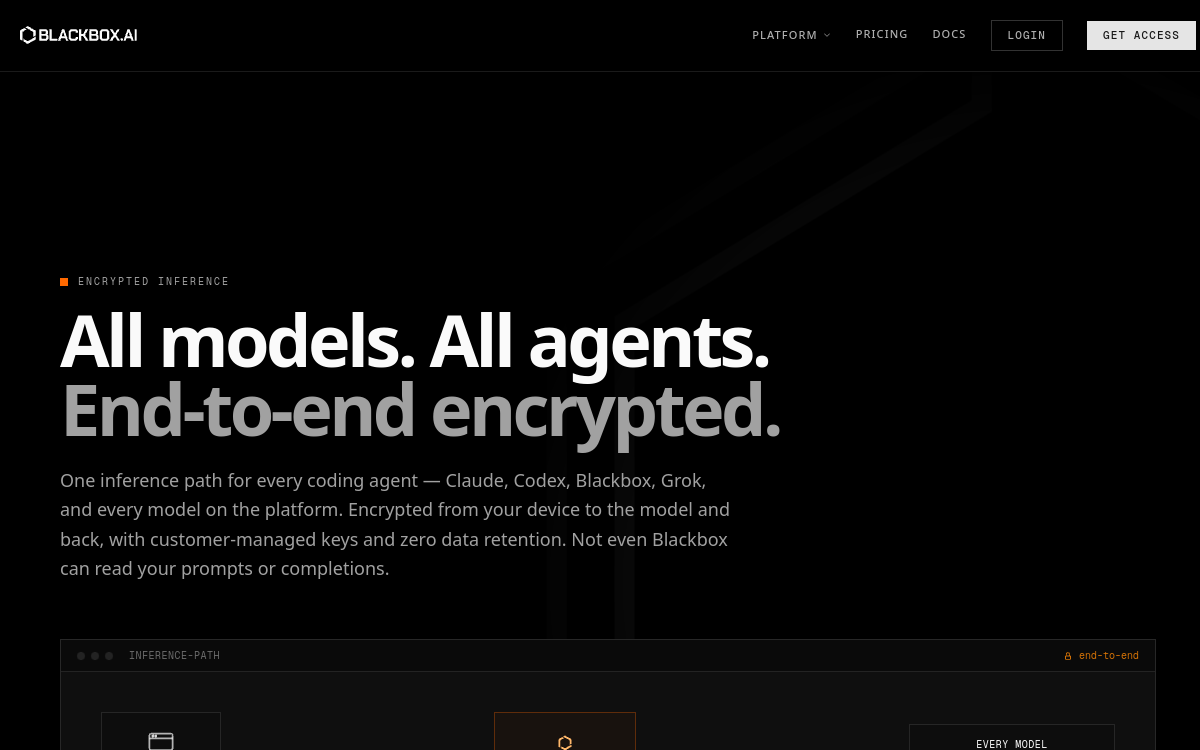
BlackBox AI is an artificial intelligence-powered programming assistant designed to accelerate software development. The platform offers contextual code generation in over 20 languages (Python, JavaScript, Java, C++, Go, Rust, etc.) with deep understanding of modern frameworks. Its intelligent autocompletion system integrates directly into VS Code via a dedicated extension, suggesting relevant code in real-time while typing. BlackBox AI excels at explaining complex code, converting between languages, assisted debugging and automatic documentation. The tool integrates a code search feature that scans millions of GitHub repositories to find proven solutions. The free version offers unlimited access to basic features, while the Premium version unlocks advanced AI models, unlimited queries and priority access. BlackBox AI stands out through its execution speed and ability to understand a project’s full context to generate suggestions coherent with existing architecture.
Overview of BlackBox AI
Detailed overview
✅ Strengths
- Generous free version: unlimited access to essential code generation and explanation features without subscription
- Extended multi-language support: mastery of over 20 programming languages and popular frameworks (React, Django, Laravel, Spring, etc.)
- Native VS Code integration: official extension enabling contextual autocompletion directly in the code editor
- GitHub search: ability to scan millions of repositories to find code patterns and proven solutions
- Automatic code conversion: intelligent translation between different languages while preserving logic and best practices
- Pedagogical explanation: breaks down complex code line by line with clear explanations adapted to user level
- Test generation: automatic creation of unit and integration tests based on existing code
⚠️ Limits
- Variable precision by context: suggestions may lack relevance on very specific or proprietary architectures
- Internet connection dependency: requires stable connection to function, unlike locally embedded solutions
- Limited French documentation: interface and resources primarily in English, which may slow adoption by French-speaking developers
- Sometimes verbose suggestions: tendency to generate longer code than necessary, requiring review to optimize
- Limited project context: difficulty understanding conventions and patterns specific to a large codebase without deep configuration
❓ FREQUENT QUESTIONS
FAQ — BlackBox AI
Can BlackBox AI replace GitHub Copilot?
BlackBox AI positions itself as a credible alternative to GitHub Copilot with distinct advantages: unlimited free version, direct GitHub search and extended framework support. Copilot, however, offers better integration with the Microsoft ecosystem and generally more precise suggestions thanks to OpenAI’s Codex model. For developers with limited budget, BlackBox AI represents an excellent free option. Professionals can use both tools complementarily depending on contexts.
Does code generated by BlackBox AI respect best practices?
BlackBox AI strives to generate code following standard conventions and best practices for each language. However, quality varies with demand complexity: code for routine tasks is generally well-structured, while complex implementations require review. The tool tends to prioritize readability over optimal performance. It’s recommended to always review generated code, apply your own quality standards and perform appropriate testing before deployment.
Is my code data secure with BlackBox AI?
BlackBox AI processes code you submit to provide contextual suggestions. According to their policy, data transits encrypted and is not used to train public models. However, for highly confidential or regulated projects, it’s prudent to avoid submitting critical proprietary code. Always consult your security team and your organization’s policies before using external AI assistants. Prefer generic requests without sensitive context.
What's the difference between free and Premium versions?
BlackBox AI’s free version offers unlimited access to basic features: code generation, explanation, conversion between languages and GitHub search with the standard model. The Premium version (around $20/month) unlocks more advanced and precise AI models, faster responses, priority access during high load periods, and advanced features like complete codebase analysis. For most developers, the free version is more than sufficient daily.
Does BlackBox AI work offline?
No, BlackBox AI requires permanent internet connection because AI models are hosted in the cloud. Each request is processed on BlackBox’s servers to guarantee access to the latest models and updated GitHub database. If you’re looking for an offline solution, consider alternatives like Continue.dev with local models, or embedded solutions like Tabnine in local mode. BlackBox’s cloud approach, however, guarantees superior performance and precision.

Assistants Code & Development
Free AI coding assistant with intelligent autocompletion
💰 Rate
Free with Premium version
🆓 Free trial
Yes
🌐 Languages
🇬🇧 English
Visit the site →