


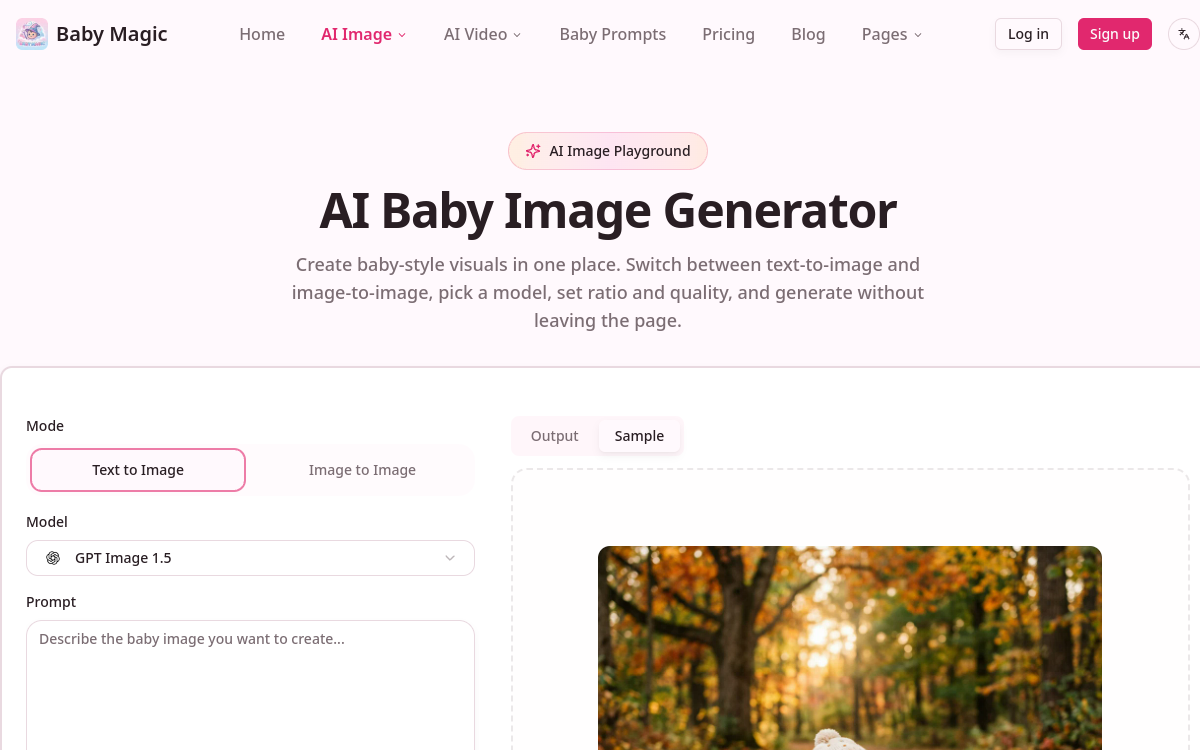
Imagining what your future child might look like is a curiosity as old as humanity itself. With the rise of generative artificial intelligence, this desire now finds a playful and accessible answer. Baby Magic fits into this trend by offering to create baby images and videos in just a few minutes, from photos, an ultrasound, or simply a written description. The tool primarily targets expectant parents, families, and content creators who want to share fun memories on social media. Far from a scientific promise, this is an entertainment service that relies on speed, style variety, and ease of use. In this overview, we detail what Baby Magic really is, its features, concrete use cases, advantages, pricing model, and our overall opinion, to help you decide whether this tool matches your expectations before you start creating your first virtual baby face.
What is Baby Magic?
The essentials
Baby Magic is a web application for generating baby content using artificial intelligence. It combines two major capabilities: image creation and video creation. For images, the tool produces baby portraits from parent photos, ultrasound images, or text prompts, with several available styles such as portrait, family keepsake, fantasy, holidays, or memento. For video, it offers the generation of short animated sequences, often in meme format, designed for social sharing. The whole thing is based on simple operation: you provide an input, choose a style or mode, and the AI takes care of producing the render. The positioning is clearly geared toward the general public and entertainment, with no claim of real genetic prediction.
Key features
Baby Magic offers a range of features centered on visual creation. On the image side, the tool accepts several types of inputs: parent photos, existing baby photos, ultrasound images, or text descriptions. Users can choose from different visual styles, ranging from realistic portraits to thematic scenes like holidays or fantasy. On the video side, the platform stands out with three distinct generation modes. Video-to-video mode allows you to import a baby video and convert it into meme style. Image-to-video mode animates a photo to turn it into a short video sequence. Finally, text-to-video mode creates a video from scratch based on a simple description. Videos are available in high definition, with a choice between 720p and 1080p. Render time remains reasonable, typically between two and five minutes depending on duration and chosen resolution. Finally, a notable point concerns privacy: uploaded files are automatically deleted after seven days, with no public sharing or use for model training.
Use cases
Uses of Baby Magic revolve mainly around entertainment and sharing. Expectant parents use it to visualize, in fun, what their child’s face might look like based on their own photos or an ultrasound. Families see it as a way to create fun memories to keep or give as gifts, thanks to keepsake and family memento styles. Content creators and active social media users mainly exploit the video side and its meme generation modes to produce viral and engaging sequences. Thematic styles, such as holiday versions, work well for seasonal posts. The tool can also serve as animation at family events, like a baby shower, where people have fun comparing renders. In all cases, usage remains light and recreational.
Advantages
The main strength of Baby Magic lies in its accessibility. No technical skill is required: just provide a photo or text and let the AI work. The diversity of accepted inputs, from photos to ultrasounds to prompts, expands creative possibilities. The variety of image styles and three video modes offer real flexibility depending on whether you want a portrait or animated content for social networks. The HD quality of videos, in 720p or 1080p, guarantees clean rendering suited for sharing. The short generation time, two to five minutes, avoids long waits. Finally, automatic file deletion after seven days provides reassuring privacy protection for a tool handling personal and family photos.
Pricing
Baby Magic operates on a credit-based model rather than a traditional subscription. The announced principle is simple: one credit equals one video, and credits are purchased individually or in batches. This pay-per-use logic works well for occasional use, for example to generate a few keepsakes before a birth. However, exact amounts in euros or dollars are not clearly detailed publicly, which makes it difficult to estimate the precise total cost. It is therefore recommended to check the credit rate directly on the site before committing, in order to budget based on the number of creations you plan to make.
Conclusion
Baby Magic is a well-thought-out entertainment tool for answering a universal curiosity, in a simple and fast format. Its varied inputs, image styles, and three video modes make it a complete solution for creating fun memories and shareable content. Its fast rendering speed and automatic file deletion enhance its appeal. However, it’s important to keep in mind that results are playful in nature and not actual prediction, and the credit model would benefit from greater pricing transparency. For families and creators looking for fun, it’s an option worth trying.