


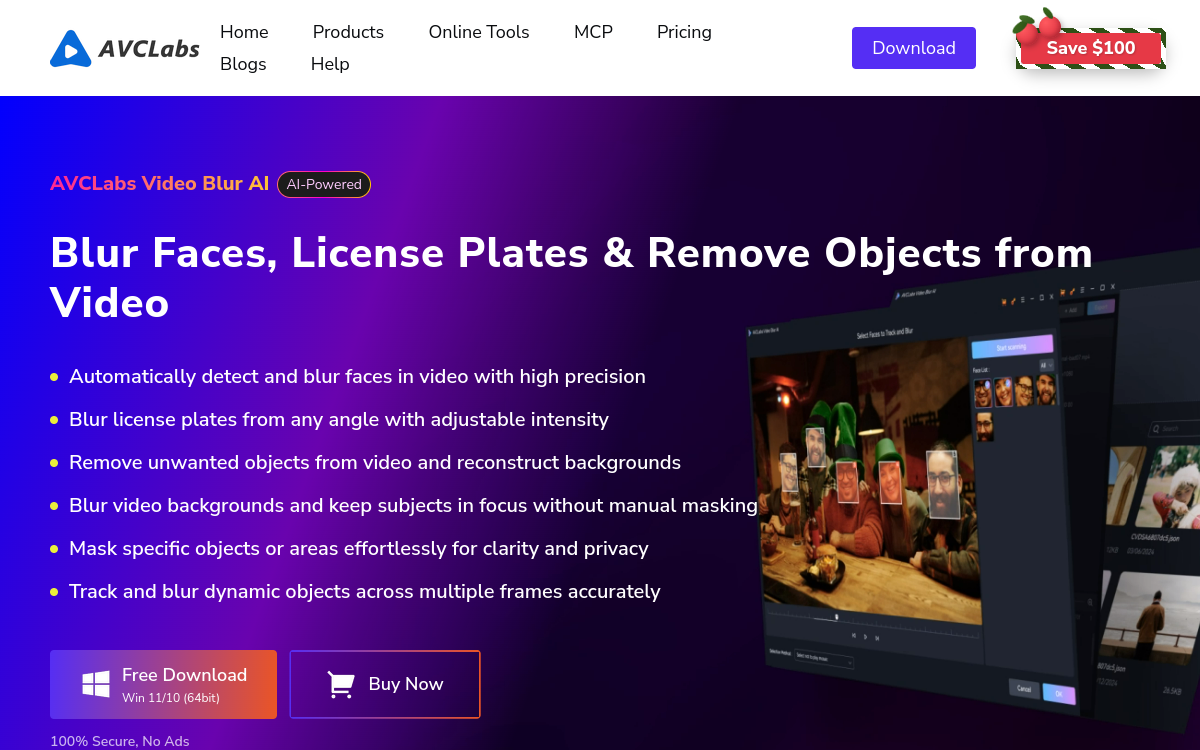
AVCLabs Video Blur AI is desktop software that leverages AI to automatically blur faces, license plates, backgrounds and sensitive areas in videos. The platform integrates five main functions: face anonymization, license plate masking, background blur, custom object masking and fixed zone blur. Automatic object tracking ensures smooth masking even with rapid movements or occlusions. The software is intended for privacy video professionals, journalists, government agencies and YouTubers sensitive to the privacy of filmed individuals.
What is AVCLabs Video Blur AI?
The essentials
AVCLabs Video Blur AI is desktop software for Windows 11 and 10 that integrates five main video anonymization functions: automatic face blurring, license plate masking, background blur, custom object masking and fixed zone blur. The tool leverages AI models capable of detecting and tracking moving objects, even in complex scenes, with difficult lighting or multiple occlusions. Local processing on the user’s machine ensures file privacy, which is essential for sensitive content. The software is updated regularly with new models and fixes, and offers 24/7 support depending on the purchased plans.
Key features
The main engine automatically detects faces in a video and applies consistent blurring that follows people’s movements. The license plate module locates vehicles and automatically masks the visible alphanumeric characters. Background blur allows you to isolate the main subject and protect the environment, ideal for indoor videos. Custom object masking allows the user to designate a specific element to anonymize, such as a logo or document on screen. Fixed zone blur applies a mask to a precise coordinate throughout a shot. Automatic object tracking maintains the mask even when the subject moves rapidly, eliminating the tracking drift seen in older, more limited frame-only tools.
Use cases
Several profiles benefit from AVCLabs Video Blur AI. Journalists anonymize their sources before broadcast, respecting confidentiality commitments. Government agencies prepare video clips for public use from internal captures. Law firms publish anonymized judicial excerpts compliant with rules. YouTubers and travel creators blur passersby to respect their privacy and regulations. Security companies prepare controlled reports on their interventions. Finally, company internal departments can use the tool to prepare internal training videos without exposing employee faces or confidential elements appearing in the background of filmed locations.
Advantages
AVCLabs Video Blur AI brings several concrete benefits: massive reduction in manual anonymization work, quality of object tracking in motion, increased compliance with regulations like GDPR, local processing for file privacy and functional richness in a single software. Return on investment is rapid for organizations that regularly produce videos with sensitive elements. The presence of five distinct privacy functions avoids the use of multiple tools. The ability of the software to operate locally, without transfer to a cloud service, is a strong differentiating argument for content that cannot leave the organization’s network for regulatory, contractual or strategic reasons related to data protection and intellectual property, particularly in regulated sectors.
Pricing
AVCLabs Video Blur AI offers several pricing plans with occasional promotions. All include a license for 1 PC, free updates, 24/7 support and a satisfaction guarantee whose duration varies depending on the plan purchased, generally 5 to 30 days. Public pricing starts around 39.95 USD for a monthly formula and climbs to lifetime tiers depending on promotions. Transparency is correct on the official website and it is advisable to compare options before subscribing, taking into account the expected volume of videos and frequency of use. For multi-workstation organizations, direct contact with the publisher allows obtaining a suitable quote, with the possibility of specific options for particular and complex enterprise needs.
Conclusion
AVCLabs Video Blur AI is serious software for professionals who need to anonymize large volumes of videos. Its on-premise approach, five privacy functions and automatic object tracking make it a real asset for journalists, security agencies, law firms and privacy-conscious creators. An option to consider for those looking for serious and effective tools.