


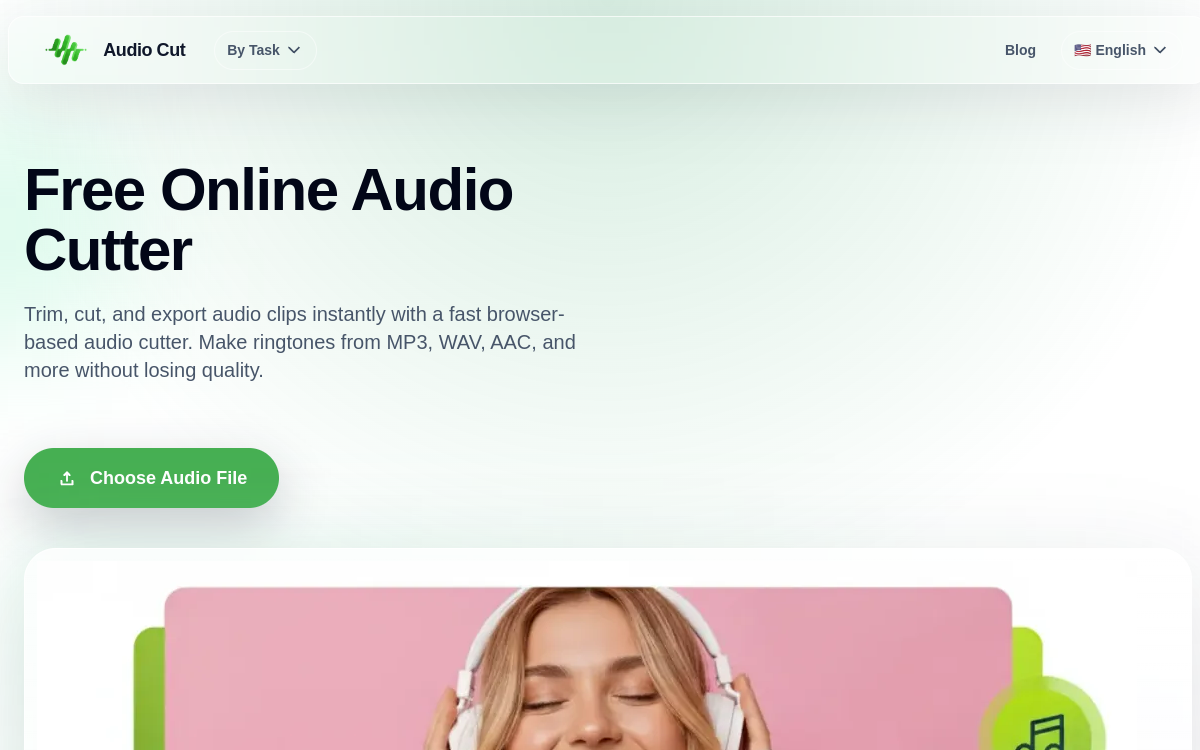
Audio Cut is a web tool for cutting and trimming audio files in seconds, without installation. It supports MP3, WAV, AAC, FLAC, M4A formats and guarantees export without quality loss. Its real-time processing directly in the browser preserves privacy: files are not sent to remote servers. Ideal for making ringtones, shortening songs, isolating a podcast excerpt or cleaning silence before publishing.
What is Audio Cut?
The essentials
Audio Cut is a specialized web service for audio trimming. The user drops an MP3, WAV, AAC, FLAC or M4A file, selects the portion to keep and exports. Processing happens in the browser thanks to modern technologies (Web Audio API, WebAssembly), ensuring files never leave the machine. Audio Cut fits into a By Task tools logic designed for targeted and quick actions rather than a complete software suite.
Key features
The heart of Audio Cut is the audio trimmer. The user defines a start and end point on the waveform and exports the desired segment. Format compatibility is broad: MP3 and AAC for streaming and compression, WAV for studio quality, FLAC for lossless, M4A for iPhones and podcasts. The export preserves original quality when possible, without destructive re-encoding. Real-time processing in the browser avoids uploads and preserves privacy, a point often decisive for podcasters and journalists. The interface is deliberately minimalist to allow getting to the essentials without any learning curve.
Use cases
Audio Cut covers a wide variety of daily needs. Podcasters use it to clean silence at the beginning or end of a take before publishing. Music creators isolate a song’s chorus to prepare a sample or teaser. Individuals create ringtones from their favorite songs. Students edit interviews or recorded lessons to keep only the useful part. Marketers adjust voiceover before video editing. Teachers prepare audio excerpts for their educational materials. Every time, the same promise: go fast, keep quality and don’t depend on the cloud.
Advantages
The main benefit is privacy: no file sent to a server, which reassures for sensitive content. The second is quality: no destructive re-encoding. The third is speed: opening, cutting, exporting usually takes less than a minute. The fourth is format coverage: MP3, WAV, AAC, FLAC, M4A cover the essentials. The last is total friction-free: no pop-ups, no sign-up, no hidden promises.
Pricing
Audio Cut is a free service. The homepage doesn’t mention paid plans, making it an ideal tool for occasional use as well as regular usage. More advanced features (effects, multi-track) are not offered for now: Audio Cut embraces its philosophy of a targeted tool.
Conclusion
Audio Cut is exactly what you expect from an online audio trimmer: fast, clean, privacy-respecting and free. It’s a tool worth bookmarking for occasional needs as well as regular audio content production.