


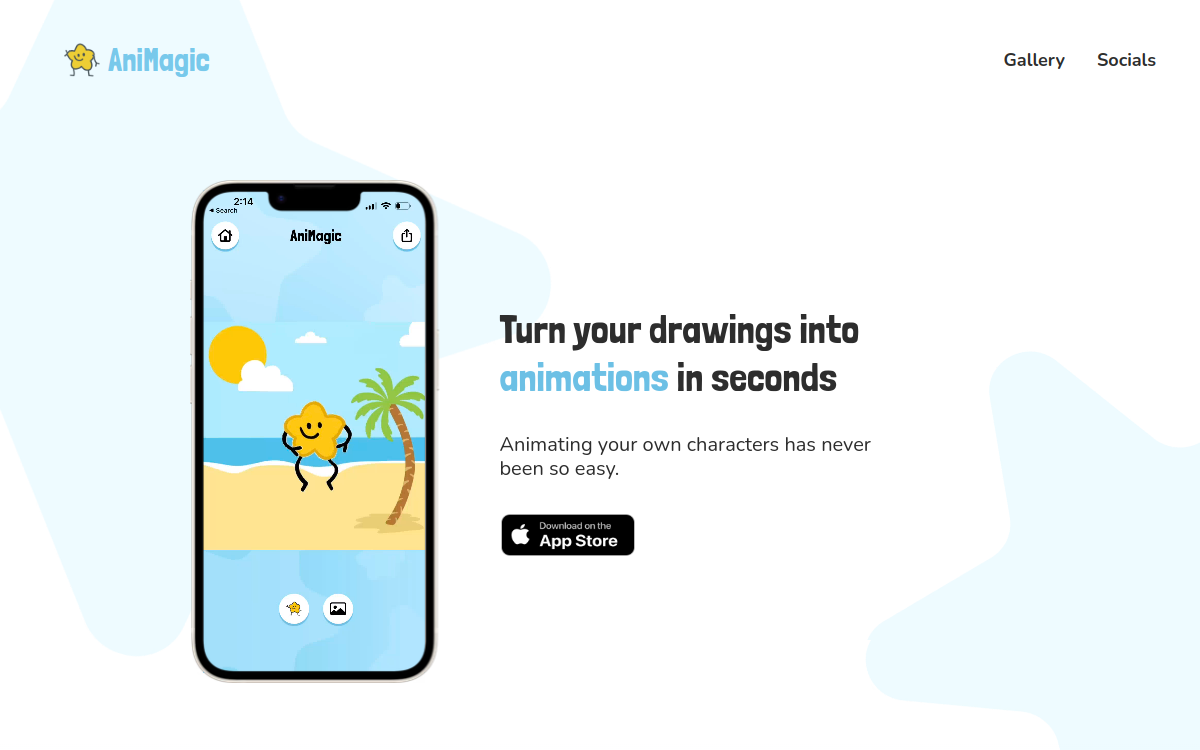
Animating a drawing has long been the preserve of specialized studios, with technical expertise reserved for a few insiders. New AI animation mobile apps are overturning this logic by bringing creativity within reach of children and adults alike. AniMagic perfectly embodies this trend: all it takes is taking a photo of a drawing to see it come to life in seconds. This simplicity of use hides significant technical work, but it is completely hidden from the user. The app has become a playful companion for families, a social sharing tool for young creators, and a valuable educational support for teachers. It illustrates how AI can serve joyful and creative purposes, far from purely professional use cases.
What is AniMagic?
The essentials
AniMagic is an iOS application published for iPhone and iPad. It relies on artificial intelligence models capable of detecting the outlines of a drawing, automatically rigging it, and applying a choreography to it. The app is designed as a creative toy rather than a production tool. You can gather several characters in the same scene, choose a background from an available library, and export the result as a short video. AniMagic relies on simplicity and the magic of transformation to appeal to a family audience. The community gallery allows users to discover other users’ creations and inspire their own projects, creating a highly effective engagement loop.
Key features
At the heart of AniMagic is the photo-to-animation feature. The user takes a photo of a drawing sketched on paper or created on a tablet, and the app isolates the character from the background and prepares it for animation. Several predefined choreographies are available: dances, expressive movements, gestural animations. The scene composer allows you to assemble multiple characters and choose a background. The background library covers diverse universes, from urban landscapes to fantasy worlds. Video export is done in a single tap, with a format tailored for social media. The app also integrates an inspiration gallery where you can view creations shared by the community, which helps discover new ideas and motivates users to regularly create beautiful projects.
Use cases
AniMagic targets several audiences. Families use it to bring their children’s drawings to life, transforming an artistic moment into a shareable video memory. Teachers use it in the classroom for activities blending traditional drawing and technology, introducing children to the magic of animation. Creative workshop or recreation center leaders find it to be a popular medium for kids. Occasional TikTok creators use it for humorous and viral content, particularly in drawing-related challenges. Finally, parents use it to personalize birthday cards or wishes, integrating children’s drawings into a playful and personal format to proudly show to grandparents or close friends.
Advantages
The main benefit of AniMagic lies in its ability to amaze. Seeing one’s drawing start dancing in a few seconds triggers an immediate and positive reaction, especially in children. This emotional dimension is a major educational asset, as it motivates children to draw more. The app values artistic expression and encourages a smooth transition from paper to digital. For teachers, it is an excellent engagement lever in the classroom. For parents, it is a way to keep memories of their children’s creations alive. Finally, social sharing transforms animation into an act of intergenerational communication, simply creating a natural link between the child, their parents, grandparents, and their close circle.
Pricing
AniMagic is available as a free download on the App Store, with a typical iOS business model: in-app purchases or a subscription to unlock advanced features like additional backgrounds, premium choreographies, or watermark-free exports. The official website does not detail the exact pricing, but the app remains accessible to test before making any commitment. This policy allows families to try the experience before committing financially. For teachers or activity leaders, it may be useful to test the app on their own device before deploying it more widely to a class. The value for money remains highly favorable for occasional recreational use with family or a group of curious children.
Conclusion
AniMagic beautifully illustrates what artificial intelligence can bring to the realm of creative entertainment. By transforming a drawing into an animated dancing character, the app brings a dose of magic and emotion to everyday moments. Its target audience, primarily families and educators, is well-identified, and the app precisely meets their expectations. The limitations lie in its intentionally restricted functional scope and its availability being limited to the Apple ecosystem. For anyone looking to introduce children to AI animation in a fun way or to enrich creative activities, AniMagic is a simple and warm recommendation, perfect for playful family sharing moments.