



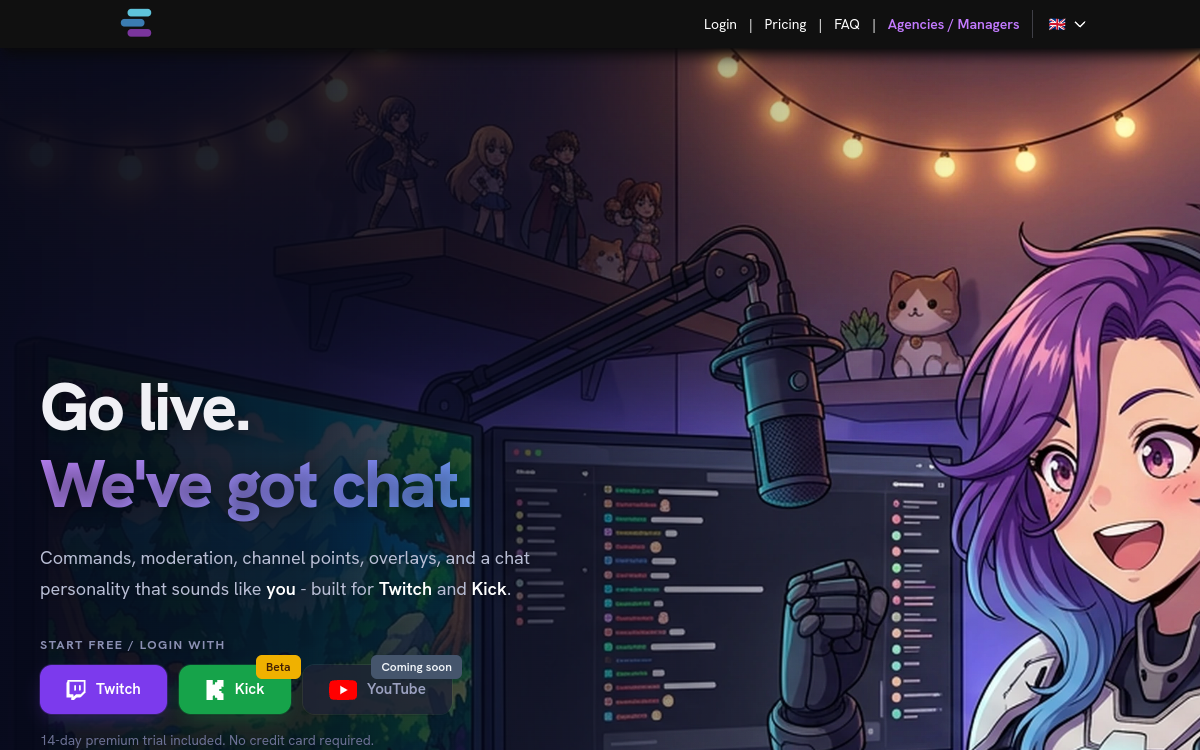
Twitch streaming has become a full-time activity for hundreds of thousands of creators worldwide. But hosting a live stream while keeping a chat lively, moderated, and engaging is a real challenge, especially as the community grows and messages pour in. AiTwitch offers a modern solution by putting an intelligent chatbot at the service of streamers. The tool integrates natively with Twitch and combines conversational animation, automatic moderation, and personalized interactions with the community. This allows the streamer to focus on their content, gameplay, or main discussion, leaving the AI to handle repetitive tasks. This approach is part of a broader trend of AI-assisted creator tools, which democratize functions previously reserved for large channels with an entire team of moderators and community managers.
What is AiTwitch?
The essentials
AiTwitch is an artificial intelligence chatbot designed specifically for Twitch streamers. The tool connects directly to the channel via official Twitch APIs and operates in the chat in real time. It combines several functional building blocks: automatic moderation of toxic or off-topic messages, contextual answers to frequently asked questions (stream schedules, hardware setup, social media), animation through custom commands and polls, and conversational interaction with a tone tailored to the streamer’s identity. The platform targets both growing solo streamers and more established channels looking to scale their moderation without hiring full-time humans. The configuration interface is accessible to non-technical users, featuring a visual editor to create commands and rules without coding, while still offering advanced options for power users.
Key features
AiTwitch offers a set of features centered around the life of the Twitch chat. The moderation engine analyzes messages in real time and filters out toxicity, spam, unwanted links, and malicious raids based on customizable rules. The conversational AI answers recurring viewer questions using a knowledge base configured by the streamer (FAQ, setup, useful links). The custom command system allows you to create interactions like quote commands, mini-games, raids, or stats in just a few clicks. Polls keep the chat lively during transition moments. Sentiment analysis evaluates the overall mood and alerts the streamer in case of a negative shift. Integrations with OBS, StreamElements, and major streaming tools complete the ecosystem. An analytical dashboard provides statistics on engagement, active viewers, and interaction peaks throughout live sessions.
Use cases
The use cases for AiTwitch cover a wide range of situations. A solo gaming streamer can focus on their game without having to answer every message about their graphics settings or hardware, as the AI handles it. An IRL or Just Chatting channel creator uses AiTwitch to moderate a highly active chat while keeping a fluid conversation with their most engaged viewers. A rapidly growing streamer scales their moderation without having to hire a human team, which would be financially unfeasible. A speedrunner automates live record announcements and stats using custom commands. A music streamer or DJ keeps the chat lively with polls on which tracks to play next. Educational channels use commands to distribute resources mentioned live (PDFs, links, promo codes) without interrupting their main content during editing or live broadcasts.
Advantages
Adopting AiTwitch generates concrete benefits for streamers. The first is liberating: the streamer can focus on their content and main audience instead of juggling moderation and repetitive questions. The second is qualitative: the chat remains lively thanks to AI animations, which maintains engagement and retains casual viewers. The third concerns community safety: automatic moderation drastically reduces exposure to toxicity, creating a more welcoming space for newcomers. The fourth is analytical: detailed statistics help understand which moments of the stream generate the most engagement and optimize the format accordingly. Finally, the tool democratizes features previously reserved for large channels with dedicated teams, putting small creators on an equal footing in terms of the quality of experience offered.
Pricing
AiTwitch adopts a freemium pricing model suitable for streamers of all sizes. The free plan allows you to use basic features (moderation, simple commands, a few polls) with a monthly quota sufficient to get started or for occasional streamers. Paid plans start around 8 dollars per month and unlock advanced tone customization, detailed analytics, unlimited commands, and integrations with third-party streaming tools. Pro plans target established channels with a high volume of messages, advanced moderation needs, and custom integrations. The value for money is highly competitive for active streamers and profitable after just a few hours of live streaming per week.
Conclusion
AiTwitch is an excellent companion for Twitch streamers who want to boost their chat and lighten their moderation workload without hiring a team. The combination of AI moderation, command-based animation, and tone customization makes it a complete and effective tool. Multi-platform streamers will remain limited by the exclusive Twitch focus, but for Twitch-first creators, it is a solid choice. The free plan is enough to evaluate its value in practice before upgrading to a paid plan.