



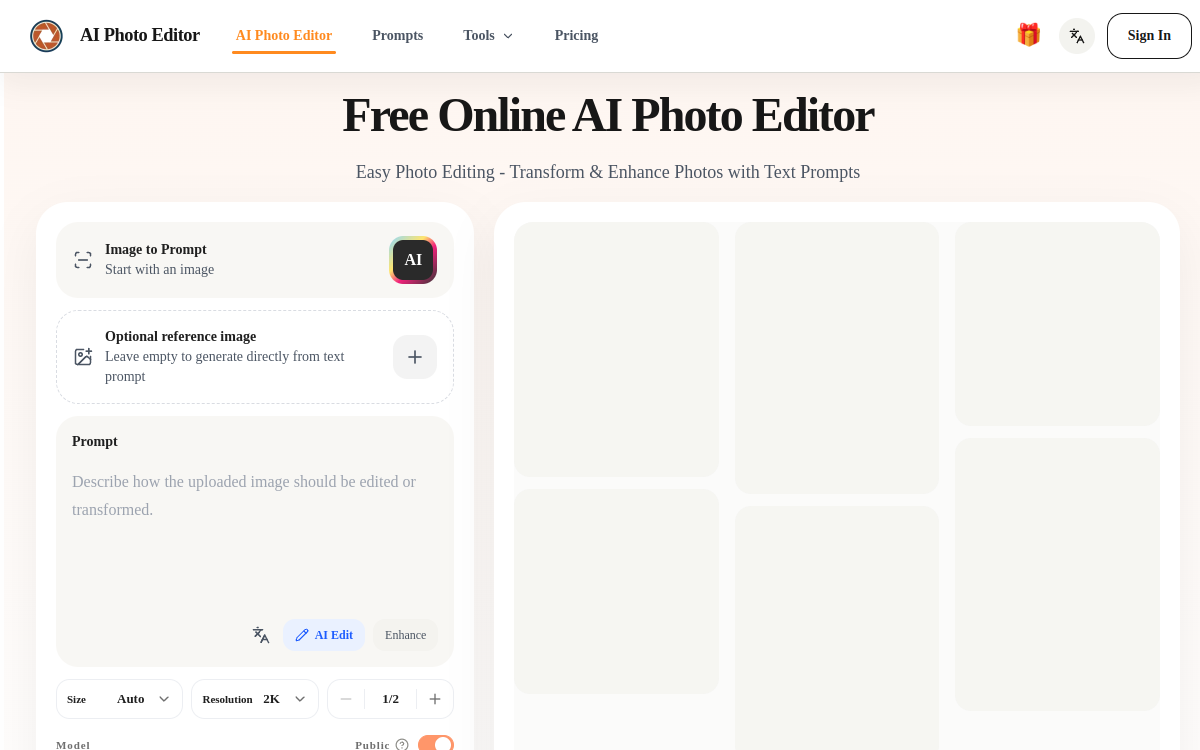
Photo retouching used to require mastering complex software, precise selections, and layers. AI Photo Editor, accessible at aiphotoeditor.io, offers a different approach: describe in a few words what you want to change and let artificial intelligence reconstruct the image. You upload a JPG, PNG, or WebP file, type a prompt like “remove bag”, “change wall color”, or “make skin look smooth”, and the tool applies the edit in seconds. This conversational logic makes retouching accessible to people who are neither photographers nor graphic designers, while remaining useful for online sellers and content creators who want to save time. The editor relies on the Nano Banana suite of models and offers daily free credits, allowing you to try without immediate investment. In this overview, we detail what the tool is, its features, use cases, benefits, and pricing model to understand who it really addresses.
What is AI Photo Editor?
The essentials
AI Photo Editor is a text-driven online photo editor. Rather than manipulating selection tools, masks, or layers, the user describes the desired edit in a prompt field, and the AI engine interprets the request to rewrite the image. The tool relies on the Nano Banana suite of models and offers multiple models depending on the type of edit. It works directly in the browser with no installation and accepts JPG, PNG, and WebP files up to 24 MB. An account is required to launch edits, but free credits are offered daily. The positioning is clear: make photo retouching as simple as a sentence, automating technical tasks like cutout or background reconstruction.
Key features
Features are organized around instruction-based editing. Object removal lets you specify what you want to take out (a person, a bag, a distraction); the AI erases the element and rebuilds the background automatically, without manual masking. Background replacement transforms a scene into a cleaner, premium, or brand-aligned background while preserving natural subject edges, useful for product photos. Portrait enhancement works on lighting, skin texture, detail rendering, and overall sharpness. Multi-image composition lets you merge multiple visuals or combine elements into a unified scene, drawing on multiple references for style or composition. The tool also offers style transformations (Ghibli inspiration, Polaroid, film texture, illustration, vintage rendering). All these actions go through a short natural language prompt, and multiple models are available to adapt the result as needed.
Use cases
The first use case is e-commerce: cleaning a background, harmonizing product photos, or enhancing item details for more convincing product listings. Community managers and content creators use it to quickly produce consistent brand visuals from existing images. Individuals use it for everyday retouches: removing a person from the background of a vacation photo, enhancing a portrait before sharing, or changing the mood of a shot. Multi-image composition serves to create collages, mood boards, or visuals combining multiple sources. Finally, style transformations allow you to give an artistic look to an ordinary photo, for example an illustration or vintage effect, for creative uses or social media. In all cases, the appeal is speed: an edit that would take several minutes in a traditional editor is done with a simple sentence.
Advantages
The main benefit is accessibility: no retouching skill is required since everything goes through written instructions. This reduces the learning curve and time spent on each image. Automating cutout and background reconstruction avoids tedious selections, and the result is obtained in seconds. The presence of multiple models offers some flexibility to adjust style or result quality. Daily free credits let you test the tool and cover occasional needs without paying. For e-commerce or social media use, this combination of simplicity and speed helps you publish faster, without relying on a designer or heavy software installed on your machine.
Pricing
AI Photo Editor runs on a freemium model. The tool is free to use thanks to credits offered daily, sufficient for occasional retouches, but creating an account is necessary to edit. Paid options exist to go further (larger edit volume, extended model access), even though pricing tier details are not prominently displayed publicly. It is therefore recommended to check exact conditions directly in the interface after signup, including the number of free daily credits and the cost of paid plans depending on image processing volume.
Conclusion
AI Photo Editor answers a precise need: retouch an image without technical expertise, simply by describing what you want. Object removal, background change, portrait enhancement, and multi-image composition cover the essentials of common retouching, all accelerated by the Nano Banana suite of models and accessible via daily free credits. It’s a sound choice for online sellers, creators, and busy individuals. Users seeking pixel-by-pixel control or handling very large files will prefer a traditional professional editor. For quick text-guided retouching, the tool delivers on its promise of simplicity.