



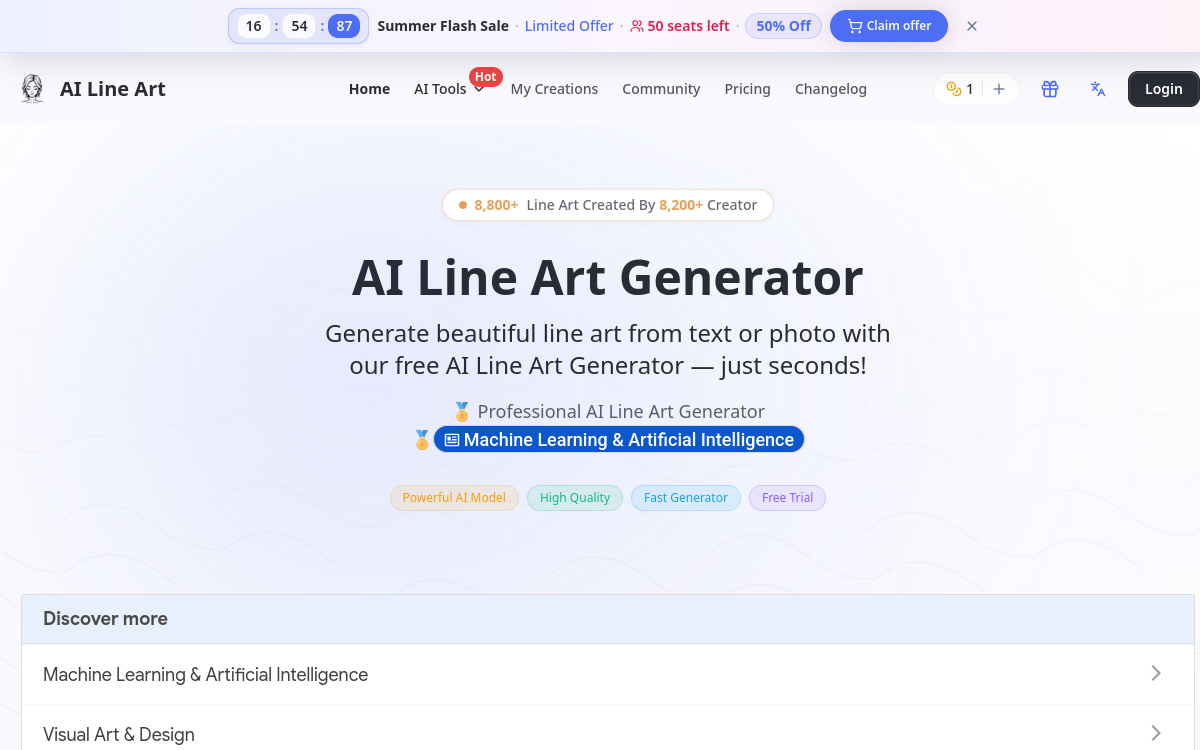
Line art is making a strong comeback in modern design. This clean aesthetic, made of sharp lines without excessive gradients, appeals to minimalist brands, illustrators, publishers, and content creators. However, creating line art by hand requires talent, time, and specific equipment. AI Line Art offers an alternative: an online generator capable of producing line art illustrations in seconds, from a text prompt or a photo. The platform claims over one million active users and offers several complementary styles, from sketch to minimalism, including 3D line art. This tool illustrates the growing specialization of generative AI around precise aesthetic niches.
What is AI Line Art?
The essentials
AI Line Art is a web service specialized in generating line drawings. Users can either enter a text prompt to describe the desired scene or upload a photo to be converted into line art. The AI produces a clean line illustration, ready to download. Several styles are accessible: sketch, watercolor, woodcut, minimalist, 3D, abstract. The tool also offers a colorization mode to go from black and white to a color illustration, and an OC Maker specially designed for manga characters.
Key features
AI Line Art combines several modules. The main generator accepts both text prompts and source images. It offers a complexity slider to choose between a thin, clean line or a denser drawing. The image-to-line-art module converts a photo into a line illustration by analyzing contours and volumes. The colorization module applies an AI palette to an existing line art. The OC Maker focuses on manga characters with a full body shot, ideal for concept artists. The tool supports various output formats (PNG, JPG) with the option for a transparent background. Generations remain fast, taking just a few seconds per image. A community library allows users to get inspired by other users’ creations.
Use cases
AI Line Art is aimed at several profiles. Illustrators use it to quickly produce sketches or variations to color. Manga creators generate character concepts with the OC Maker. Designers use the renderings for websites, business cards, or minimalist packaging. Publishers integrate the illustrations into books, magazines, or educational materials. Individuals create custom coloring pages, birthday cards, or unique posters.
Advantages
The main advantage is specialization. Unlike generalist AIs, AI Line Art produces consistent line art without complex prompt back-and-forths. The speed of execution allows for multiple iterations in a few minutes. The diversity of styles covers most clean illustration needs. The colorization mode adds a layer of productivity for those who want to finalize their drawings. Finally, the free plan allows for a real hands-on experience before any commitment.
Pricing
AI Line Art operates on a freemium model. The free plan gives access to several generations for testing. Paid plans unlock a larger volume of credits, high resolution, watermark-free export, and advanced features like batch processing. Prices start around 9 dollars per month and increase based on the desired monthly volume. Annual plans allow you to save up to 20 percent.
Conclusion
AI Line Art illustrates the promise of specialized AIs: an excellent result in a well-defined niche. For anyone wanting to produce professional line art without drawing training, it is one of the best tools on the market. A valuable companion for illustrators and minimalist designers.