


With the multiplication of formats on social networks and e-commerce platforms, adapting an image to multiple aspect ratios has become a daily headache. AI Image Extender meets this need thanks to cutting-edge technology: generative outpainting. Rather than cropping a photo and losing content, the tool extends the scene beyond its original edges by generating pixels that blend seamlessly into the image. This approach transforms a vertical photo into a horizontal banner or enriches a background that is too tight to breathe. Community managers, creative agencies, and e-commerce brands find an immediate productivity boost. The tool is part of the generative AI trend that democratizes operations once reserved for experienced photo editors.
What is AI Image Extender?
The essentials
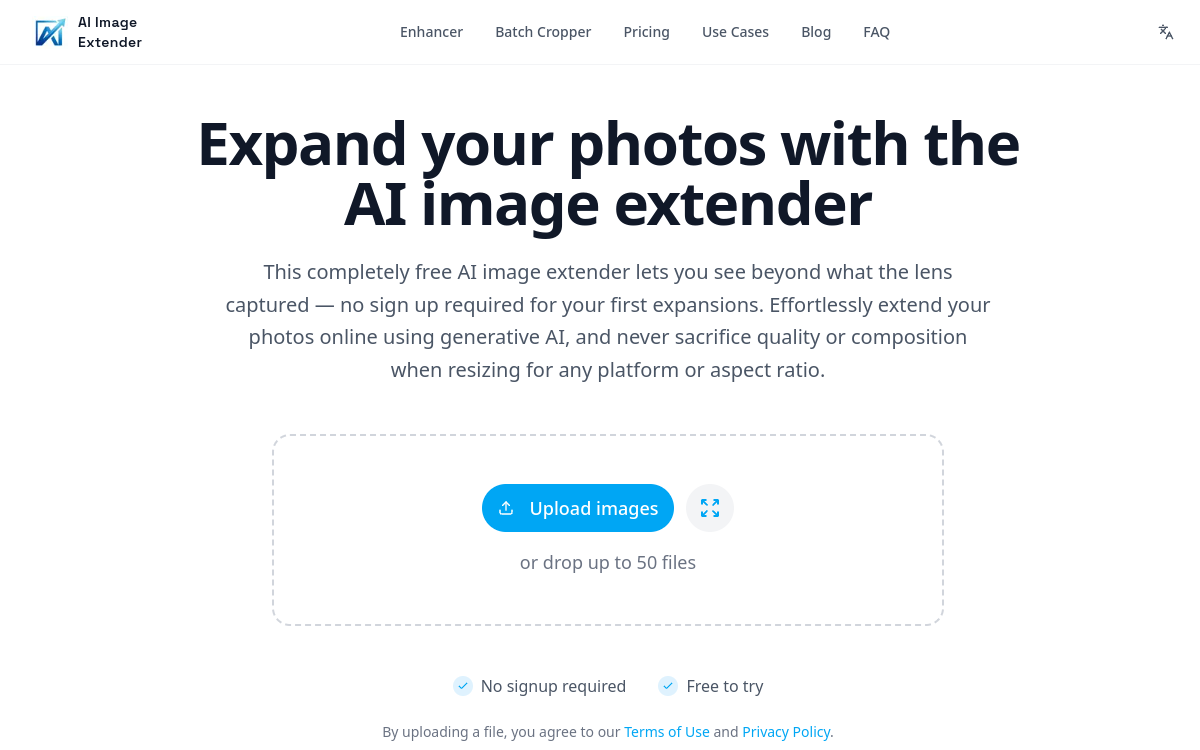
AI Image Extender is a web service that extends an image using generative AI. The user uploads a photo, selects the extension direction (top, bottom, left, right, or several at once), and gets an expanded version in seconds. The tool uses diffusion models to analyze the content and invent what would logically be around it. The result is a wider image, ready to be published in a new format. No installation is required, and the service is accessible from any standard browser.
Key features
AI Image Extender offers several complementary features. Outpainting works in all four directions and can be combined to go from a square format to a panoramic format in a single operation. Users can adjust the extension area with a handle, choose a target aspect ratio from standard options (1:1, 4:5, 16:9, 9:16), or set a custom size. The preview is generated quickly to allow for multiple attempts. A batch mode processes several images simultaneously, ideal for scaling a marketing campaign. Exports are available in JPG, PNG, and WEBP. The engine also supports light upscaling to maintain good sharpness after extension. Images can be saved in a history to easily find previous versions. The API is currently being rolled out for integration into third-party tools.
Use cases
The tool serves several concrete use cases. An e-commerce brand that needs to display the same product photo as a square on the product page, a banner on the homepage, and an Instagram story can generate all three variations in a single session. A photographer who wants to reuse an old shot for a new format will find AI Image Extender a quick way to avoid a new photo shoot. Creative agencies use the tool to A/B test expanded compositions. Finally, individuals can use it to prepare wallpapers or print a photo in a different format without losing the essentials.
Advantages
The benefits are immediate. First, time savings: a manual outpainting operation would take several minutes in Photoshop, whereas AI Image Extender delivers it in seconds. Second, quality: the results remain consistent with the source image, with no visible seams in most cases. Third, accessibility: no graphic design skills are required. Finally, the cost is kept under control thanks to a free plan and affordable packages for heavy use.
Pricing
AI Image Extender operates on a freemium model. The free plan provides access to a limited number of generations, perfect for testing the tool. Paid plans unlock more credits, high resolution, batch mode, and watermark-free export. Pricing starts at an accessible level and increases based on monthly volume and options. Annual plans offer savings of up to 30 percent. A team offer is available for agencies and organizations that produce a high volume of visuals.
Conclusion
AI Image Extender is an effective answer to a universal need: adapting photos to multiple formats without losing content. Its outpainting technology delivers convincing results in most cases, and its no-code interface makes it accessible to everyone. A practical tool for anyone managing a lot of visuals on a daily basis.