


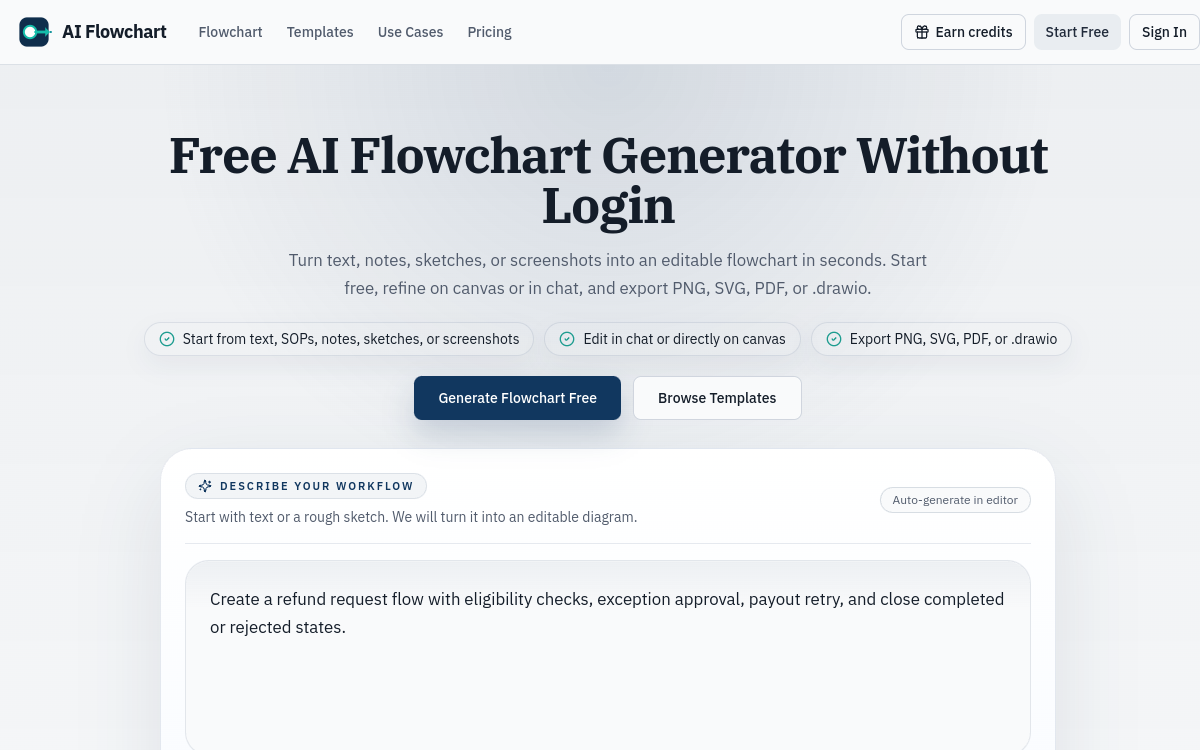
AI Flowchart is an AI-powered flowchart generator that transforms any text description into an editable flow diagram. Simply describe your process in natural language to get a structured flowchart in seconds, ready to be refined and exported. The tool also supports image conversion (whiteboard photos, existing diagrams) into editable digital formats. Designed for product, ops, support and engineering teams, AI Flowchart handles common workflows like onboarding, approval processes, support triage, QA coverage and deployment pipelines. Exports are available in PNG, SVG and PDF to integrate easily into any professional documentation.
What is AI Flowchart?
The essentials
AI Flowchart is an AI-based flowchart generator accessible online at aiflowchart.org. Its operation is straightforward: the user describes their process in natural language in a text area, clicks generate, and gets a structured flow diagram in seconds on an interactive canvas. The tool analyzes the description, identifies steps, decisions and branches, and organizes them visually in a coherent way. AI Flowchart also supports converting images into editable flowcharts, allowing you to digitize hand-drawn diagrams or photos taken during work sessions. Designed for simplicity and speed, the tool particularly targets product, engineering, ops and support teams.
Key features
AI Flowchart concentrates its features around a central workflow optimized for speed. Text-to-flowchart generation is the core of the tool: by entering a natural language description, the AI produces a structured diagram with decision nodes, conditional branches and sequential steps clearly organized. Image-to-flowchart conversion allows you to take a photo of a whiteboard or import an existing diagram and transform it into an editable digital format in seconds. The interactive canvas then lets you adjust labels, modify branches and reorganize generated elements. Regeneration without re-entering the prompt is a practical feature that avoids retyping the entire description if the result is unsatisfactory. Finally, export options in PNG, SVG and PDF cover the majority of professional use cases, from presentations to internal wikis.
Use cases
AI Flowchart finds its place in many everyday professional contexts. Product teams use it to quickly document user flows, onboarding journeys or decision trees during design sessions. Developers use it to visualize CI/CD pipelines, deployment processes or data processing flows. Support and ops teams use it to map triage processes, escalations or refund procedures. Consultants and freelancers find it a quick way to create visual deliverables for clients without needing to master a complex diagramming tool. Finally, QA teams use it to structure test coverage plans as diagrams.
Advantages
The primary benefit of AI Flowchart is its immediate accessibility: no installation, no learning curve, no required subscription to get started. AI generation eliminates the tedious work of manually positioning elements and connecting nodes, reducing to a few seconds a task that previously took several minutes or more. The ability to process images as input is a concrete advantage for teams working in-person with whiteboards who want to digitize their diagrams without re-entry. Versatile export formats ensure seamless integration into any work environment, whether presentations, wikis, documents or reports.
Pricing
AI Flowchart offers a freemium access model. The free plan includes a limited number of daily credits allowing approximately one flowchart per day, ideal for occasional use or evaluating the tool. For more regular users, a paid plan is available starting at about 5 USD per month, offering a larger monthly credit volume and priority processing for generations. Credits not consumed during failed generations are not deducted, which is an appreciable quality commitment. The simple and transparent pricing structure is suitable for freelancers and small teams.
Conclusion
AI Flowchart is a lightweight and efficient tool that perfectly fulfills its promise: transform a text description into a structured flowchart in seconds. For professionals who need to quickly visualize a process without investing in a heavy tool, it’s a directly operational solution. Its limitations in collaboration and visual customization clearly position it as a quick individual-use tool rather than a reference collaborative diagramming platform.