


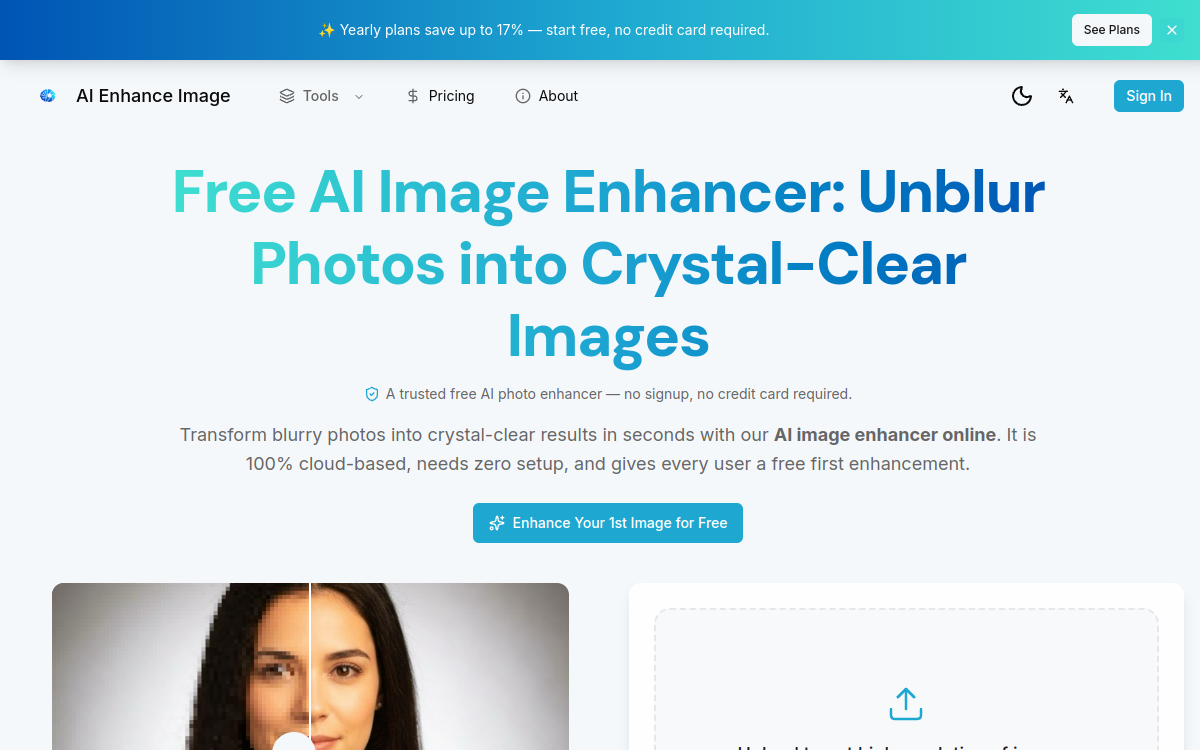
Image enhancement has become an almost indispensable skill in the era of social media, e-commerce, and mobile photography. You capture a shot, realize it is a bit blurry, underexposed, or noisy, and look for a quick way to make it publishable. This is precisely the niche of AI Enhance Image: an entirely online tool that applies artificial intelligence models to upscale, deblur, denoise, and restore photos in seconds. The promise is threefold. First, accessibility: no installation, no dedicated GPU, no technical skills required. Second, speed: most processing is completed in less than ten seconds, making it a perfect companion for high-volume workflows. Finally, visual quality: the models used are trained on millions of images, allowing them to predict real details where traditional algorithms merely stretch pixels. For e-commerce merchants who need to enrich a catalog of hundreds of products, for content creators who want to maximize the quality of their visuals, or simply for families restoring old photos, the tool offers a pragmatic and immediate approach.
What is AI Enhance Image?
The essentials
AI Enhance Image is a cloud-based AI image enhancement tool accessible directly via browser. It brings together several specialized features: upscaling up to 4K or 8K, text and image deblurring, denoising, old photo restoration, and overall enhancement (color, contrast, sharpness). The platform targets consumer and semi-professional uses, offering fast results with an ultra-simple interface. It boasts over 500,000 processed images and a user rating of 4.8/5. The privacy promise is clear: uploads are encrypted, deleted after processing, and never used to train new models. The tool supports most common image formats (JPG, PNG, WebP, BMP, TIFF, HEIC) and works without installation, making it a credible option for anyone looking to quickly improve the quality of their visuals on a daily basis without investing in a full software suite. This pragmatic approach meets daily production needs without requiring heavy hardware or software investment.
Key features
AI Enhance Image offers a suite of complementary features around image enhancement. The AI Image Upscaler allows you to enlarge an image up to 4K, or even 8K, generating real details using deep neural networks. Unlike classic resizing, the algorithm reconstructs textures and edges with astonishing sharpness. The Unblur module deblurs images and restores text clarity in screenshots, scans, or documents. The Denoise module eliminates noise and grain from photos taken in low light or at high ISO, while preserving natural texture. The Restore Old Photos module repairs scratches, tears, faded colors, and facial details on old photos—a popular feature for family memory projects. The global AI Enhance combines several of these treatments to improve color, contrast, sharpness, and noise in one click. An Enhance PDF module improves images embedded in a PDF document without affecting the text or layout. On the workflow side, the tool supports JPG, PNG, WebP, BMP, TIFF, and HEIC formats, up to 10 MB per file. The process takes place in four simple steps: upload, automatic analysis, optional parameter adjustment, and download. Subscribers can download without watermarks and obtain a monthly volume of credits sufficient for professional use.
Use cases
The use cases for AI Enhance Image are numerous and varied. E-commerce merchants use it to improve the quality of their product photos, especially when they receive low-resolution files from suppliers or dropshipping. A Shopify store can thus quickly upscale a hundred visuals to make them more attractive and professional. Content creators on Instagram, TikTok, or YouTube use it to boost the quality of their thumbnails, restore blurry screenshots, or make photos taken quickly with a smartphone publishable. Amateur photographers appreciate the restoration of old photos: a yellowed and torn family photo can regain colors and details in seconds. Marketers prepare campaign visuals from low-resolution stock photos, and improve outputs from generative AIs like Midjourney or Stable Diffusion in post-processing to achieve print quality. Graphic designers use it as an intermediate step in their workflow, before finalizing their creations in more advanced tools. Finally, individuals use it to bring family photo albums back to life, turn ruined shots into presentable memories, or improve photos for their real estate and resale listings.
Advantages
The main benefit of AI Enhance Image lies in the combination of speed, simplicity, and quality. Where traditional tools require hours of configuration and extensive training, AI Enhance Image delivers a result in seconds with a one-click interface. Automatic management of exposure, noise, blur, and resolution issues avoids having to diagnose each image manually, which is invaluable when handling large volumes. Multi-format compatibility (including HEIC for iPhone photos) facilitates mixed workflows. The privacy promise—encryption, deletion after processing, no model training—is reassuring, especially for e-commerce merchants handling proprietary visuals. Budget-wise, the entry price of $9.9/month is very accessible compared to professional suites or specialized Photoshop plug-ins. The 30-day money-back guarantee reduces subscription risk. Finally, the cloud aspect means you can work on any device, including a phone, without installing heavy software.
Pricing
AI Enhance Image offers a freemium approach: the first enhancement is free for every visitor, without registration or credit card, allowing you to test the quality before committing. Free downloads are, however, watermarked. To remove it and get a significant volume of credits, several subscription plans are available starting at around $9.9/month. The annual Starter plan is billed at $99/year (equivalent to $8.25/month) and includes 19,440 credits per year, or about 6,480 clean upscales. The Creator plan, the most popular, is $249/year with 48,960 annual credits—ideal for active creators and professional uses. The Pro plan at $499/year offers 97,920 credits, targeting agencies, teams, and large-scale workflows. All plans include watermark-free downloads, the ability to cancel at any time, and a 30-day money-back guarantee. This flexibility allows every user profile to find a plan tailored to their volume.
Conclusion
AI Enhance Image is a pragmatic and well-executed tool for online image enhancement. It covers the most common uses—upscaling, deblurring, denoising, restoration—with convincing rendering quality and remarkable speed. The entry price of $9.9/month and the free first enhancement make it an accessible option for all profiles, from content creators to small e-commerce merchants. For very advanced retouching, you will need to supplement with Photoshop, but for 95% of daily image quality needs, it is more than sufficient and highly effective in practice. The combination of freemium, speed, and quality makes it a go-to tool for modern visual content creation.