


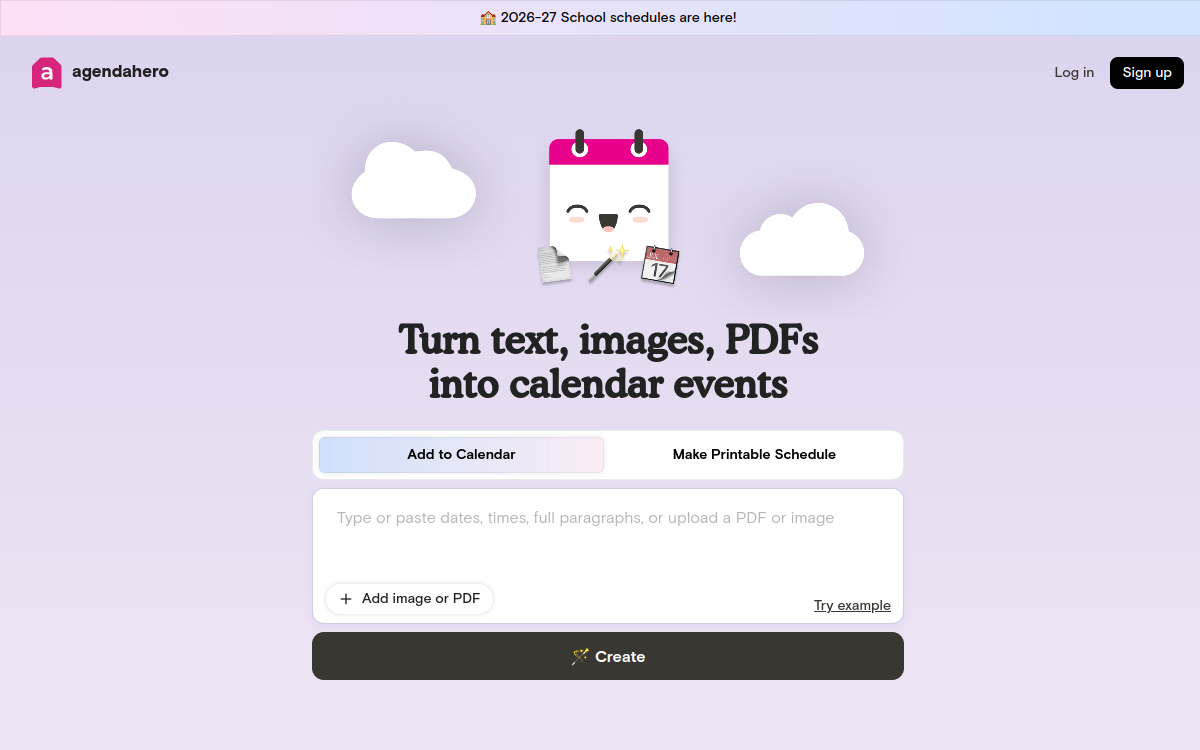
Managing your calendar can be more time-consuming than you’d think. Between confirmation emails, event flyers, program PDFs or appointment texts, a busy day can require half an hour of manual entry. Agenda Hero Magic offers a radical solution: letting AI read this content and automatically extract the events to drop them into Google, Apple or Outlook. Designed for individuals as well as organizations, the platform goes further with a conversational Magic Chat, collaborative calendars and customizable pages. In this article, we look at what this calendar assistant concretely brings, its features, its price and the profiles that will benefit the most.
What is Agenda Hero?
The essentials
Agenda Hero Magic is an AI assistant specialized in converting raw information into calendar events. The user copy-pastes text, uploads an image (for example a concert flyer) or a PDF (a conference program), and the AI extracts the relevant events: title, date, time, location, description. The events can then be added in one click to Google, Apple or Outlook, or grouped into customizable Magic Pages that can be shared with an audience. A Chrome extension makes it easy to convert from any web page.
Key features
At the heart of the experience is the transformation of content into events, with great tolerance for formats: structured text, disordered paragraphs, images, PDFs. The conversational Magic Chat lets you edit several events in bulk via natural instructions, for example changing the color of a theme or shifting all sessions by an hour. Magic Pages serve to distribute a shareable dynamic calendar, ideal for schools, sports teams, associations or community events. Collaborative calendars let several people add or edit events together. The Chrome extension converts web content into events in two clicks. A layer of graphic customization (colors, themes, custom URLs) strengthens the visual identity of shared pages.
Use cases
The use cases are varied. A parent can turn their children’s printed sports club schedule into a personal calendar shared with their partner. A student can convert a semester’s program into a single event feed. An association can publish its meeting and event dates as a Magic Page accessible to all its members. A freelancer can centralize client appointments received in emails or PDFs, without manual entry. Organizations whose communication still relies heavily on PDFs, brochures and formal emails particularly benefit from the tool.
Advantages
The main advantage is a direct time saving on a low-value task: event entry. Beyond time, reliability also improves, as the risk of forgetting a date or noting a time wrong drops sharply. The ability to centralize several sources in a single calendar reduces dispersion and the associated stress. For organizations, distributing a shared calendar avoids the multiple back-and-forth emails to clarify dates and locations.
Pricing
Agenda Hero Magic relies on a very accessible grid. The Free plan is free and includes Magic Pages as well as collaborative calendars, ideal for individual use. The Plus plan is billed at $30 per user per year, i.e. $2.50/month, and unlocks unlimited AI editing, graphic customization and custom URLs. The Organizations plan is offered at $40/account/year with a minimum of 10 users, designed for companies, associations or local authorities. The value for money is particularly attractive compared to the time saved on manual event entry.
Conclusion
Agenda Hero Magic is one of those tools that save time without fundamentally changing the way you work. For anyone juggling many events, varied sources and multiple calendars, it quickly becomes a valuable ally. At this price level and with a usable free plan, it deserves its place in the digital toolbox in 2026.