


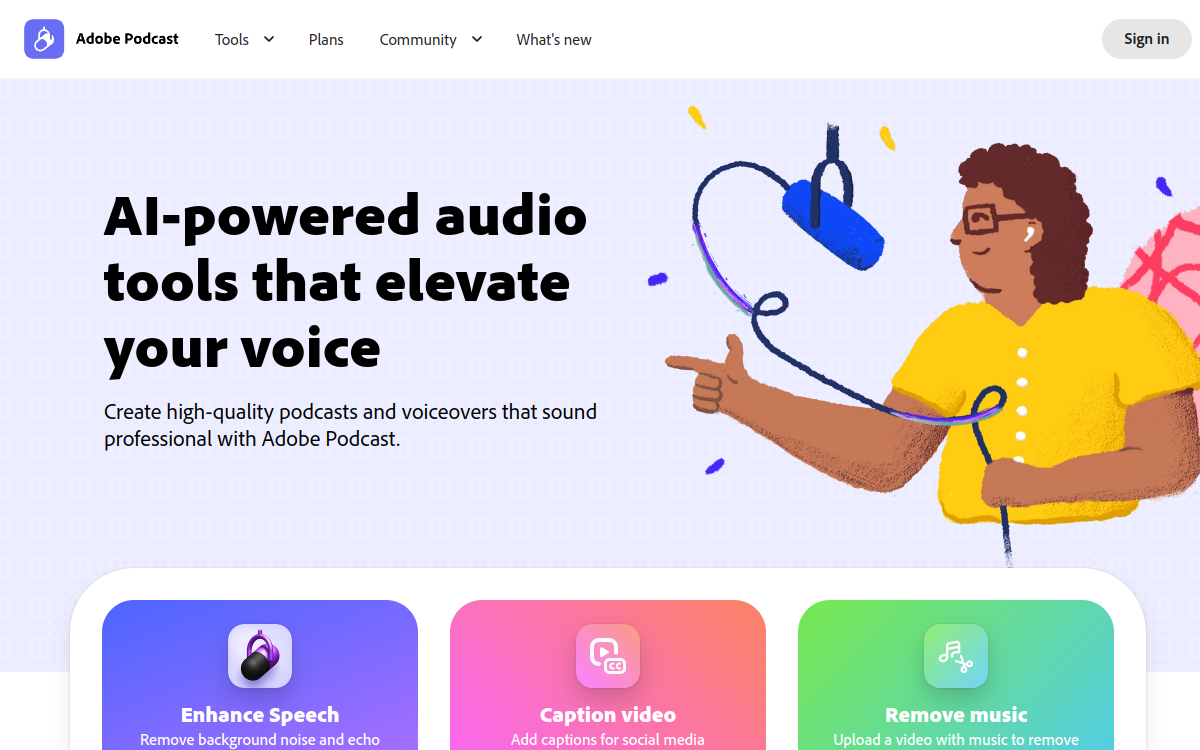
Adobe Podcast is a free online service for improving clarity and quality of voice recordings. It relies on 'Enhance Speech' AI technology, which removes noise, balances tones and delivers professional rendering even from simple computer mic.
Overview of Adobe Podcast
Detailed overview
✅ Strengths
- Instant audio improvement thanks to Enhance Speech.
- Free and accessible from browser without installation.
- Simple and ergonomic interface signed by Adobe.
- Professional results even from amateur recordings.
- Easy export of optimized audio files.
⚠️ Limits
- Limited features (no advanced editing or multi-track).
- Internet connection required for AI processing.
- Variable results based on input audio quality.
- No voice cloning or text-to-voice generation.
❓ FREQUENT QUESTIONS
FAQ — Adobe Podcast
Is Adobe Podcast really free?
Yes, tool accessible free via Adobe account and works directly in browser.
What is Enhance Speech feature?
It’s AI technology that removes noise and automatically improves clarity of recorded voices.
Can you record directly in Adobe Podcast?
Yes, web studio lets you record, slightly edit and share podcasts from browser.
Is it compatible with Premiere Pro or Audition?
Yes, exported files easily import into other Adobe software for final editing.

Audio Audio Productivity
Automatic audio improvement (Enhance Speech)
💰 Rate
Free
🆓 Free trial
Yes
🌐 Languages
🇫🇷 Français, 🇬🇧 English
Visit the site →