



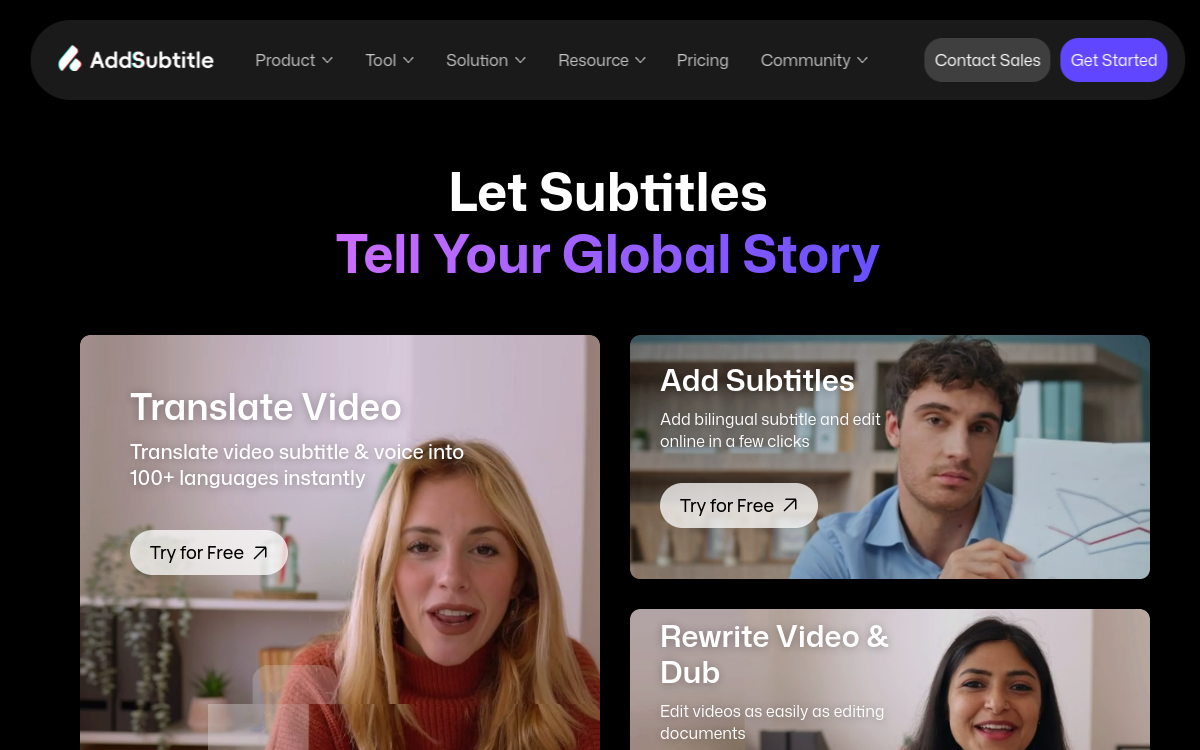
Subtitling a video has never been so strategic. With muted consumption on social media, the need to localize content internationally and the accessibility imperative, subtitles have become a standard and no longer an option. AddSubtitle.ai fits this dynamic with an online service that combines automatic subtitle generation in more than 100 languages, a web editor to customize the rendering and AI dubbing to go one step further. Designed for creators, agencies and trainers, the tool removes almost all the technical complexity that once held back localization efforts. In this article, we look in detail at what AddSubtitle.ai brings, how it positions itself against the market heavyweights and who it best suits in 2026.
What is AddSubtitle.ai?
The essentials
AddSubtitle.ai is an online platform dedicated to transcribing and translating videos into subtitles and dubbed audio tracks. The user uploads a video, chooses the source language and target languages, and gets within minutes a subtitle file ready to integrate or a video export with burned-in subtitles. The tool goes further by offering AI dubbing in more than 40 languages, with a voice-cloning system to preserve the original timbre. Everything is driven from a simple web interface, with no software to install, which broadly opens up the use cases.
Key features
AddSubtitle.ai stands out first for its linguistic range. More than 100 languages are supported for transcription and translation, covering almost all global markets. The online editor lets you manually adjust each line to correct errors or fine-tune the timeline, but also customize the color, font, size and position of the subtitles to respect a brand’s or creator’s visual identity. On the audio side, AI dubbing offers a library of varied voices, and the voice-cloning feature lets you recreate a timbre close to the original voice, useful for YouTubers and highly recognizable creators. The tool handles standard video formats and exports both the subtitle file alone and the complete video with burned-in subtitles. The experience is designed for speed: import, generation, adjustment, export, all within a few minutes for an average video. The platform addresses both individual creators and teams that produce dozens of videos per month.
Use cases
The use cases are numerous and varied. A YouTuber can subtitle their videos to boost watch time and engagement, while reaching an international audience thanks to automatic translations. An online trainer can localize their courses into several languages without having to redo their recordings, multiplying their commercial potential. A video agency can integrate AddSubtitle.ai into its workflow to deliver faster to clients targeting several countries. Video podcasters find in it a way to broaden their audience while improving the accessibility of their content for hearing-impaired audiences. Internal marketing departments can also use it for training content, webinars or multilingual onboarding videos.
Advantages
The main benefit lies in time savings: what used to take a human subtitler hours is done in a few minutes, with quality that is entirely acceptable for the vast majority of content. The linguistic coverage unlocks markets that would have been economically inaccessible with a classic production chain. The integration of translation and dubbing in a single platform simplifies management: a single tool, a single subscription, a single point of contact on the support side. Finally, the editorial aspect is preserved thanks to the editor, which lets the user keep control over the details rather than blindly accepting the AI’s output.
Pricing
AddSubtitle.ai relies on a freemium approach: a free trial plan lets you test the transcription and dubbing quality before committing. Paid plans unlock more generous volumes, access to more dubbing voices, watermark-free exports and advanced customization options. The pricing grid remains competitive against historical subtitling solutions, and the absence of a long commitment lets you adjust your plan according to actual production.
Conclusion
AddSubtitle.ai stands out as a solid choice for anyone looking to subtitle or dub videos quickly and at scale. Its multilingual coverage, web editor and AI dubbing make it a versatile tool, able to serve an independent creator as well as an agency or internal marketing department. Provided you keep an eye on the final quality, it massively reduces the cost and turnaround of video localization.