



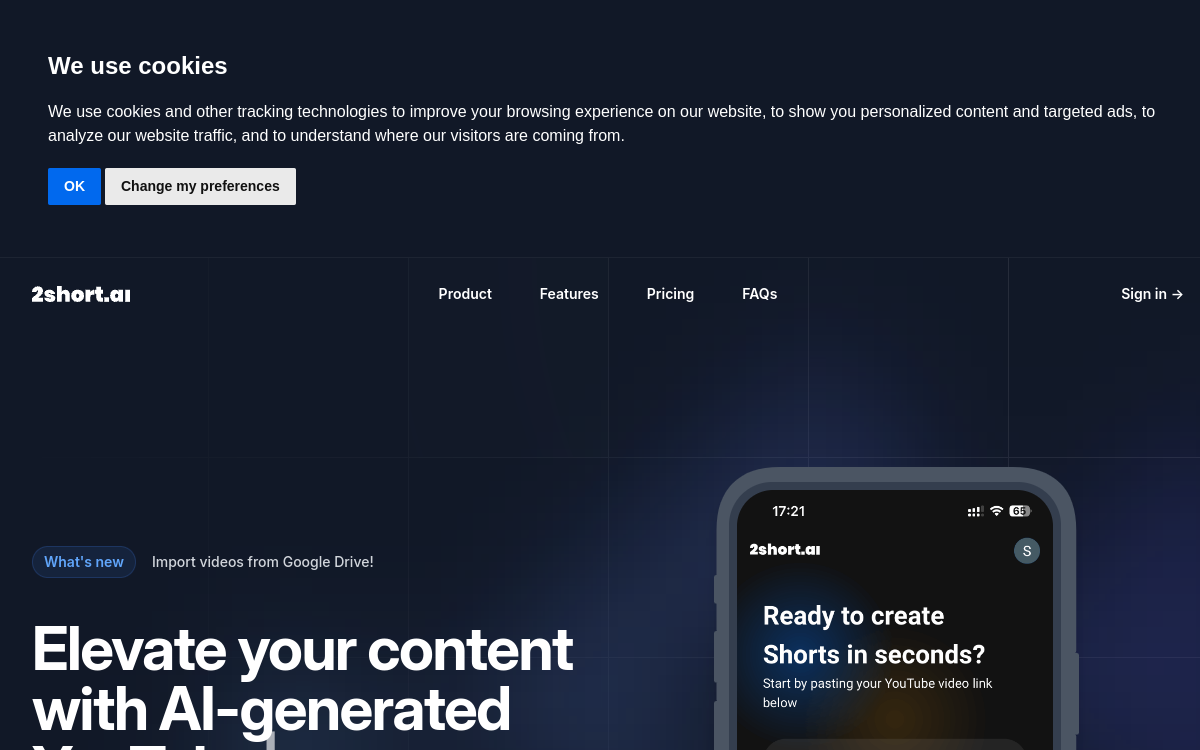
Publishing short videos regularly on YouTube Shorts, TikTok and Instagram Reels has become essential to gain visibility, but producing these formats takes time. Many creators already have a catalog of long videos — podcasts, interviews, webinars, tutorials — that contains dozens of untapped highlights. 2short.ai tackles precisely this problem: the tool analyzes a long video, identifies the passages most likely to capture attention and transforms them into vertical clips ready to publish. All of this relies on artificial intelligence, which detects key moments, automatically reframes the image around the speaker and adds animated captions. Instead of spending hours manually cutting and polishing each excerpt, the creator gets in minutes several short proposals that they just need to adjust. In this overview, we detail what 2short.ai actually does, its features, concrete use cases, pricing and limitations, to help you know if it matches your video production workflow.
What is 2short.ai?
The essentials
2short.ai is an online video repurposing tool: it converts long videos into short clips adapted to social networks. Concretely, you provide it with a YouTube link, a file imported from Google Drive or a public URL, and its AI analyzes the content to spot the most impactful segments. Each excerpt is then reframed to vertical, square or horizontal format depending on the target platform, with facial tracking that keeps the speaker centered in the image. The tool also adds animated captions and allows you to apply brand presets, such as a logo or overlays. It is aimed at creators and agencies who want to effectively break down their long content into multiple short formats.
Key features
The central feature of 2short.ai is automatic detection of the best moments in a long video: the AI spots the most engaging passages to turn them into standalone clips. To this is added facial tracking, which dynamically reframes the image to keep the speaker well centered, even when they move. Animated captions are generated with one click and boost engagement, an essential asset on platforms where sound is often muted. The tool offers multiple image ratios — vertical, square, horizontal — to cover YouTube Shorts, TikTok and Instagram Reels. Exports are done in 1080p without watermark, which sets 2short.ai apart from many competitors who mark videos on their free or entry-level offers. Advanced editing and cropping tools allow you to refine each clip, and brand presets make it easy to consistently add logos and visual elements. Finally, support for over 25 languages, including French, significantly broadens the potential audience.
Use cases
The most natural uses of 2short.ai concern spoken content. A podcaster can turn a one-hour episode into a dozen short excerpts that serve as teasers and drive traffic back to the full episode. A YouTuber who publishes commentary videos or tutorials can break down each video into multiple shorts to feed a secondary account without additional filming. Social media agencies, which manage multiple clients, save considerable time by automating the first cutting stage before human validation. Trainers and educational content creators can extract micro-lessons from long videos to distribute across networks. The tool is also suitable for motivational speech or product review videos, where a standout moment can go viral.
Advantages
The main benefit of 2short.ai is time savings: automating highlight detection, reframing and captioning saves hours of manual work per video. For a creator, this means publishing more short content without increasing production load. 1080p export without watermark is a concrete advantage, as it allows you to distribute clean clips from the free plan or entry-level offers. Facial tracking and animated captions improve the perceived quality of shorts, which can translate into better engagement. Multi-platform and multi-language compatibility broadens content reach. Finally, the existence of a free plan reduces trial risk: you can judge results on your own content before any financial commitment.
Pricing
2short.ai offers four tiers on monthly billing. The Starter plan is free and offers 30 minutes of AI analysis per month with access to all features. The Lite plan, at $9.90/month, unlocks 5 hours of analysis and 60 minutes of fast server-side exports, plus Google Drive and URL imports. The Pro plan, at $19.90/month and presented as the most popular, brings analysis up to 15 hours monthly with unlimited exports. The Premium plan, at $49.90/month, goes up to 50 hours of analysis, adds priority support and access to beta features. There is no annual billing option at the time of writing.
Conclusion
2short.ai is a clear and focused tool: it does one thing, repurposing long videos into short clips, and it does it well. For creators who already produce spoken content and want to multiply their presence on YouTube Shorts, TikTok and Reels, it’s a real accelerator. The free plan allows risk-free testing, watermark-free export is appreciated and pricing remains reasonable. Its limitations — spoken content privileged, restricted import sources, no annual subscription — are logical given its specialization. If your goal is to extract the most shorts from your video catalog, 2short.ai deserves a try.