


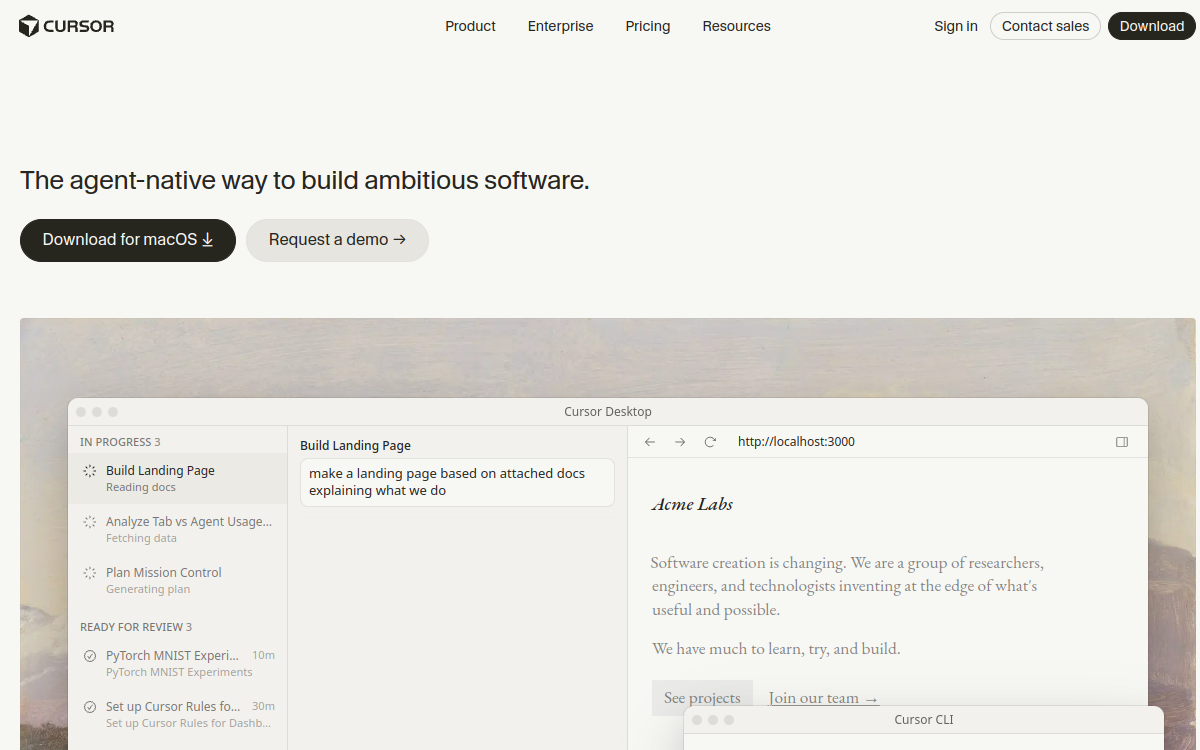
Cursor reinvents the development experience by integrating artificial intelligence at the heart of the code editor. Built as a VS Code fork, it maintains all the familiarity of the interface while adding revolutionary AI capabilities: predictive multi-line autocompletion, autonomous agents capable of coding for you, contextual understanding of your entire codebase, and one-click error fixes. Compatible with all frontier models (GPT-5, Claude Sonnet 4.5, Gemini 2.5 Pro, Grok Code), Cursor allows developers to delegate complex tasks via Composer mode, get ultra-precise suggestions thanks to intelligent Tab, and benefit from deep project indexing. More than 500 Fortune 500 companies already use it.
Overview of Cursor
Detailed overview
✅ Strengths
- Revolutionary autocompletion: Tab predicts your next actions over multiple lines
- Autonomous agents (Composer): delegate complex coding tasks in natural language
- Complete contextual understanding: indexing and analysis of your entire codebase
- Multi-AI models: GPT-5, Claude 4.5, Gemini 2.5 Pro, Grok Code available
- Automatic fixes: one-click fix for bugs and syntax errors
- VS Code compatible: import extensions, themes, and shortcuts directly
- Privacy Mode: code not stored remotely for maximum security
- AI Terminal: execute commands and scripts via natural language
⚠️ Limits
- English only: interface and suggestions mainly in English
- Learning curve: requires adaptation to agent workflows
- Token consumption: intensive use can become costly on large projects
- Dependency on external models: performance tied to third-party APIs
- Occasional latency: possible delays on complex suggestions
❓ FREQUENT QUESTIONS
FAQ — Cursor
What's the difference between Cursor and GitHub Copilot?
Cursor is a complete editor with autonomous agents capable of coding for you, while Copilot is limited to line-by-line autocompletion. Cursor offers contextual understanding of your entire project, supports multiple AI models simultaneously, and allows you to delegate complex tasks via Composer.
Is Cursor compatible with my VS Code extensions?
Yes, completely. Since Cursor is a VS Code fork, you can directly import all your extensions, themes, and keyboard shortcuts. The transition is immediate and without loss of productivity.
How much does Cursor really cost with tokens?
The Pro plan at $20/month includes generous tokens for standard use. On large projects with intensive agent use, cost can increase. Cursor offers a Max mode that provides unlimited access to the best models to optimize budget.
Is my code data secure with Cursor?
Yes. Cursor offers a Privacy mode where your code is never stored remotely. Requests to AI models are anonymized and you maintain full control over your data. More than 50% of the Fortune 500 use Cursor with confidence.
Can I use Cursor for free?
Yes, Cursor offers a free version with limited daily tokens, sufficient to test the tool. For daily professional use, the Pro plan at $20/month is recommended to benefit from all features without restrictions.

Code & Development Productivity
The most advanced IDE for coding with AI in 2026
💰 Rate
Free (limited) • Pro: $20/month
🆓 Free trial
Yes
🌐 Languages
🇬🇧 English
Visit the site →