



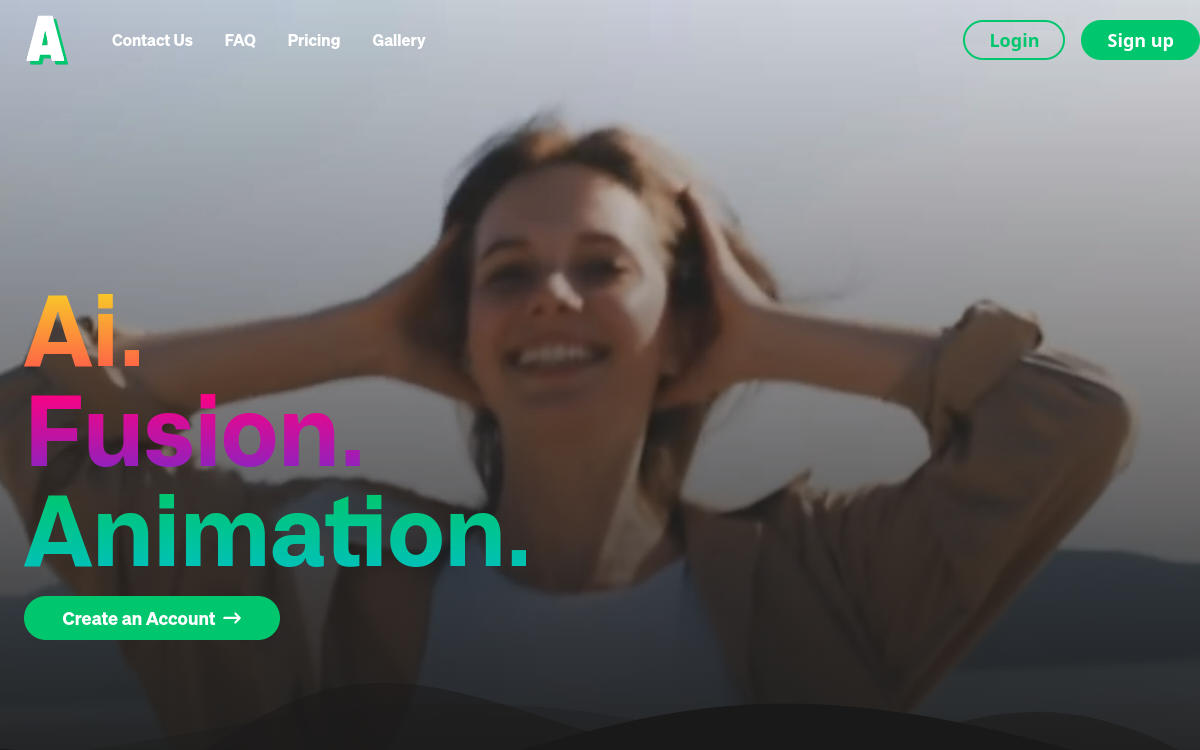
Anime, comic, or cartoon styles are no longer reserved for professional animation teams. With the rise of AI video models, transforming real-world footage into a stylized clip is now just a few clicks away. Animatable fits right into this dynamic, offering a platform dedicated to video-to-video conversion in various graphic styles. The value proposition is clear: save hours of post-production while achieving a clean, commercially usable result. Creators see it as a quick way to experiment with bold looks for their social media, music videos, or marketing campaigns. Rendering speed, one of its major selling points, makes it an agile companion for very short-term production cycles.
What is Animatable?
The essentials
Animatable is a web application that relies on AI video models to transform a source video into a stylized animation. Users upload their footage, choose a style from a catalog (including anime, comic, and cartoon), and start the generation. The engine handles frame-to-frame consistency and applies the requested style throughout the clip. The platform offers a still-image preview to validate the rendering before full generation, which saves credits. Animatable is aimed at content creators, marketers, and independent studios looking to enrich their production without going through a traditional and costly motion design pipeline.
Key features
Animatable focuses its features on video-to-video conversion. Users can upload clips and choose from several visual styles, from a classic anime look to a more distinct comic style. Prompts allow for adjusting certain details, such as hair color, clothing, or overall contrast. The still-image preview consumes just one credit and lets users evaluate the rendering before launching a full generation, helping to avoid surprises. The credit system, at a rate of seven credits per second of video, requires careful planning for tests. Paid plans unlock significant monthly quotas and include a commercial license, which is essential for unambiguous authorized professional use.
Use cases
The use cases for Animatable are diverse. YouTube or TikTok creators use it for short, high-impact visual clips that stand out in saturated feeds. Music video directors see it as an affordable alternative to hand-drawn animations, using it for stylized segments integrated into live-action videos. Marketers use it to give a distinct graphic identity to short advertising campaigns, especially on social media. Freelance motion designers use it as a rapid prototyping tool, capable of generating animated mood boards before a more advanced production. Finally, some storytellers use the tool to explore new narrative styles without investing in a full animation team, in just a few iterations.
Advantages
The main benefit of Animatable is speed. Getting a stylized animation in ten minutes is a game-changer for creators on tight schedules. The variety of styles allows users to adapt the rendering to each project and quickly test multiple artistic directions. The included commercial license frees up professional use without legal worries. The still-image preview system limits errors and unnecessary credit spending. For agencies, the value for money is competitive compared to manual animation or an illustration studio. For independent creators, access to stylized effects that were once out of reach opens up new creative possibilities. It is a true democratization of visual styles once reserved for experienced professional studios.
Pricing
Animatable offers a Basic plan at twenty dollars per month, providing access to one thousand monthly credits. The Pro plan, at fifty dollars per month, unlocks three thousand credits and is better suited for recurring use. Annual commitments offer a discount of about twenty percent. The credit system, at seven credits per second of video, requires careful planning, especially for long clips. No clear free plan is advertised on the site, which may hold back some users during discovery. To evaluate the tool’s relevance, it is advisable to start with the Basic plan, test two or three styles, and measure credit consumption on representative real-world cases.
Conclusion
Animatable stands out in the AI video landscape due to its very clear focus on stylization. Its targeted styles, rendering speed, and commercial license make it a relevant tool for creators, marketers, and motion designers who want to enrich their productions without setting up an animation team. The credit system requires some organization, but the value for money remains competitive for short productions. For anyone wishing to explore new video styles without investing in a complex pipeline, Animatable is worth adding to the list of tools to test, alongside more generalist platforms already well-established in the AI video market.