


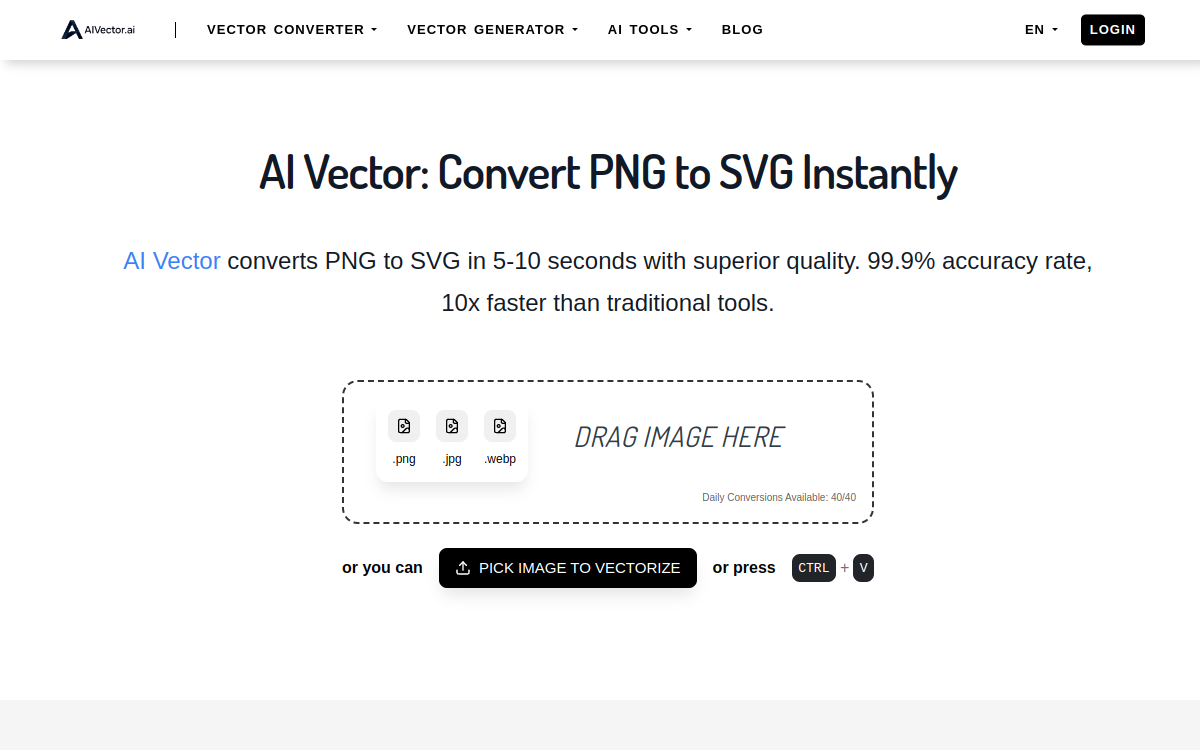
Creating vector graphics (logos, icons, illustrations) is an essential step in any modern design project. Yet, it is also one of the most time-consuming and technically demanding. AiVector offers a modern approach by putting artificial intelligence at the service of vector creation. Unlike classic image generators that produce bitmap files, AiVector directly generates editable SVG files, perfectly suited for professional design workflows. This specialization is a game-changer for startups, agencies, and freelancers who need to quickly produce scalable visuals without systematically relying on an experienced designer. The tool is part of a wave of specialized AIs that meet specific business needs rather than aiming for generic versatility, which is often of little use in real production.
What is AiVector?
The essentials
AiVector is a web platform for generating SVG vector graphics using artificial intelligence. The tool relies on specialized models capable of understanding the constraints of the vector format (Bézier curves, clean geometric shapes, limited palette) and producing well-structured SVG files. The user enters a prompt describing the desired visual, chooses a style (flat, minimal, line art, vintage, isometric, etc.), and starts the generation. In a few seconds, several proposals appear and can be downloaded in SVG, PDF, PNG, or JPEG format. The files are fully editable in Adobe Illustrator, Figma, Inkscape, or Affinity Designer, allowing for fine adjustments. The platform targets a wide audience: startups without an in-house designer, junior designers looking for an assistant, busy marketers, and agencies wishing to industrialize certain vector productions.
Key features
AiVector offers a set of features centered on the needs of professional vector design. The main engine generates well-structured SVGs from text prompts, with special care given to path cleanliness and color consistency. A library of preset styles covers the main contemporary uses: flat design, Scandinavian minimalism, line art, retro vintage, cartoon, isometric, and gradient mesh. A variations feature allows users to generate several versions of the same concept to quickly explore multiple directions. The built-in editor offers simple edits (colors, dimensions, removing elements) without external software. Multi-format export includes SVG, PDF, high-resolution PNG, and JPEG. A logo mode generates consistent variations with adaptations (square, horizontal, monochrome) to ensure the consistency of a brand identity over time.
Use cases
The use cases for AiVector are concrete and numerous. An early-stage startup can generate its logo, UI icons, and marketing illustrations without hiring a designer or paying an expensive agency. A junior designer can use the tool as a generator for initial concepts to refine later, multiplying their productivity and the quality of their client proposals. A marketer can quickly produce icons for an A/B testable landing page without waiting for the often-overburdened in-house designer. A communication agency can speed up the ideation phase by generating several visual concepts to present to the client. A SaaS developer can generate their own custom UI icons instead of using generic icon libraries that everyone recognizes. A teacher can create illustrations for their educational materials. A children’s book publisher can explore illustration styles before briefing a professional illustrator for the final version.
Advantages
Adopting AiVector generates significant benefits across several dimensions. The first is financial: for the cost of a modest subscription, you avoid hundreds or even thousands of dollars in one-off design services or premium icon licenses. The second is time-saving: rapid iterations allow you to explore multiple directions in a few minutes, whereas a designer’s brief would take days. The third is flexibility: the editable SVG format guarantees that you are never stuck with an imperfect visual, as you can always fine-tune it in Illustrator or Figma. The fourth is autonomy: non-design teams can produce clean, scalable visuals themselves without tying up creative resources on secondary tasks. Finally, the tool democratizes an art (vector design) long reserved for professionals trained in expensive software like Illustrator, opening the field to more independent creators.
Pricing
AiVector adopts an accessible freemium pricing model. The free plan allows you to test the tool with a few generations per day, but exports include a visible watermark that limits commercial use. Paid plans start at around $14 per month and unlock unlimited (or very generous) generations, watermark-free export, an extended commercial license, and access to all premium styles. Advanced plans target agencies and design teams with collaboration features, multi-user management, and shared history. An API is currently being rolled out for industrialized use. The value for money is highly competitive compared to freelance design services and premium icon libraries, especially for recurring needs in professional vector visuals.
Conclusion
AiVector is an excellent tool for anyone who needs to quickly produce clean, editable vector graphics. Its SVG specialization clearly distinguishes it from generic image generators and makes it particularly suitable for professional logos, icons, and illustrations. Premium brand identities and complex illustrations will remain the domain of human designers, but for 80% of the daily needs of startups, agencies, and marketers, it is an incredibly effective companion. The free plan is enough to judge for yourself.