


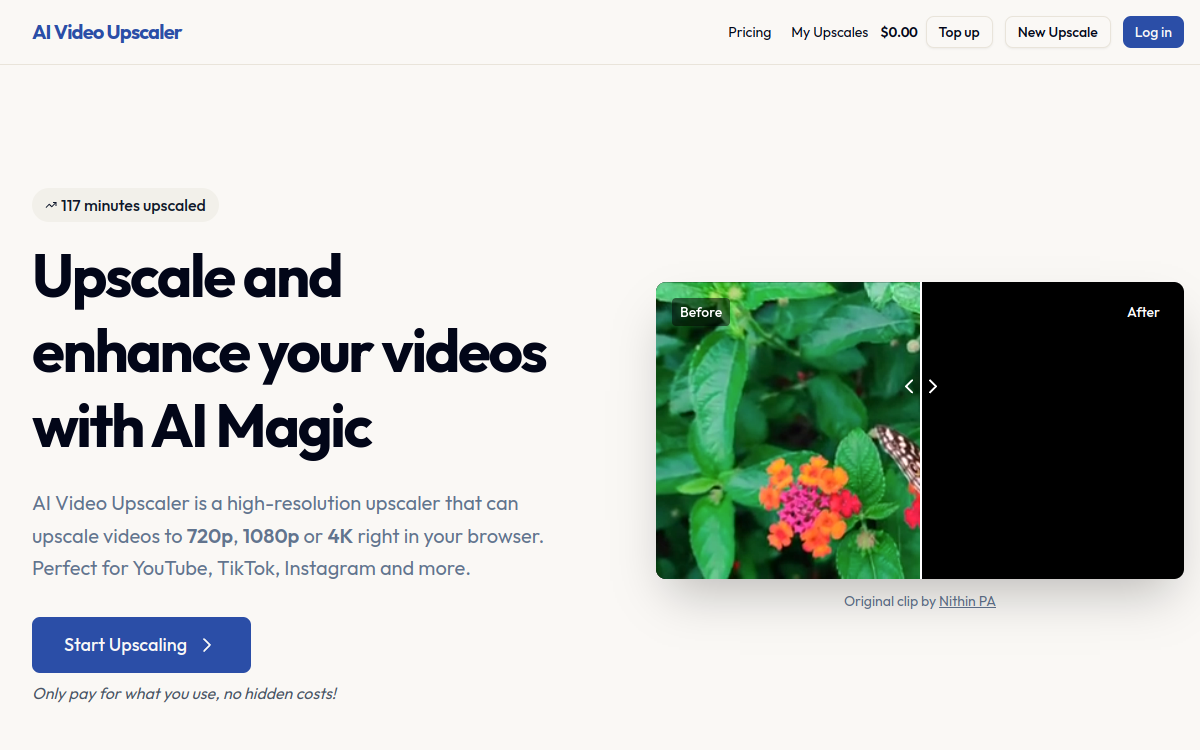
AI Video Upscaler is an online tool that allows you to improve video resolution directly from your browser, without installing any software. At a time when the visual quality of content is a decisive criterion on platforms like YouTube, TikTok, or LinkedIn, having a quick solution to transform a 480p or 720p video into a 1080p or even 4K render represents a competitive advantage for creators, freelancers, and small businesses. AI Video Upscaler specifically targets this audience by offering a deliberately simple and focused experience: upload a video, choose the target resolution, and retrieve an improved file a few minutes later. The pay-as-you-go credit-based business model offers valuable flexibility, avoiding monthly subscriptions that are sometimes disproportionate to actual needs. The promise is not to replace a video editing suite but to offer a highly efficient specialized service for a specific task. This presentation breaks down the features, use cases, advantages, and pricing conditions of this tool designed for simplicity.
What is AI Video Upscaler?
The essentials
AI Video Upscaler is a web application specialized in AI video upscaling. It belongs to the category of cloud video post-processing tools, designed to improve the quality of an existing sequence rather than creating or editing it. The technical principle relies on deep learning models trained to reconstruct fine details from a low-resolution image. The user does not need to know advanced technical parameters: they simply choose the desired output resolution and let the AI generate the result. The service is entirely hosted online, which eliminates the hardware constraints usually associated with high-definition video processing. With its credit-based model, AI Video Upscaler positions itself as a pragmatic alternative to subscription-based solutions, particularly suited to variable uses and organizations without a fixed software budget.
Key features
AI Video Upscaler focuses on targeted and useful features. The main function is video upscaling, which offers three target resolutions: 720p, 1080p, and 4K. Users can thus adapt the render based on the planned distribution, whether it is a lightweight web format or a high-definition master. The underlying AI models analyze each frame to reconstruct outlines, smooth out compression artifacts, and add plausible details without distorting the original content. The personal library makes it easy to find all completed processing, redownload them if needed, and track credit consumption. The top-up system offers total flexibility: simply recharge your account with the desired amount, with no long-term commitment. The interface is designed to be clean, with a user journey in just a few steps: import, choose parameters, start processing, download. Videos are processed in the cloud, allowing the use of powerful models without straining the user’s hardware. The service supports the main video formats on the market and offers a secure download once the render is available. Notifications inform the user of the processing progress, which is particularly useful for long videos. The whole package forms a product clearly oriented towards simplicity and efficiency, without unnecessary fluff.
Use cases
AI Video Upscaler finds its place in many professional and personal contexts. Video freelancers use it for occasional processing of client files that they must deliver in high definition, without having to invest in an annual professional license. YouTube creators see it as a quick solution to enhance their old videos and make them compatible with current quality standards. Community managers and social media managers use it to upgrade video assets intended for Instagram, LinkedIn, or TikTok, where visual quality has become a key engagement factor. Small businesses can modernize their corporate or commercial videos without relying on an external studio. Individuals digitize and improve family memories or videos shot on smartphones years ago. Real estate agencies improve their tour videos to better showcase properties. Teachers and trainers upgrade old video materials to integrate them into e-learning modules. Finally, event organizers can enhance recordings to turn them into effective communication tools.
Advantages
The benefits provided by AI Video Upscaler are numerous. First, ease of use: no software to install, no complex configuration, the experience is entirely web-based. This accessibility opens the tool to a wide audience, including those who do not master video editing. The credit-based business model avoids any monthly commitment and allows you to pay only for what you use, which is particularly advantageous for occasional needs. The processing speed, made possible by the cloud, is a major asset: no need for a powerful computer or long hours of local rendering. The quality of the results, thanks to specialized AI models, easily justifies the investment, especially compared to a simple classic resizing. The personal library allows for clear project management and facilitates collaboration with clients. The flexibility of the top-up adapts to all workload fluctuations. In the end, the tool embodies a modern and pragmatic approach to video enhancement.
Pricing
AI Video Upscaler follows a pay-as-you-go credit-based business model, particularly suited to the diversity of user profiles. A free trial or free credits allow newcomers to test the quality of the render without prior commitment. Once convinced, users recharge their account via a top-up of any amount, which provides great flexibility. Each process consumes a certain number of credits based on the video duration and the chosen target resolution, with 4K renders logically being more demanding than 720p. This pricing allows occasional users to pay only for what they need, while professionals can purchase larger volumes, sometimes benefiting from volume discounts. No subscription is required, making the service highly accessible.
Conclusion
AI Video Upscaler stands out as an effective, simple, and pragmatic solution for improving video resolution without hardware constraints or long-term commitments. Its entirely browser-based interface, credit model, and render quality make it an excellent choice for freelancers, creators, and small businesses with occasional or regular needs. While its features remain deliberately focused on upscaling, this is also its strength: doing one thing and doing it well. For anyone wishing to give their videos a fresh look without investing in expensive software, it is an option to try without hesitation.