


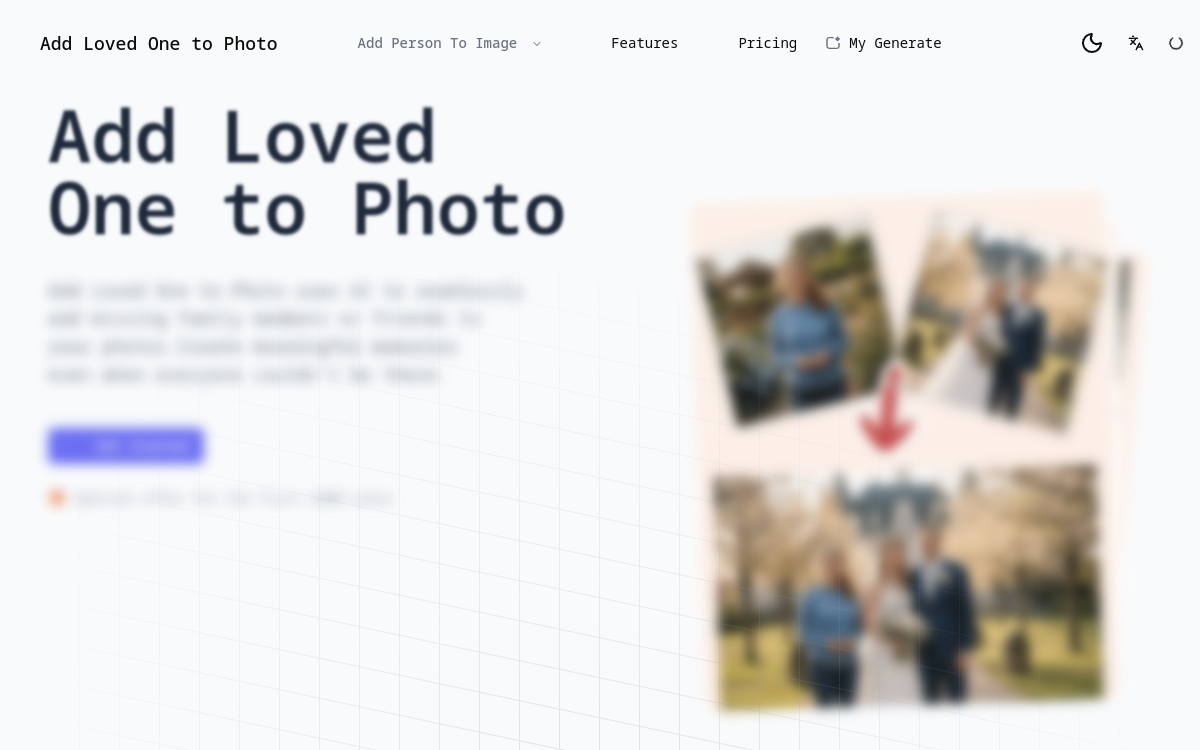
Add Loved One to Photo is an online service that meets a strong emotional need: inserting an absent or deceased loved one into a family photo. Using artificial intelligence trained for realistic photomontage, the tool takes a group photo and a photo of the person to be added as input, then returns an image in which that person appears to have always been present. The promise is clear: to create a complete keepsake photo, without Photoshop tinkering, and with a natural look. The service positions itself in a well-defined niche around family tributes, weddings, or anniversaries, but it also interests professional photographers who offer this service to their clients. This guide reviews the features of Add Loved One to Photo, its use cases, its advantages and limitations, as well as its pricing structure to help you determine if it meets your needs.
What is Add Loved One to Photo?
The essentials
Add Loved One to Photo is an AI photo editing web application specialized in adding people to an existing image. The user uploads two images: the group photo to be completed and the reference photo of the person to be integrated. The AI analyzes the pose, lighting, angle, and style of both shots, then generates a new visual where the added person fits naturally into the scene. Pricing works on a credit basis, allowing for occasional testing or subscribing to an annual plan for more regular users. The tool is published by a team dedicated to emotional uses of imagery, with a strong emphasis on respecting deceased loved ones. The service focuses on simplicity of use and respect for the processed content. Users can view a history of their creations, download the generated versions in high resolution without watermarks, and delete their data at any time from their account. Several educational resources detail best practices for successful and sensitive photomontages, whether for a wedding, an anniversary, or a family gathering.
Key features
Add Loved One to Photo relies on several building blocks to achieve a successful photomontage. At its core is an advanced image generator capable of aligning expressions, shadows, and perspective to obtain a coherent visual. The user can specify an aspect ratio, add text prompts to guide the result (for example, asking the person to be on the right, smiling, slightly in profile), and generate several variations to compare. The service also offers a library of additional tools: restoration of damaged old photos, restoration of damaged portraits, pencil sketches, and a stylized portrait generator. A guides section details best practices for a successful memorial family photo: choosing the right reference photo, paying attention to lighting, and selecting a similar framing. Results are downloadable in high resolution, without watermarks, making them easy to print or share. The interface is clean, free of technical jargon, and guides the user step-by-step for easy onboarding. Registered accounts have a history of their creations, allowing them to return to an image and generate a new variation if needed. Subscribers have access to additional features such as restoring damaged photos, improving resolution, or creating stylized portraits. The publisher also regularly releases new themed tools, such as wedding photos, intergenerational portraits, or holiday celebrations.
Use cases
The flagship use case is a family wishing to add a deceased relative to an important photo: a wedding, birth, birthday, or holiday celebration. The service fills a visual and emotional gap without having to pay a professional photo retoucher. Other families use it to bring together loved ones who could not be physically present: deployed military personnel, expatriate siblings, or distant grandparents. Wedding and portrait photographers find it a valuable add-on service to offer their clients, especially when a loved one is missing from the official shot. Grief support associations and therapists sometimes mention these tools as a symbolic support within a guided framework. Finally, some individuals use it to create personalized gifts, such as a recomposed family photo for a birthday or holiday. Community managers and content creators looking for emotional visuals also see it as an inspiring service for their posts, while respecting the consent of the people represented.
Advantages
The primary advantage of Add Loved One to Photo is the quality of the output: thanks to recent generative AI, the result is often stunning, especially with well-lit photos and a sharp reference photo. The second is accessibility: no editing skills are required, the interface guides you at every step, and the experience is intentionally simplified. The third advantage is speed: a photomontage that would take hours of work in professional software is completed in seconds. Finally, the service addresses a rare emotional need, particularly useful for memorial work, and offers highly educational guides to best respect the memory of loved ones. The pay-per-use or subscription option allows users to adapt the cost to occasional or regular use. The service also emphasizes data security: images can be quickly deleted after use, reassuring families in a sensitive process.
Pricing
Add Loved One to Photo operates on a credit system. Each image generation consumes ten credits. The publisher offers three annual subscription plans: Starter at $15.99 USD per month billed annually, with 1,600 credits valid for one year and approximately 130 generated photos. The Standard plan, around $30 USD per month, includes 3,200 credits and approximately 320 photos. The Premium plan, near $40 USD per month, offers 5,400 credits and approximately 520 generated photos. A monthly option is also available at a higher rate than the annual subscription. New users sometimes receive free credits to test the service. The publisher advertises occasional promotions on purchases. All generations remain downloadable in high resolution at no extra cost.
Conclusion
Add Loved One to Photo is a niche tool with a touching value proposition: completing a family photo by integrating an absent or deceased loved one. It combines powerful generative AI, a very simple interface, and a flexible credit system. The result is often successful on the first try, and the associated guides help in choosing the best source photos. For families, photographers, or those engaged in memorial work, it is an accessible and respectful solution at a controlled price for occasional or regular use. A beautiful illustration of the new emotional uses made possible by generative AI in the field of family photography.