



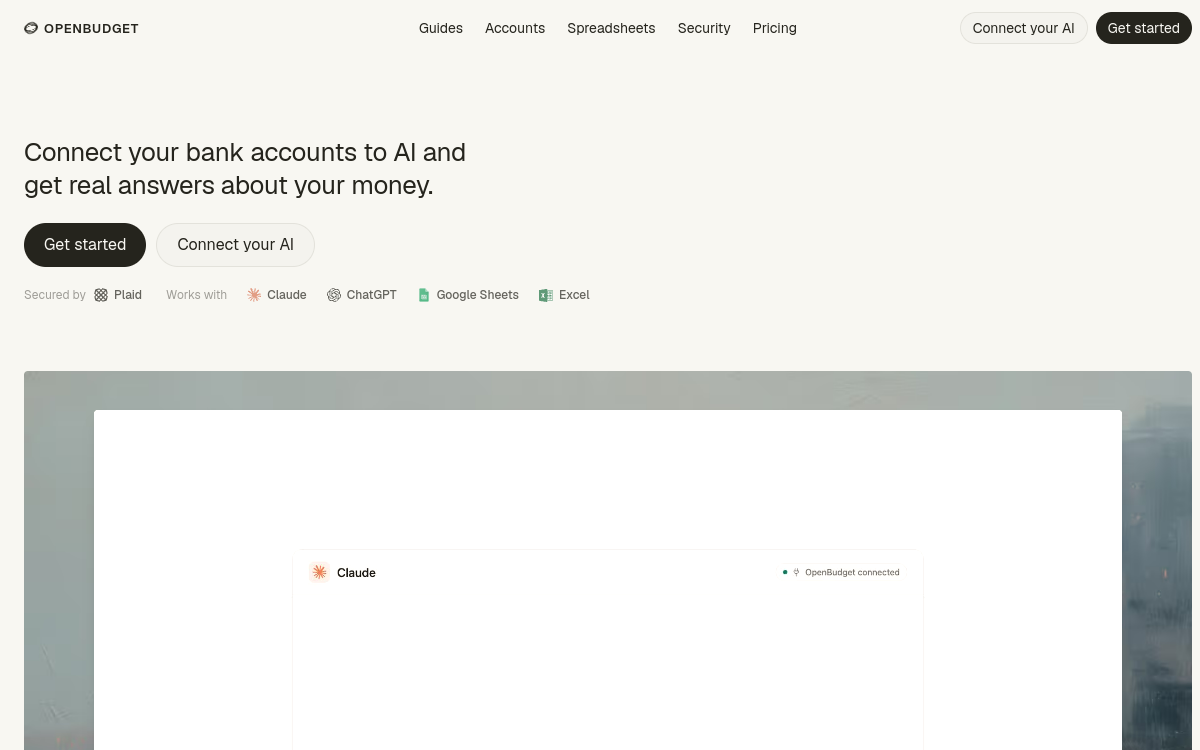
Analyzing personal finances often involves exporting statements, cleaning them, and then pasting them into a spreadsheet to finally get an overview. OpenBudget offers another way: directly connecting your bank transactions to an AI assistant like Claude or ChatGPT, and asking them your questions in natural language. How much did I spend on restaurants this month? What are my recurring charges? Is my entertainment budget sustainable? The AI answers based on your real data, updated live. The service relies on an MCP (Model Context Protocol) server that exposes your transactions, balances, and expenses, as well as integrations with Google Sheets and Excel. The entire system is designed to remain secure and read-only: the assistant reads your data but cannot modify anything. In this overview, we look at what OpenBudget is, its features, its use cases, its strengths, and its limitations, to help you judge if it fits your way of managing a budget.
What is OpenBudget?
The essentials
OpenBudget is a service that bridges the gap between your bank accounts and AI assistants. Specifically, it provides an MCP server that gives Claude or ChatGPT read-only access to your transactions, balances, and spending habits. The data comes live from Plaid, a financial aggregator covering over 10,000 banking institutions. Each transaction is automatically categorized, without the need to add tags manually. In parallel, OpenBudget integrates with Google Sheets and Excel, allowing the AI to generate budget templates, reports, and dashboards powered by your real numbers. This approach differs from a classic budgeting app: there are no rigid categories or single forced dashboard, but rather conversational and customizable access to your finances.
Key features
The core feature of OpenBudget is its MCP server, which connects Claude Desktop, claude.ai, or ChatGPT to your financial data. Once the connection is established, you can query your finances through conversation: analyze spending trends, check a budget item, spot forgotten subscriptions, or compare multiple months. The bank connection goes through Plaid, which supports over 10,000 banks and credit cards. Transaction categorization is automatic, eliminating manual sorting. On the spreadsheet side, integrations with Google Sheets and Excel allow the AI to produce on-demand budget templates, reports, and dashboards, with custom columns, formulas, and layouts rather than a fixed format. Finally, security is central: access is strictly read-only, meaning the assistant can neither move money, place orders, nor modify an account. Bank credentials are entered directly through Plaid and are never stored by OpenBudget, limiting the exposure of your sensitive data.
Use cases
The primary use case is conversational expense tracking: asking Claude or ChatGPT for a monthly summary, details on a category, or the evolution of a budget item over time. OpenBudget is also suitable for building custom budgets in a spreadsheet: the AI generates a template in Google Sheets or Excel, then updates it based on real transactions. Another common case is auditing subscriptions and recurring charges, by asking the assistant to list regular withdrawals. Freelancers and self-employed individuals can use it to separate personal and business expenses, or prepare elements for a tax declaration. Finally, anyone who already uses an AI assistant daily will find it a natural way to integrate their finances, without changing tools or multiplying manual statement exports.
Advantages
The main benefit is time savings: no more exporting, cleaning, and pasting statements—the AI directly accesses up-to-date data. Automatic categorization avoids the tedious sorting of transactions. Flexibility is another asset: instead of an imposed dashboard, you get analyses and spreadsheets tailored to your questions. Integration with Claude, ChatGPT, Sheets, and Excel means you stay within already familiar tools. On the security side, the read-only mode and credential management by Plaid reduce risks: the assistant consults your finances without being able to act on them. For advanced AI users, OpenBudget transforms a generalist assistant into a personal financial analyst connected to real numbers.
Pricing
OpenBudget’s pricing tiers are not clearly detailed on public pages at the time of writing. The service relies on Plaid for the bank connection and on MCP-compatible assistants like Claude and ChatGPT, whose usage may depend on your own subscriptions to those platforms. To find out the exact model, any monthly pricing, and trial conditions, it is recommended to consult the official website directly or contact support at support@openbudget.sh. Also, check which bank accounts are covered by Plaid in your country before subscribing.
Conclusion
OpenBudget targets a specific niche and handles it with care: allowing an AI assistant to analyze your real finances, securely and without manual entry. The combination of an MCP server and Plaid, coupled with Sheets and Excel integrations, makes it an effective bridge between your accounts and tools you might already use. Reservations concern the reliance on Plaid, the need for an MCP-compatible client, and pricing that is not highly visible. For those who live in Claude, ChatGPT, and spreadsheets, it is a relevant option to try.