


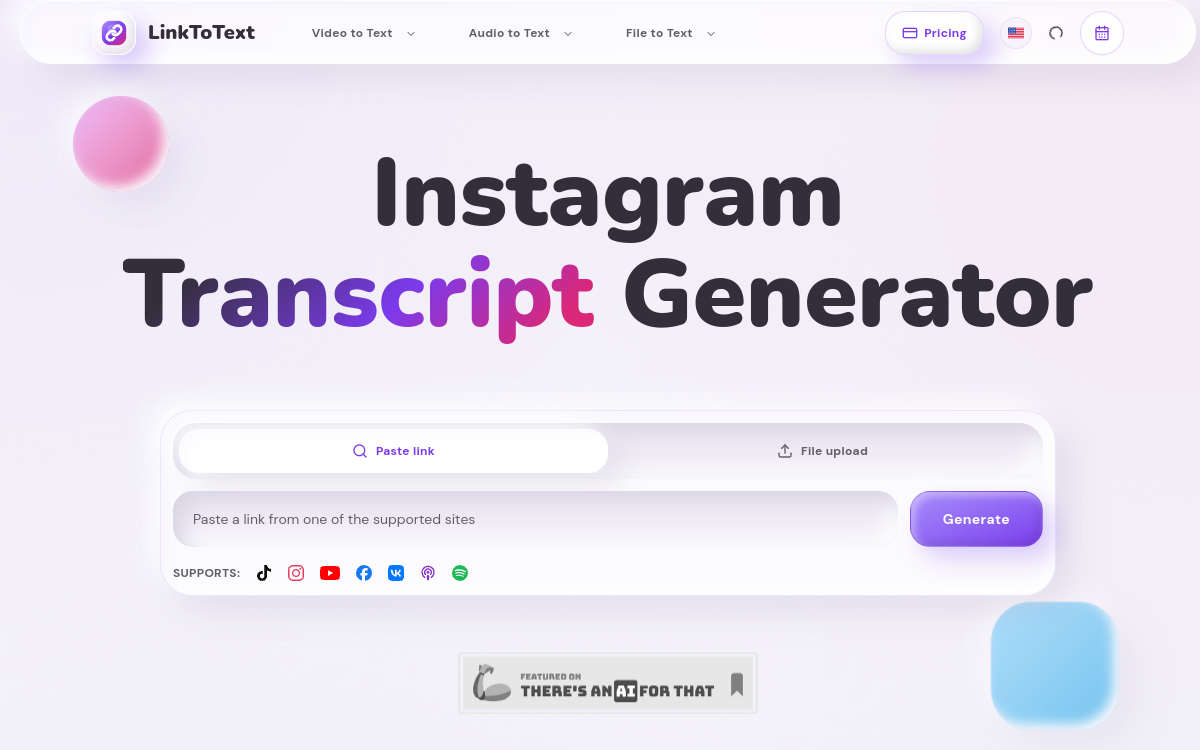
Transforming a video or podcast into text has become a reflex for many content creators. Whether it’s to produce subtitles, write an article from an episode, or repurpose a video into multiple posts, having a reliable transcription saves a considerable amount of time. LinkToText positions itself precisely in this space: it is an artificial intelligence transcription tool that converts audio and video content into text from a simple link or an imported file. The approach is intentionally direct. Rather than asking the user to download a file, upload it to a service, and then wait, LinkToText accepts public links from major social and podcast platforms. You paste the URL, and the transcription is generated. This page details what the tool actually does, how it works, who it is relevant for, and what to concretely expect from it, to help you decide if it has a place in your daily workflow.
What is LinkToText?
The essentials
LinkToText is an online automatic transcription service that uses AI to convert speech to text. Concretely, the user provides either a public link to a video or audio, or a file they import directly. The tool then processes the content and returns a written transcription, complete with timestamps. It covers a wide range of sources: Instagram Reels, YouTube videos, TikTok, Facebook, VK, as well as podcast episodes hosted on Spotify or Apple Podcasts. The service supports over 50 languages, making it suitable for international content and multilingual material production. It works entirely from the browser, with no software to install.
Key features
The core feature of LinkToText is transcribing videos and audios from a public link or an imported file. The tool recognizes a variety of social and podcast platforms, which avoids having to first manually download media before transcribing it. Support for over 50 languages allows for transcribing content in very diverse contexts and subsequently generating multilingual subtitles or summaries. Each transcription includes timestamps, an essential detail for those creating synchronized subtitles, captions, or precise editing notes. Beyond simple text conversion, LinkToText emphasizes content repurposing: it helps identify hooks, arguments, examples, and calls to action to build briefs, posts, or scripts. This focus on repurposing distinguishes the tool from a simple audio-to-text converter and brings it closer to a content creation assistant, useful for spinning a single source into multiple publishable formats across different channels.
Use cases
The use cases for LinkToText are numerous for anyone working with spoken content. A creator can transcribe their own Reels or YouTube videos to extract captions, descriptions, or blog posts. A marketer can convert an interview or webinar into multiple social posts and emails. Podcasters find it a simple way to produce episode notes and accessible transcripts, which also improve SEO. Researchers and students can transcribe lectures or videos to analyze content and cite specific passages using timestamps. Finally, editors use timestamped transcripts as a basis to quickly locate segments to cut or highlight, which speeds up post-production work.
Advantages
The main benefit of LinkToText lies in time savings: manually transforming an hour of spoken content into usable text takes a considerable amount of time, whereas the tool does it in moments. Compatibility with direct links removes a tedious step—downloading and converting media. Support for over 50 languages opens transcription to international audiences and facilitates localization. Timestamps enhance the precision of downstream work, whether subtitling or editing. Finally, the emphasis on content repurposing makes it possible to monetize each video or episode by spinning it into multiple formats, maximizing the reach of a single production.
Pricing
To date, LinkToText offers its transcription services for free, with no publicly displayed paid tier. This makes it an interesting option for testing transcription quality and processing a certain volume of content without financial commitment. However, the lack of a clearly documented professional offering means there are no formal service guarantees or detailed premium features. Users with occasional or moderate needs will find it an excellent value, while those seeking contractual commitments will need to check terms directly with the publisher.
Conclusion
LinkToText is an efficient utility for anyone who needs to quickly convert video or audio to text. Its ease of use, compatibility with major social and podcast platforms, support for over 50 languages, and timestamps make it a valuable ally for creators, marketers, and researchers. Its free nature lowers the barrier to entry and invites users to try it risk-free. For professional needs with guarantees and standardized exports, you will need to check the available options, but as a supplementary tool for content repurposing, it fully delivers on its mission.