



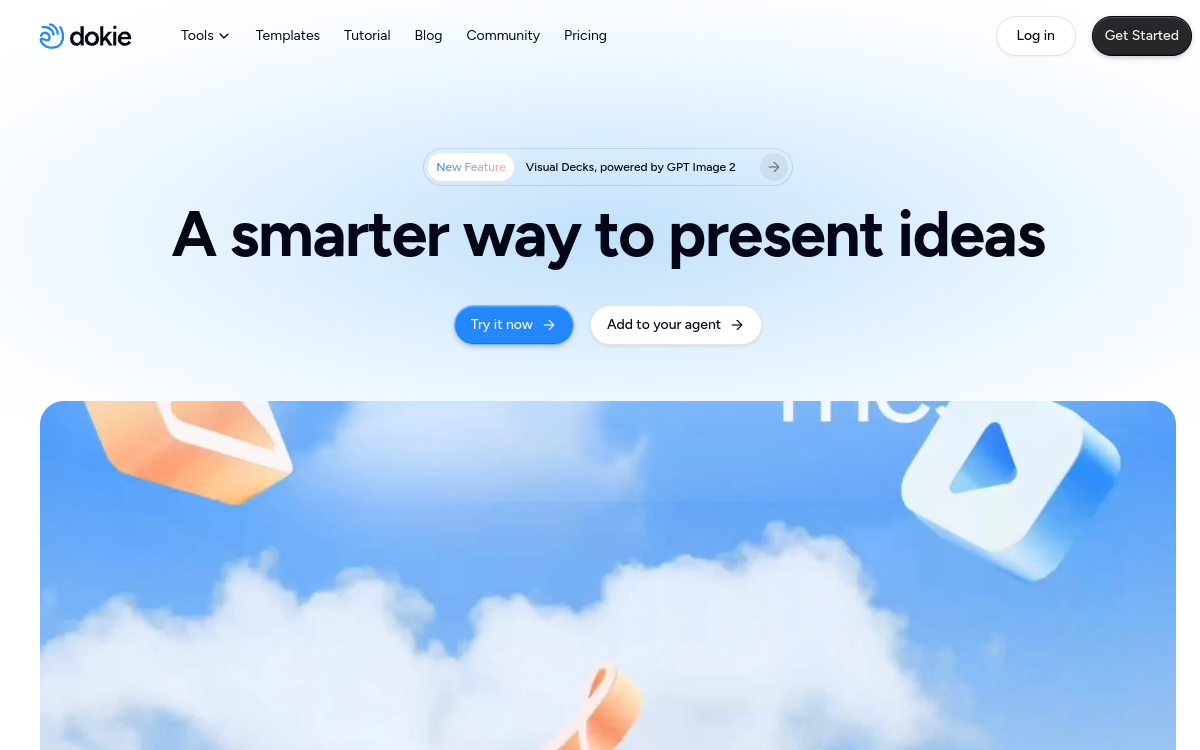
Creating a polished presentation remains one of the most time-consuming tasks in the office and in the classroom. Between structuring ideas, choosing readable layouts, and writing speaker notes, several hours can easily disappear. Dokie AI offers a different approach: describe your needs in a few sentences, or import an existing document, and let artificial intelligence assemble a complete set of slides. The tool has positioned itself in a specific niche, that of the slide generator, betting on speed and compatibility with standard software. This article details what Dokie AI actually does, its main features, concrete use cases, advantages, pricing, and the profiles it suits best. The goal is to give you a clear and factual overview so you can decide whether this solution deserves a place in your toolkit, whether you’re a student, consultant, trainer, or marketing manager looking to save time on formatting.
What is Dokie AI?
The essentials
Dokie AI is a presentation generator powered by artificial intelligence. Its principle is straightforward: from a plain-text instruction or an imported file, it automatically produces a set of structured slides with design suited to the content. The tool accepts a wide variety of sources, from plain text to PDF, including Word documents, Excel sheets, images, and even YouTube videos. It offers targeted conversions such as PDF to PowerPoint or Word to PowerPoint. Unlike a traditional graphics editor where you build each slide manually, Dokie AI analyzes the provided content and selects the most appropriate layout while generating speaker notes. The product targets users who want a ready-formatted starting point rather than a blank page.
Key features
Dokie AI’s core strength lies in its ability to transform any source into a presentation. You can start with a prompt describing your desired topic, and the tool automatically structures slides with titles, content, and consistent layout. Multi-format conversion is another pillar: PDF to PPT, Word to PPT, Excel, images, or YouTube to PPT allow you to reuse already-produced content without starting over. For each slide, Dokie AI writes speaker notes and discussion points, a valuable asset for preparing an oral presentation. The tool also selects the most appropriate layout based on content type, applying proven design patterns. The reusable template feature helps maintain consistent visual branding across presentations. An original option, PPT Reverse Prompt, lets you extract the logic or original prompt from an existing presentation. Finally, PPTX format export ensures complete compatibility with PowerPoint, Google Slides, and Keynote.
Use cases
Dokie AI’s use cases cover a broad spectrum. A consultant can transform a dense PDF report into a concise deck ready to present to a client. A student saves time by converting course notes or a Word document into clear revision slides. Trainers and teachers reuse existing materials while applying consistent design through templates. On the marketing side, teams quickly produce sales presentations or pitches while respecting brand guidelines. YouTube-to-PPT conversion appeals to those wanting to synthesize video content into written formats. Automatically-generated speaker notes work equally well during a webinar or internal meeting, providing a narrative thread for the oral presentation. In all cases, the common goal remains the same: reduce time spent on structuring and formatting.
Advantages
The main benefit of Dokie AI is time saved: going from an idea or document to a structured deck in minutes is game-changing for those regularly producing presentations. PPTX compatibility avoids vendor lock-in since the file remains editable in standard software. The diversity of input formats means you capitalize on existing materials rather than starting fresh. Speaker notes add value often overlooked by competing tools, helping you present better orally. Reusable templates guarantee visual consistency without repeated effort. Finally, the free offer with daily credits allows you to concretely evaluate output quality before any financial commitment.
Pricing
Dokie AI operates on a credit system spread across several tiers. The Starter plan is free and offers 200 credits per day, plus 300 welcome credits upon registration, ideal for exploring basic features. The Plus plan, at $19/month, unlocks 2,000 monthly credits plus custom templates and export options. The Pro plan, at $59/month, offers 6,000 credits and faster support. The Ultra plan, at $199/month, provides 20,000 credits with priority support and early access to new features. A custom Enterprise offer exists for high-volume needs. As a reference, generating a presentation costs approximately 100 credits and editing a single slide costs approximately 20.
Conclusion
Dokie AI fulfills a clear promise: dramatically reduce presentation creation time by leveraging AI and multi-format conversion. Its input versatility, speaker notes, and universal PPTX export make it a practical ally for students, consultants, trainers, and marketing teams. The credit system requires monitoring consumption, especially for heavy use, but the free offer lets you test risk-free. For anyone looking to speed up formatting while retaining control over the final file in PowerPoint or Google Slides, Dokie AI clearly deserves a try.