


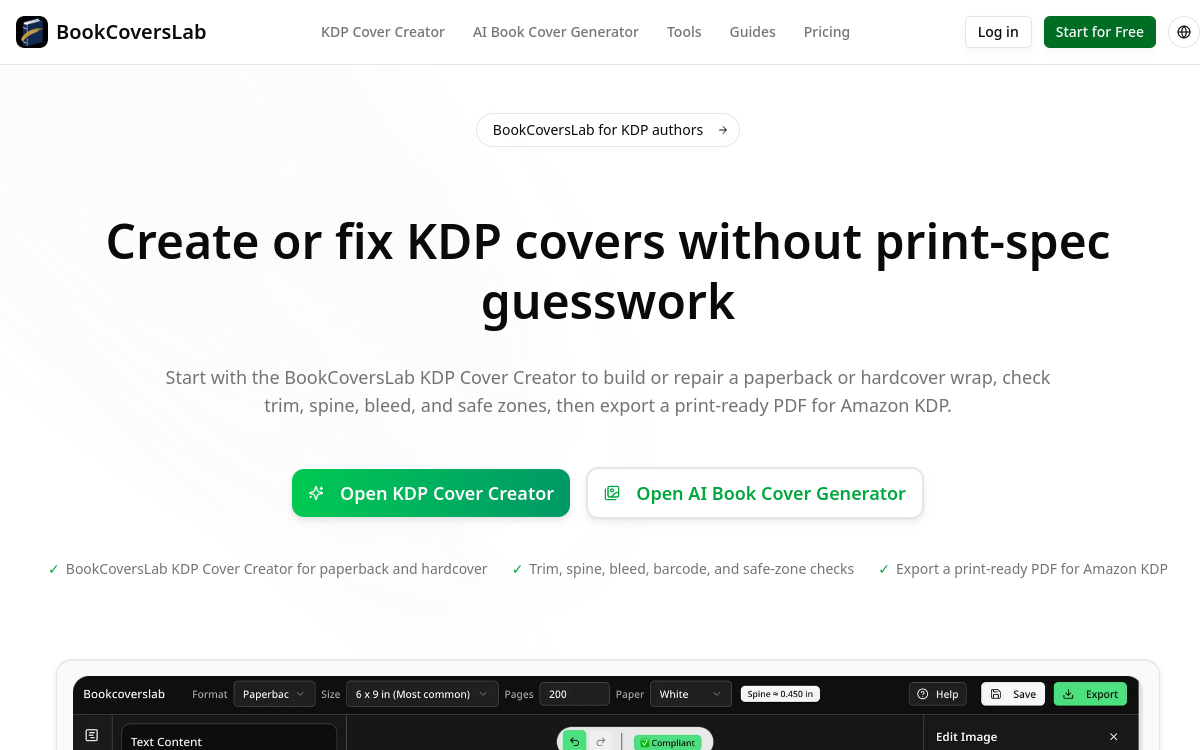
Publishing a self-published book on Amazon KDP has become accessible to everyone, but one step continues to block many authors: the cover. Between calculating the spine width, bleed margins, safe zone, and exporting at 300 DPI, a poorly prepared file can be rejected by the platform and delay publication. BookCoversLab tackles this problem head-on. This online tool combines an AI-powered cover generator, a dimension calculator, and an error checker designed to produce files compliant with KDP’s technical requirements. The stated goal is simple: move from a draft to a print-ready PDF without guessing print specifications. In this overview, we detail what BookCoversLab is, its features, real-world use cases, advantages, pricing, and who it’s a good solution for. Whether you’re a debut author publishing your first novel or a freelance designer preparing covers for your clients, understanding what the tool actually delivers will help you decide if it deserves a place in your publishing workflow.
What is BookCoversLab?
The essentials
BookCoversLab is a suite of specialized tools for creating and validating book covers destined for Amazon KDP, with support also mentioned for IngramSpark. It revolves around several modules: a paperback and hardcover cover creator, an AI-powered cover generator, a KDP dimension calculator, and an error checker that monitors margins, spine, safe zone, and barcode before export. The tool supports paperback, hardcover, and eBook covers, and can convert an eBook cover into a full wrap for print. It generates print-ready PDF files at 300 DPI, as well as 3D mockups and social sharing visuals. Unlike a general-purpose graphics editor, it focuses entirely on the technical compliance of the final file.
Key features
The heart of BookCoversLab relies on real-time print validation. The error checker acts as a preflight control: it flags bleed margin, spine, safe zone, and barcode issues before you submit your file to KDP, reducing rejection risk. The KDP dimension calculator, freely accessible, determines the exact cover size based on format and page count. The AI cover generator produces visuals you can preview and regenerate freely before final export. The export results in a print-ready PDF at 300 DPI, with automatic resolution conversion for higher tiers. Other modules round out the suite: a 3D mockup generator to showcase the book, a one-click styling function called Bestseller Styling, separate download of spine and back cover, and a layout workflow for coloring books. This toolkit covers the essentials of the journey, from visual design to compliant file preparation.
Use cases
The first use case is creating a compliant cover from scratch for an author who has neither design software nor knowledge of print specifications. The second is correcting a file rejected by KDP: the error checker identifies what’s wrong and enables you to produce an acceptable version. A third common scenario is converting an existing eBook cover into a full wrap for a printed edition, when an author decides to offer their title in paperback. Freelance designers can use it to quickly validate dimensions and deliver compliant files to their author clients. Finally, the 3D mockup and social visual functions serve promotion: showcasing the book from an attractive angle on social networks and sales pages. Small independent publishers find it a way to standardize their file preparation without investing in an expensive professional suite.
Advantages
The main benefit of BookCoversLab is peace of mind regarding KDP’s technical specifications. By automating dimension calculations and validating the file before export, the tool concretely reduces rejection risk and frustrating back-and-forth with the platform. The one-time payment model is another notable advantage: no recurring subscription, which suits the rhythm of an author publishing sporadically. The presence of free tools, such as the dimension calculator and mockup generator, allows you to test the value before any purchase. The ability to freely preview and regenerate covers before export, where each credit corresponds to one full wrap PDF, prevents wasting credits on trials. Finally, support for multiple formats (paperback, hardcover, eBook) in higher tiers makes it a versatile solution for a catalog of titles.
Pricing
BookCoversLab operates on a one-time payment basis, with no subscription, via Stripe or Creem. Four packs are offered. AI Print, at $19.99, includes one print-ready PDF and 3 AI generations. AI Print Pro, at $39.99, adds 10 generations, 3 revisions, 300 DPI conversion, and separate spine and back cover downloads. AI Author Suite, at $59.99, covers paperback, hardcover, and eBook with 20 generations and 5 revisions. AI Marketing Suite, at $89.99, includes everything in Author Suite plus 40 generations, 10 revisions, and 20 social ad creatives. Each full wrap export consumes one credit. There is no complete free plan, but free tools remain available.
Conclusion
BookCoversLab is a niche tool that fully embraces its specialization: it doesn’t try to be a generalist design studio, but rather to solve the very real headache of cover compliance for Amazon KDP. For a self-published author or freelance designer publishing on this platform, the combination of the dimension calculator, error checker, and 300 DPI export represents appreciable time savings and peace of mind. The one-time payment model and free tools let you try it without commitment. If KDP is your primary publishing channel, it clearly deserves a test.