



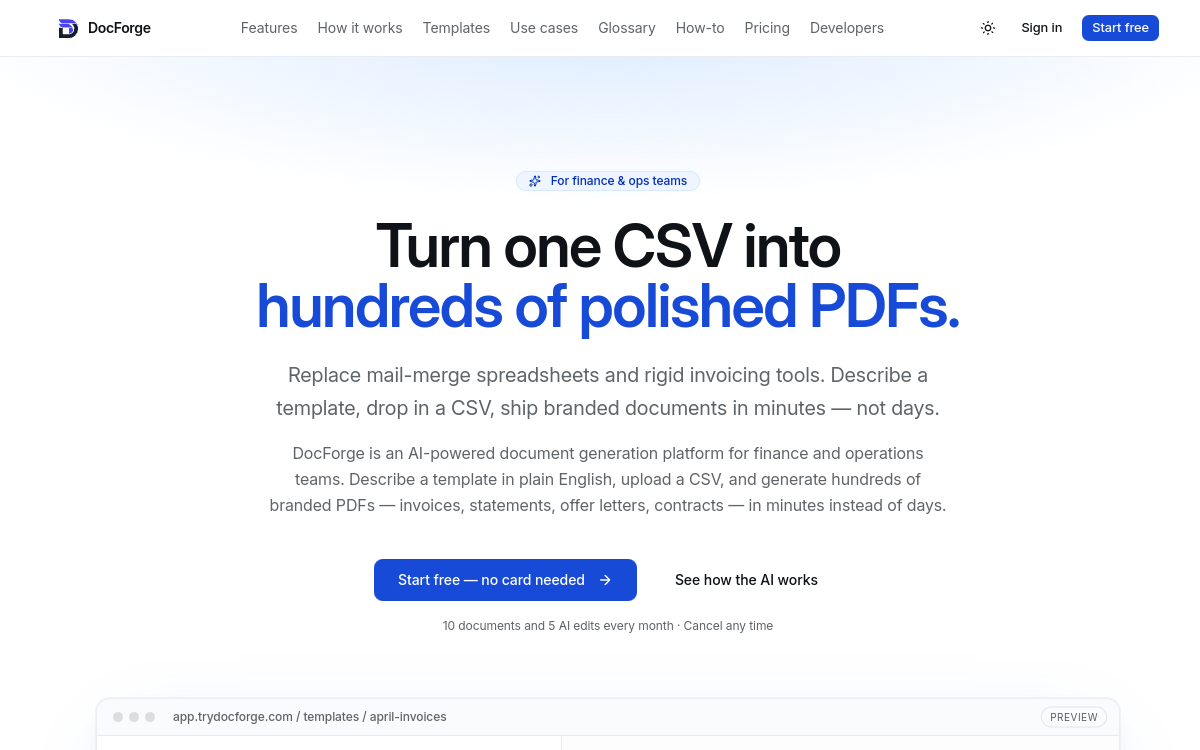
Producing the same invoices, statements, or offer letters every month from a spreadsheet is a time-consuming task prone to errors. DocForge tackles this problem head-on by automating the generation of branded PDF documents from a simple CSV file or Google Sheets. Designed for finance and operations teams, the platform promises to transform a single data file into hundreds of consistent documents, ready to be shared or archived. In this overview, we detail what DocForge is, its key features, concrete use cases, its benefits and pricing structure, in order to determine who the tool is really designed for. The goal is to understand how such a tool fits into an existing workflow, what time savings it delivers, and what its current limitations are. If you manage repetitive volumes of structured documents and are looking to avoid manual copy-paste or costly in-house development, DocForge deserves careful examination.
What is DocForge?
The essentials
DocForge is an AI-powered document generation platform, published by Rev Vision Ltd in the United Kingdom. Its principle is simple: you provide your data in CSV, Google Sheets, or API format, and the tool merges it with a template to produce branded PDFs in bulk. The templates themselves can be written by AI, which generates the layout HTML, then adjusted to your needs. The platform primarily targets finance, operations, and HR teams, as well as accounting firms and freelancers. It positions itself as an alternative to manual mailing or developing an in-house generator, by offering a visual interface combined with a data-merge engine.
Key features
DocForge’s core relies on transforming a data file into finalized documents. Intelligent mapping automatically associates each CSV column with a template variable, reducing manual configuration. Templates are designed by AI in HTML, allowing you to start from a polished base without design skills. Before export, a batch preview lets you check the output across multiple rows. Generation produces branded PDFs, downloadable as a ZIP archive. On collaboration and governance, DocForge integrates template versioning, audit trails, and on the Team plan, a shared workspace with approval workflow. Advanced plans unlock API access, webhooks, and native Google Sheets integration, allowing you to connect generation to a CRM, HRIS, or business system. Execution history and automatic retries make it easier to track large batches. Finally, complementary document packs serve as a reserve when the monthly quota is exceeded.
Use cases
DocForge finds its place in all contexts where identical documents are produced in series from data. A finance team can generate hundreds of invoices or monthly customer statements in a single operation. An HR department automates the drafting of offer letters or contracts from a candidate spreadsheet. An accounting firm produces credit memos, receipts, or PDFs ready for tax filing from client data. Freelancers and small businesses use the tool to send professional, personalized documents without heavy software. Thanks to webhooks and the API, more advanced scenarios become possible, such as triggering document generation each time a new entry is added to a CRM or HR database. The common denominator remains repetition: the higher the volume of identical documents, the more significant the time savings.
Advantages
DocForge’s primary benefit is the time saved on repetitive, low-value tasks. Where manual merging takes hours and multiplies error risk, batch generation happens in a few clicks and guarantees consistent formatting. Brand consistency is another advantage: all documents share the same fonts, logos, and structure. For organizations subject to compliance requirements, versioning and audit trails provide useful traceability. Integration with existing systems avoids re-entry and smooths processes. Finally, the free offer without a credit card lets you test the actual use case before any commitment, reducing adoption risk for a small team.
Pricing
DocForge offers four tiers. The free plan at $0/month covers 10 documents per month, 1 template, and 5 AI edits, with no credit card required. The Starter plan at $15/month (or $180/year) offers 250 documents, 5 templates, custom fonts and logos, and removal of the DocForge branding. The Pro plan at $39/month (or $468/year) goes up to 1,000 documents, 20 templates, and adds API access, webhooks, Google Sheets integration, and execution history. The Team plan at $99/month targets teams with shared workspace, approvals, and unlimited templates, but is still listed as coming soon. Complementary document packs serve as a reserve, with credits that don’t expire on paid plans.
Conclusion
DocForge is a focused and pragmatic tool for anyone producing large volumes of structured PDF documents. Its strength lies in the combination of automatic data mapping, AI-generated templates, and API integrations that fit into an existing workflow. Current limitations, such as monthly quotas, output limited to PDF, and the absence of the Team plan, remain manageable for most finance, HR, or accounting teams. With a free offer to validate the need, DocForge is a solid option for reducing manual work on repetitive documents.