


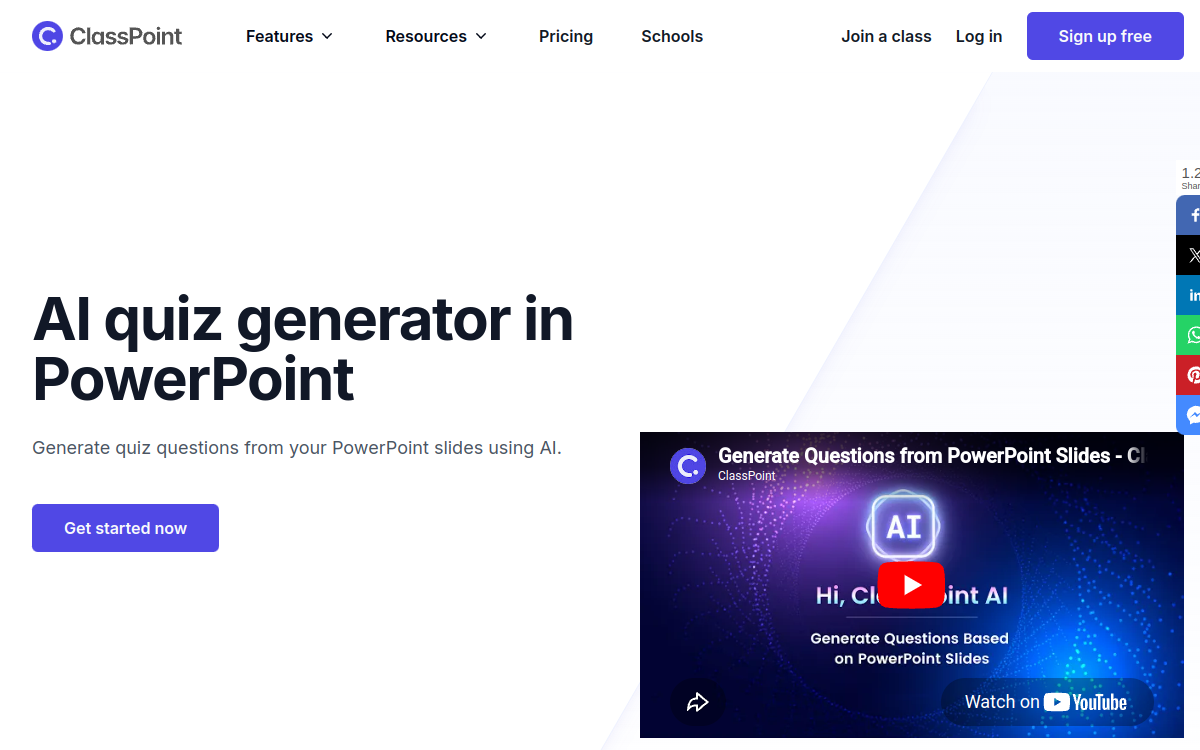
Engaging a class, whether in person or remote, remains a challenge for many teachers and trainers. PowerPoint decks, still ubiquitous, are effective for structuring a course but poorly suited to interaction. ClassPoint AI addresses this limitation by plugging directly into PowerPoint to turn every slide into an interactive moment: quizzes, polls, word clouds or collaborative drawings. The AI-augmented version can also automatically generate questions from a slide’s content, saving valuable preparation time. In this article, we look at what ClassPoint AI brings, its features, its use cases and its pricing model.
What is ClassPoint AI?
The essentials
ClassPoint AI is a PowerPoint add-in that brings interaction, quiz and gamification features directly into the familiar presentation environment. Once installed, it extends the PowerPoint ribbon and gives access to a set of tools dedicated to audience engagement. The AI module can automatically generate questions from the content of an existing slide. Learners answer in real time from their device, and the teacher sees the results live. A gamification layer, with stars, levels and a leaderboard, tracks students’ progress over time.
Key features
ClassPoint AI offers a coherent set of features. On the quiz side, you’ll find multiple-choice questions, polls, word clouds, short answers and fill-in-the-blanks, but also slide drawing, image upload, audio recording and random name picking. AI generation makes it possible to quickly turn a slide’s content into a series of questions, drastically reducing the time needed to prepare an interactive lesson. On the presentation side, annotation tools (ink, text, shapes) make real-time explanation easier. The gamification layer adds stars, levels and a leaderboard shared among students. The Pro plan unlocks up to 500 AI credits, 200 students per class and unlimited questions per presentation. A School plan is available for institutions that want to roll out the tool at scale.
Use cases
ClassPoint AI is aimed at many profiles. A teacher can turn a classic lecture into an interactive session, where each slide becomes an opportunity for engagement. A corporate trainer can energize their continuing-education sessions, onboarding seminars or job-specific workshops. A consultant can run strategic committees in a more participatory way. Language schools, bootcamp centers and universities can integrate it into their formats to boost retention. Speakers can use it to engage a room at professional events, without having to switch to an external Q&A tool.
Advantages
The main benefit is stronger engagement without switching tools. Teachers stay in PowerPoint, which they know inside out, but gain modern interactivity and AI features. The time savings from automatic quiz generation are significant: creating ten custom questions can now take less than a minute. Gamification boosts learners’ motivation, especially in contexts where attention is volatile. Finally, collecting real-time data on responses lets teachers adjust their lesson and better assess understanding.
Pricing
ClassPoint AI offers a free plan that covers up to 25 students per class, 5 questions per presentation and 3 draggable objects. The Pro plan is billed at roughly $8/month on annual billing ($96/year) and unlocks 200 students per class, 500 AI credits and unlimited questions per presentation. A School plan with custom pricing is available for educational institutions, with large-scale deployment, centralized management and dedicated support options. The value for money is attractive for individual teachers and small organizations.
Conclusion
ClassPoint AI meets a concrete need for teachers and trainers: engaging their learners effectively without having to reinvent their materials. Its native PowerPoint integration, the wealth of interactive formats, AI-powered question generation and gamification make it a very complete tool at an affordable price. An excellent entry point for making slide-based teaching more engaging in 2026.