



The rise of generative AI models has given birth to a new category of tools: visual AI workflow builders. They let you combine several models, several sources and several outputs to automate complex production chains, without coding. AI-Flow fits this movement with an original approach: letting the user connect their own API keys and pay the providers directly, with no financial markup. The tool targets creators, freelancers, small teams and developers who want to industrialize their AI uses while keeping control of costs and data. In this article, we look at what AI-Flow offers, its use cases, its limits and its business model.
What is AI-Flow?
The essentials
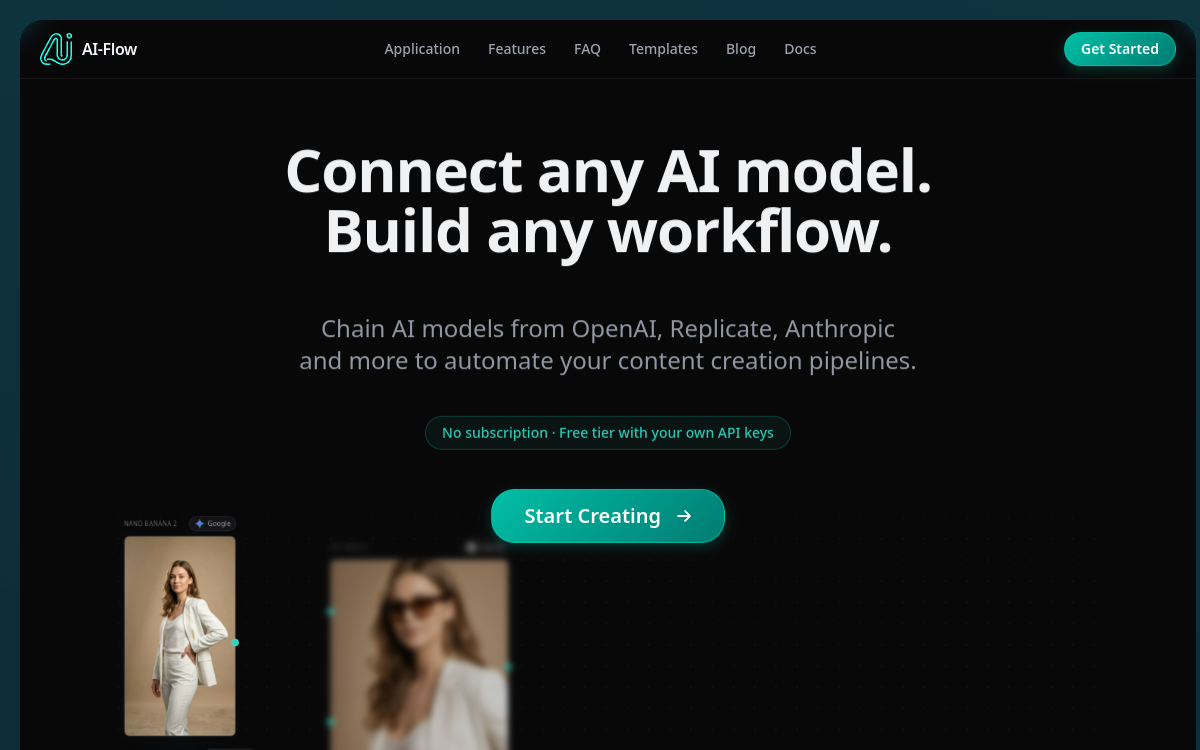
AI-Flow is a visual AI workflow builder. The user composes a pipeline by connecting blocks: input, model call, data transformation, output. The major appeal lies in multi-provider compatibility: OpenAI, Anthropic, Google and Replicate can coexist in the same flow. The user connects their own API keys and pays each provider directly, with no intermediary. The tool can orchestrate text, images, video and expose each workflow via API or webhook, which opens up integration possibilities in varied stacks.
Key features
AI-Flow offers a visual editor to assemble AI pipelines. The available blocks cover text generation (OpenAI or Anthropic models), image generation (Replicate or Google), data transformation, calls to external APIs, and outputs to third-party tools. The user can compose complex chains, for example generating a product brief, turning it into images on a custom background, then publishing the result on a CMS or a cloud. The template library covers typical cases: product mockup generation, image batches, short videos, e-commerce descriptions. Each workflow can be triggered manually, by schedule or via webhook, and it can also be exposed as an API to be called from an external application. The pass-through model ensures the user keeps full control of their consumption and costs.
Use cases
AI-Flow addresses many profiles. A content creator can industrialize the production of visuals for their networks, automating both image generation and adaptation to several formats. A freelancer can deliver custom AI automations to their clients, from blog to product sheet. An e-commerce site can automatically generate product descriptions, lifestyle visuals or campaign banners. A developer can integrate an AI-Flow workflow as a micro-service within a homemade application, without having to recode the orchestration. Agencies can use it as an internal automation layer to reduce repetitive tasks.
Advantages
AI-Flow’s main contribution lies in the combination of multi-model flexibility and financial transparency. The ability to chain several providers in the same pipeline opens up use cases that would be complicated to build with a single-AI tool. The pass-through model avoids hidden margins: the user pays for what they consume directly to the providers, which reassures profiles concerned about cost control. Exposing workflows as an API also makes the tool useful for developers who want to add AI to their product without rebuilding everything.
Pricing
AI-Flow offers a pass-through model: the user provides their own API keys and pays OpenAI, Anthropic, Google or Replicate directly. The platform may offer a freemium plan to get started and paid plans to unlock advanced features (shared workflows, team management, priority support). The total cost remains controllable and readable, provided you monitor the consumption of the underlying providers.
Conclusion
AI-Flow is an excellent choice for anyone who wants to build multi-model AI pipelines without paying an extra layer or locking themselves into a single provider. Its flexibility and pass-through model will appeal to technical profiles and advanced creators who want to industrialize their uses while keeping control. A clever tool, particularly relevant for freelancers and small teams scaling up on AI.