


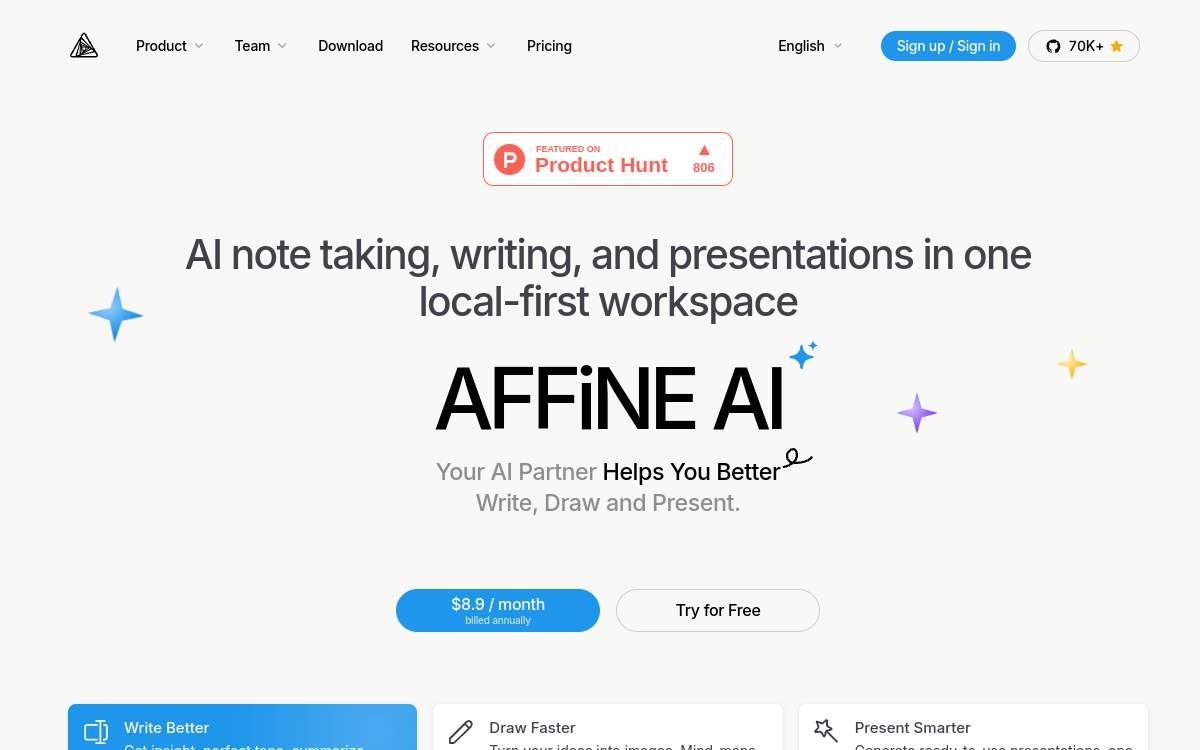
Collaborative workspaces have profoundly reshaped team productivity in recent years. Notion, Coda, Confluence or ClickUp have imposed a norm: rich docs, structured databases and shared spaces. AFFiNE enters this landscape with a different promise, at the crossroads of open source, local-first and generative AI. The idea is no longer just to have a modern collaborative tool, but to keep control of it, to the point of being able to self-host it for free. With the addition of an AI assistant integrated into docs and whiteboards, the platform positions itself as a credible alternative for teams that want comfort, security and innovation all at once. In this article, we look at what AFFiNE AI concretely brings, its features, its pricing model and the profiles that will get the most out of it.
What is AFFiNE AI?
The essentials
AFFiNE is a knowledge operating system, bringing together docs, whiteboards, databases and AI in a single environment. The tool adopts a local-first philosophy: data is stored primarily on the user’s device and synced to the cloud only if the user chooses. The Cloud version offers a freemium model with accessible paid plans, while a self-hosted version remains free and aligned with an open-source logic. The AI assistant, AFFiNE AI, is integrated directly into docs and whiteboards to generate text, summaries, diagrams and outlines, without leaving the work environment.
Key features
AFFiNE offers a broad and consistent set of features. The docs support rich formatting, interactive blocks, comments and real-time collaboration. The whiteboards offer a free space to organize ideas, diagrams and flows, with the ability to ask the AI to quickly generate a mind map or a diagram from a description. The databases let you structure projects, light CRMs, roadmaps or resource libraries, with multiple views (table, kanban, calendar). The AI assistant helps write, rephrase, summarize or complete text directly in the note, and also offers guided drawing functions. The local-first aspect ensures data remains accessible offline and that nothing leaves the device without consent. The free Cloud Basic plan, complemented by the Pro and Team plans, lets you adopt the tool gradually.
Use cases
AFFiNE AI addresses many profiles. A product team can use it as a central base for its PRDs, user feedback, roadmaps and meeting notes, with the AI’s help to synthesize or rephrase. An R&D or tech team can use it as an internal wiki, with a high level of confidentiality requirements thanks to self-hosting. Freelancers and creators will find in it a versatile tool to manage their projects, clients and ideas, avoiding stacking three or four different tools. Teachers and trainers can use it to build interactive materials or resource libraries, with the AI to speed up creation.
Advantages
AFFiNE’s main benefit lies in the rare combination of functional richness, openness and AI. Most competitors impose a trade-off: either a polished but proprietary experience, or an open-source but rough alternative. AFFiNE tries to combine both qualities. The integrated AI strengthens the value without pushing toward an additional subscription with a third-party vendor. Local-first meets a growing expectation regarding privacy and data ownership, particularly relevant in Europe and in sensitive sectors. Finally, the flexibility of self-hosting protects against proprietary lock-in.
Pricing
AFFiNE offers a simple grid. The local FOSS plan is free forever for individual use and basic self-hosting. The Cloud Basic plan offers free sync with reasonable limits. The Pro plan at $7.99/month increases storage and unlocks advanced features. The Team plan is billed at about $12/seat/month for teams that want to collaborate daily. The Self-Hosted plan remains free for organizations that host AFFiNE on their own infrastructure. Each Cloud user benefits from about 10 free trials to discover the AI without commitment.
Conclusion
AFFiNE AI is one of the most promising alternatives to the major proprietary workspaces. Its open-source and local-first positioning, its functional richness and its integrated AI make it a particularly interesting choice for teams demanding on privacy, or for users who want to keep control of their productivity tooling. An excellent compromise between modern comfort and technological independence.