



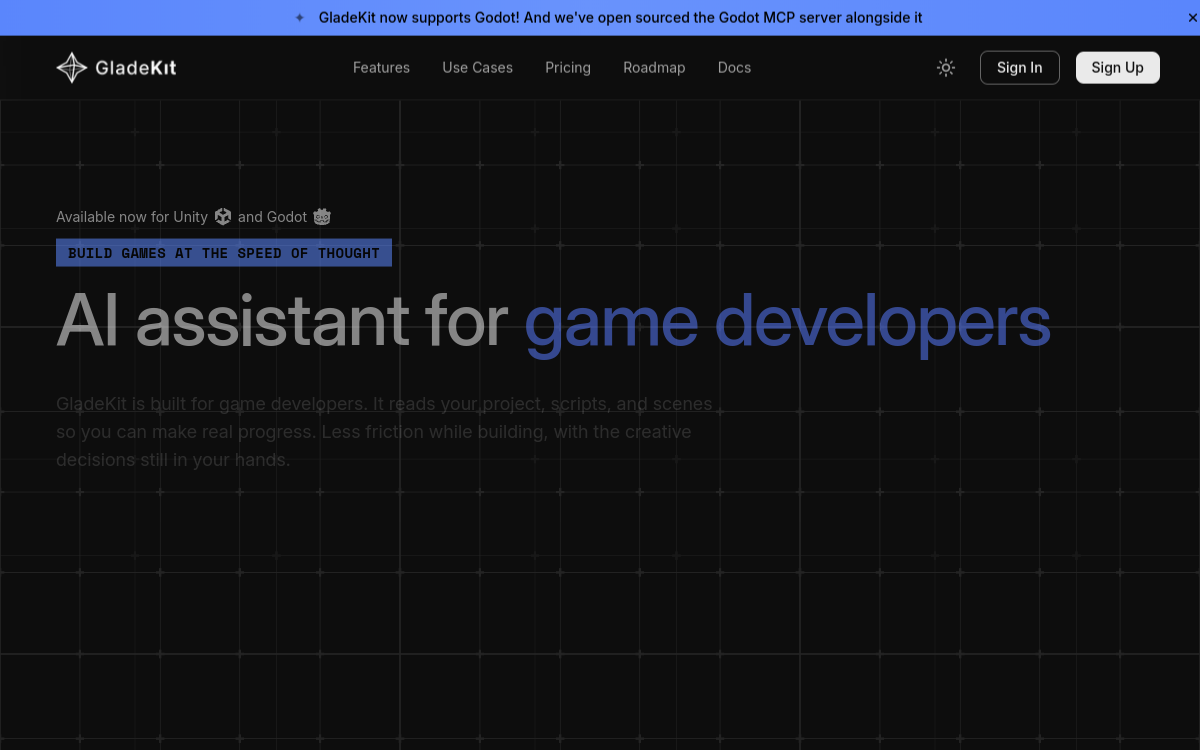
Video game development is one of the most technically demanding fields. On Unity, each feature often involves dozens of manual actions: creating a prefab, configuring its script, wiring the Animator, adjusting the lighting. This tedious load weighs on indies and large studios alike. GladeKit offers a radical answer: an AI agent integrated into the engine, able to directly execute these actions from natural-language descriptions. The tool thus goes well beyond simple code generation and marks the shift from an advisory AI to an operational AI within Unity. For studios that pile up prototypes or struggle to recruit, it’s a strong promise: speeding up development without changing the existing technical stack. This wave of agents integrated directly into business tools will probably define the next generation of creative tools.
What is GladeKit?
The essentials
GladeKit is a Unity extension that adds a powerful AI agent directly into the editor. This agent understands the project structure, the conventions used, and can execute more than 150 native Unity actions. It can create complex prefabs, configure Animator Controllers, set up physics, build UI interfaces, set up lighting and even bake NavMeshes. Each action is traced and reversible thanks to a turn-by-turn revert system. The tool also includes advanced building blocks like text-to-speech, speech-to-text, emotional voice tuning and RAG to leverage the project’s documentation.
Key features
GladeKit offers an impressive toolbox for Unity developers. Prefab and scene management lets the agent create or modify elements directly in the project hierarchy. Animation configuration goes through the Animator Controller, with creation of states, transitions and parameters in natural language. The UI module lets you build complete screens, from the main menu to the in-game inventory. The lighting module sets up the right lights and the right baked lightmaps for the desired style. NavMesh baking is automated, which makes NPC navigation easier. GladeCore finally embeds TTS, STT, emotional tuning and RAG, which paves the way for NPCs with rich vocal personalities. The integrated diff viewer lets you understand exactly what the agent modified at each turn, and the revert system makes experimentation safe.
Use cases
GladeKit is used in many concrete cases. An indie studio uses it to quickly prototype gameplay without coding each interaction. An experienced developer uses it to save time on repetitive tasks like wiring animations. A game designer uses it to iterate on level design without constantly depending on programmers. Larger teams integrate it into their pipeline to speed up bring-up and polish phases. Finally, some studios use GladeCore’s TTS/STT capabilities to bring their characters to life with generated, emotionally tuned voices.
Advantages
GladeKit’s benefits are many. Productivity first: Unity developers save hours on repetitive tasks. Quality next: the agent consistently applies the project’s conventions and limits human errors. Experimentation finally: the revert system lets you quickly test ideas without risk to the project. Integration into the engine also avoids the context breaks imposed by external tools like ChatGPT. For studios, it’s a powerful lever to speed up prototypes and free up creative time on high-value phases.
Pricing
GladeKit doesn’t yet publish a detailed pricing grid. The publisher offers a personalized demo and pricing tailored to studios. This approach is consistent with the product’s still-young maturity and its Enterprise target. Interested indies can contact the team to discuss early access.
Conclusion
GladeKit illustrates the deep transformation of development tools. By integrating into Unity and directly executing actions, it takes a major step beyond classic conversational assistants. For studios aiming to speed up their productions, it’s a copilot to watch very closely.