



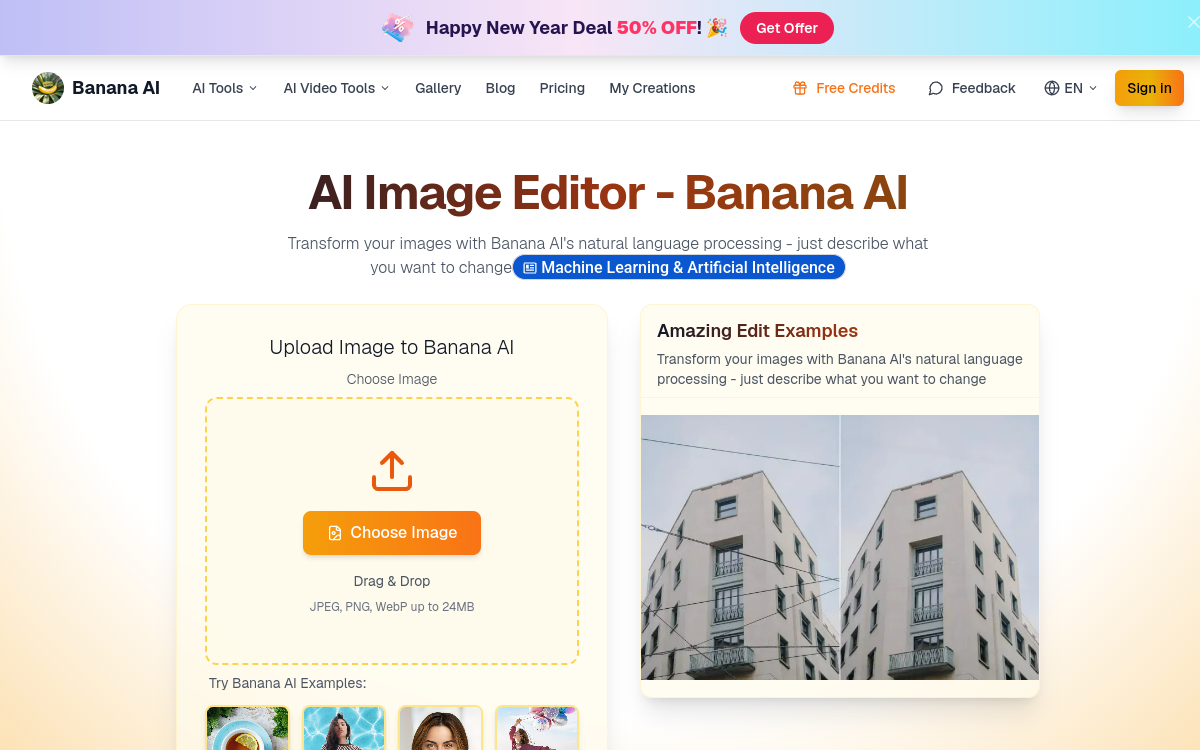
Editing an image long required only one thing: mastering an editor. Photoshop, GIMP, Lightroom impose a logic of layers, masks and tools that discourages most users. AI Banana offers a gentle revolution: editing images by talking to an AI. Describe what you want to change, see the result, adjust, compare, validate. This conversational approach turns technical work into a creative exchange. It appeals to social creators and indie hackers as much as to individuals retouching their memories.
What is AI Banana?
The essentials
AI Banana is an AI image editor accessible online. The user imports an image and engages in a conversation with the AI: you describe the desired modification, the tool applies the change. The platform keeps a visual record of every edit in a timeline, which lets you compare versions and go back at any time. The AI is particularly attentive to the consistency of the subject: faces, expressions and key features are preserved at every step.
Key features
AI Banana’s conversational editor understands instructions in plain English and performs varied modifications: changing the color of a garment, adjusting the light, transforming the style (realistic, drawing, vintage, anime), removing or adding an object, changing the background, fixing imperfections, upscaling the resolution. Character consistency is a strong point: the same person can be dressed differently, placed in several scenes, without their features varying artificially. The visual timeline lets you compare several versions side by side and resume editing from any step. Users can share a session with a colleague or client, which makes feedback easier. Paid plans unlock more credits, higher resolutions and a full commercial license.
Use cases
Social creators use AI Banana to produce several versions of the same portrait, ideal for Reels or themed stories. Amateur photographers fix their shots without going through Lightroom. E-commerce stores adapt a packshot into several moods without restarting a photo studio. Indie hackers and makers produce consistent brand visuals on their landing pages. Marketers turn real client photos into campaign visuals while respecting the identity. Individuals enhance family photos to print or share them. Designers use the tool to quickly explore several stylistic directions before finalizing a visual in a classic editor.
Advantages
The main benefit is accessibility: no need to learn Photoshop, no technical learning curve. The second advantage is speed: a modification that would take ten minutes manually is done in a few seconds. The third is consistency: the ability to keep a character stable across several visuals opens narrative and marketing use cases that are otherwise hard. The visual timeline protects against mistakes and encourages experimentation: you can test several ideas without fear. Finally, team or client use becomes smooth thanks to session sharing.
Pricing
AI Banana offers a free trial with a limited number of credits to discover the tool. Paid plans start around $23.9/month or $286.8 per year with a significant bonus on the annual commitment, and 12,000 credits/year allowing about 600 images. The Pro plan at $47.9/month offers 30,000 credits/year for about 1,500 images. Higher tiers target teams and agencies. The pricing grid is higher than some consumer competitors, but consistent with the quality and the specificity of the functions offered.
Conclusion
AI Banana embodies a new way to retouch: conversational, visual, smooth. For creators, brands and individuals who have neither the time nor the desire to learn a classic editor, it’s a very useful tool. A few concrete projects are enough to measure its real impact on visual production.