



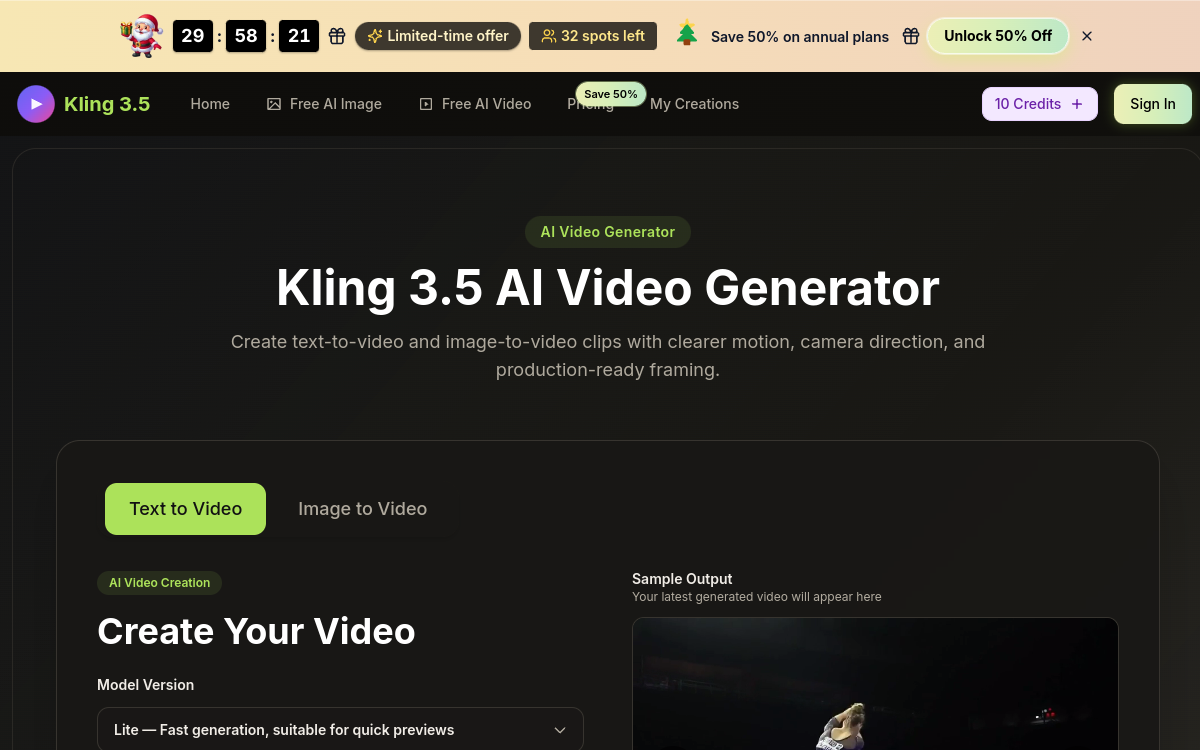
Browser-based AI video-generation platforms are exploding. Kling 3.5 is part of the new wave that bets on ease of access and visual quality. No download, no complex hardware setup: you open a page, describe what you want and get a video. This accessibility is a game-changer for marketers, creators and agencies that must quickly produce visual content. With an extended prompt, several input modes and a clear pricing grid, Kling 3.5 establishes itself as a robust option in a booming market.
What is Kling 3.5?
The essentials
Kling 3.5 is a web platform for AI video generation. The user writes a text prompt of up to 800 characters and/or uploads a reference image. The tool offers choices of camera movements, style and format before generation. Once the video is produced, the user can preview it, regenerate it or adjust the parameters to get the desired result. The service targets short formats: ads, hero videos, social content, teasers and visual pitches.
Key features
Kling 3.5 offers a clear web interface, accessible with no installation, on desktop and mobile. The text-to-video mode converts a description into a coherent animated clip. The image-to-video mode takes an image and animates it while respecting its original composition. The prompt assist guides the user up to 800 characters to formulate complex intentions. The platform includes camera controls (panning, zoom, tracking, top-down) that bring the result closer to cinema. Users get a full history of their generations, can download the results and easily launch re-generations. Paid plans unlock the commercial license, watermark-free output, queue priority and longer durations.
Use cases
Marketers use Kling 3.5 to produce short ads, ideal for Meta Ads, Google Ads and TikTok Ads. Content creators generate Instagram Reels, TikToks and YouTube Shorts without filming. Creative agencies pitch visual concepts to their clients with quality far above a static storyboard. SaaS studios create animated hero videos for their landing pages. Visual-specialized media and creators use the tool for teasers and illustration sequences. Event producers turn an existing visual into an animated clip for their social announcements. The input flexibility — text or image — multiplies the possible angles of use.
Advantages
The main benefit is speed: a professional clip can be produced in a few minutes. The second benefit is accessibility: no installation, no special equipment, the browser is enough. The third benefit is productivity: the ability to generate several variants in parallel opens visual A/B testing. The commercial license and the absence of a watermark on paid plans unlock direct campaign use. The generation history serves as creative memory, useful for teams that iterate often. Finally, the value for money is very competitive against traditional productions or even other premium AI models.
Pricing
Kling 3.5 offers plans starting around $9.99/month for individual uses, with a commercial license and watermark-free exports. Higher tiers target teams and agencies with more credits, longer durations and priority support. A free plan lets you test the tool with a limited quota, but most professional uses will quickly move to a paid plan to benefit from maximum quality and watermark-free output. The grid stays competitive in the segment.
Conclusion
Kling 3.5 confirms the growing maturity of AI video platforms. For marketers, agencies and creators, it’s a concrete, productive and economical tool, worth integrating into a regular visual workflow. A few tests on real projects are enough to measure its real impact.