


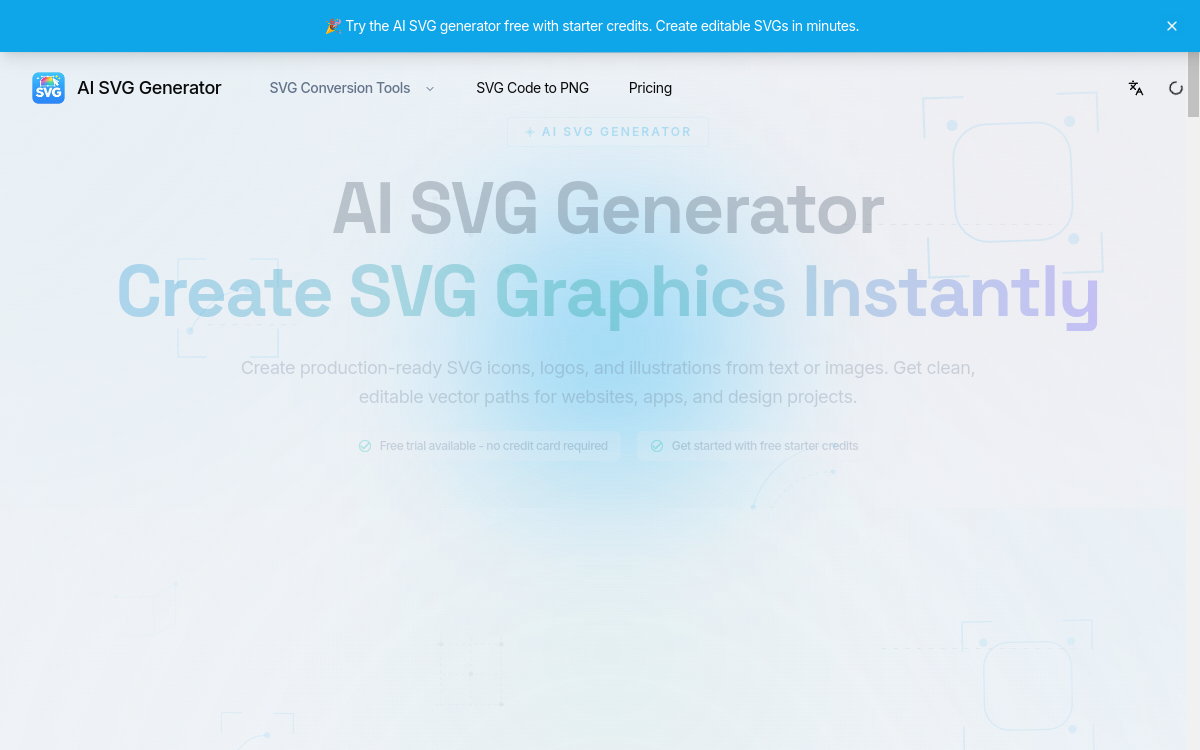
The SVG format has become essential in modern design. It guarantees scalability, optimizes web performance and makes editing easier. Yet creating an SVG from a blank page remains a demanding exercise that requires good command of Bézier curves and vector tools. SVG Generator starts from this observation to offer an AI approach: describe what you want in a few words and get a clean, optimized SVG file ready to edit in Figma or Illustrator. The tool doesn’t replace a designer, but considerably speeds up the most mechanical steps of vector creation.
What is SVG Generator?
The essentials
SVG Generator is an online platform dedicated to generating vector illustrations from text. The user enters a prompt and chooses a style, then the tool produces several variants in SVG. The vector format guarantees perfect quality at every size, from favicon to poster, and a lightweight file for the web. The platform targets designers, marketers and makers who want to quickly create custom visuals without resorting to an illustrator for every need.
Key features
SVG Generator’s AI engine focuses on clean vector outputs: sharp lines, closed shapes, editable structure. Several graphic styles are available: flat design, line art, geometric, illustrative. Users can generate logos, icons, marketing illustrations or mockups. The platform also offers template libraries to get inspired or start faster. Exports follow SVG optimization best practices, making web integration easier. The tool fits into existing workflows: you drop the SVG into Figma, edit it if needed, export it to the final project. Paying users get a higher number of variants, advanced styles and an extended commercial license.
Use cases
Startups use SVG Generator to quickly produce a launch logo and consistent iconography, with no dedicated illustrator budget. Design freelancers enrich their client deliverables with custom illustrations. Marketers create blog visuals, banners and icons for their landing pages. Indie hackers building a SaaS product find a dynamic library for their interfaces. Design teachers and students use it to quickly experiment with several visual concepts. E-commerce makers generate badges, labels and product illustrations without relying on a graphic designer.
Advantages
The major benefit is speed. Where manually creating an SVG takes dozens of minutes, the tool delivers usable results in seconds. The vector format offers maximum quality at every resolution, eliminating touch-ups related to different display sizes. Compatibility with Figma, Illustrator and the web smooths the move from generation to final use. The marginal cost per visual becomes very low, which encourages experimentation. Finally, the tool democratizes vector production long reserved for experienced designers.
Pricing
SVG Generator offers a free plan to test the tool, with a limited generation quota. Paid plans start around $19/month for individual uses, with a comfortable volume of credits, access to premium styles and a commercial license. A higher Pro plan unlocks more variants, advanced templates and team use. Large volumes can be negotiated for agencies. Overall it stays consistent with other AI generators specialized in design.
Conclusion
SVG Generator is a useful, well-positioned tool. It doesn’t replace a human designer’s creativity, but it drastically speeds up daily visual production. For anyone who regularly needs icons, logos or vector illustrations, it’s well worth a test on a real project.