



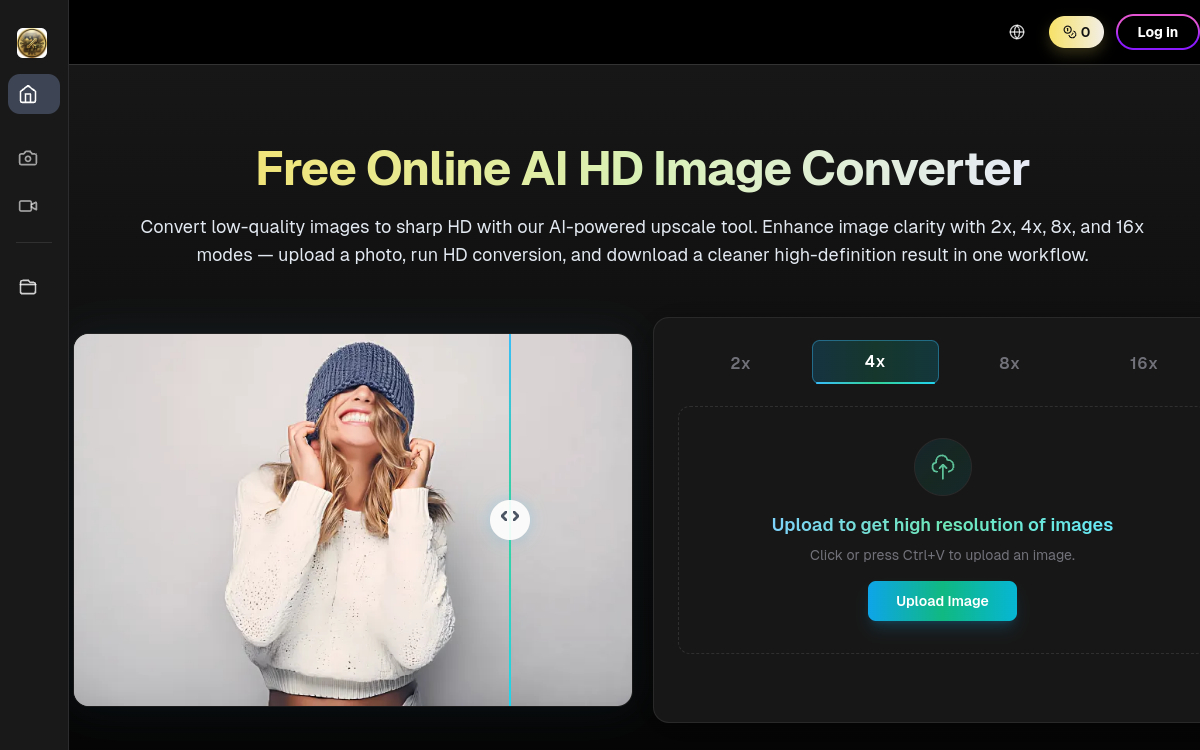
Poor-quality images are a real poison for an e-commerce site, an ad or a social account. HD Image Converter answers this pain with a simple tool: automatic AI upscaling able to turn a blurry or low-resolution photo into a sharp, usable visual. The promise isn’t new, but the tool stands out for its ease of use and the quality of the result, with fine sharpness controls and a batch mode. No need to learn Photoshop or Lightroom: you import, adjust two sliders, export. For many brands and creators, this time saving alone justifies adoption.
What is HD Image Converter?
The essentials
HD Image Converter is an online image upscaling and enhancement service. It supports most common input formats, applies an AI enhancement model and returns a sharper, more contrasted, sometimes better-exposed image. The tool targets web and e-commerce uses, where image quality directly drives conversion rate and engagement. It’s aimed at individuals as well as small marketing teams that produce visuals at scale.
Key features
The AI engine handles upscaling up to 4K with detail preservation. Several sliders let you adjust sharpness, contrast, saturation and denoising for a natural, non-artificial result. The batch mode processes dozens of images in series, making the tool usable for product catalogs or social image banks. Several presets help you pick a style: fast web, e-commerce, social, ads. Exports cover the common formats JPG, PNG and WebP, in HD or 4K. A minimalist web interface lets you drag and drop images with no installation. Paying users get more generous quotas, higher resolutions and watermark-free export. An API is being rolled out for advanced integrations into marketing pipelines.
Use cases
E-commerce stores use HD Image Converter to standardize their product visuals, especially when they rely on photos provided by suppliers or sometimes-old catalogs. Community managers reuse the tool to turn social captures into acceptable ad visuals. Digital agencies batch-process client portfolio photos to make them consistent. Individuals use the tool to restore old family photos or improve smartphone shots intended for printing. Amateur photographers enhance their shots with upscaling before posting on social media. All benefit from instant processing, without having to master editing software.
Advantages
The immediate gain is the visual quality of published content. On a product page, sharp images can significantly improve conversion rate. On social media, image quality directly influences engagement. The second benefit is time: no need to open an editor, learn complex functions or pay a provider. The third is consistency: thanks to presets and batch mode, an entire catalog can be processed with the same style. Finally, the tool democratizes a technology usually reserved for advanced software, making it accessible to an individual as well as a community manager.
Pricing
HD Image Converter offers a free plan to discover the tool, with an image quota and sometimes a watermark. Paid plans start around $9/month for individual and modest professional uses, with higher tiers for agencies and high-volume stores. Premium plans unlock 4K, unlimited batch mode and the complete absence of a watermark. One-off packs exist for users who don’t want to commit. Overall it stays readable and competitive against other market solutions.
Conclusion
HD Image Converter doesn’t claim to replace a photo studio or a professional retoucher, but it does the job it focuses on remarkably well. For anyone who regularly publishes images online, it offers an excellent simplicity-to-quality ratio, to integrate as a pragmatic building block in a visual production chain.