


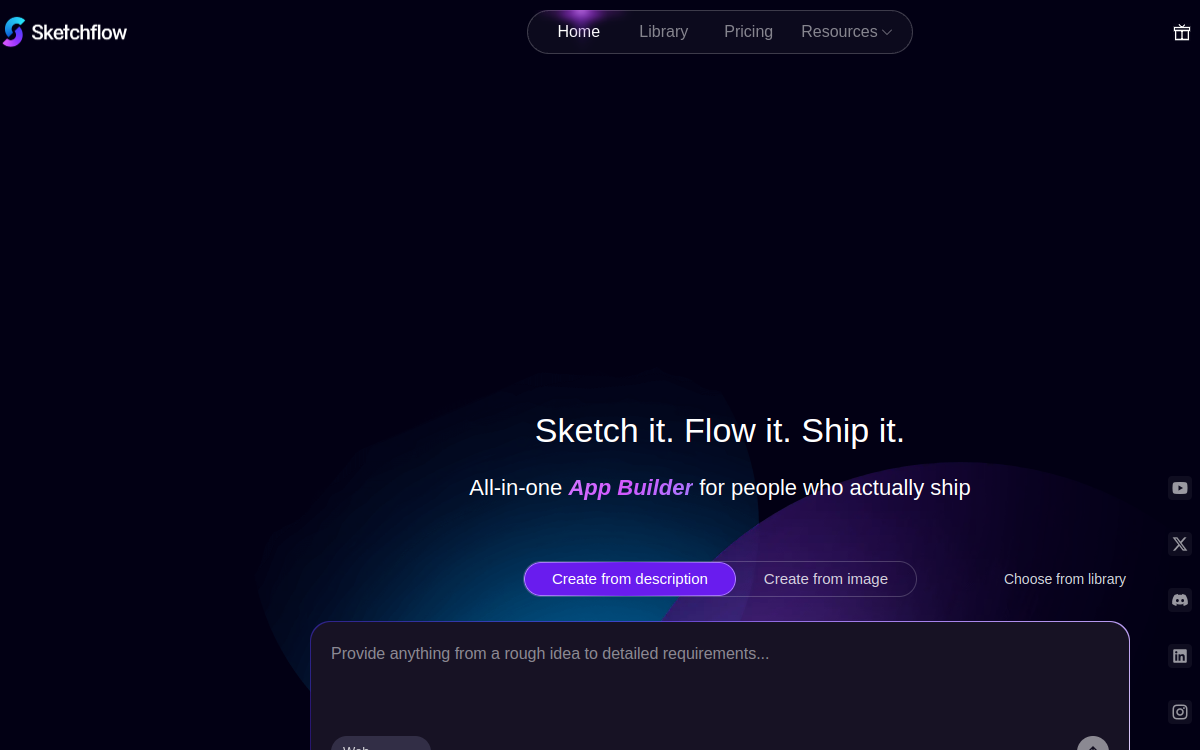
Sketchflow AI is a no-code platform that transforms a simple description of an idea into a functional mobile or web interface. From a prompt, the tool generates user workflows, high-fidelity screens and an interactive prototype simulated in the cloud. The platform stands out by exporting native code for Android, iOS and web, which facilitates handoff to development teams. Sketchflow AI targets founders, product managers and designers who want to materialize a concept quickly without relying on internal design or coding skills, while maintaining a professional focus on final quality.
What is Sketchflow AI?
The essentials
Sketchflow AI is a web platform that combines artificial intelligence, interactive simulation and code export. From a text description, the engine generates a coherent set of screens, their interactions and transitions between them, resulting in a navigable prototype in the cloud without any prior deployment. The user can refine screens, modify components and regenerate certain sections via AI. Once satisfied, they can export the project as native code for Android, iOS and web. The platform targets both founders in validation phase and product teams who want to reduce cycles between design and development.
Key features
The heart of Sketchflow AI is the automatic generation of user interfaces from natural language instructions. AI handles layout, components, style consistency and navigation flows. Simulation mode allows you to test the prototype directly in the browser as if it were a real application. Native code export is probably the most strategic function: it delivers a project directly usable by a development team, avoiding starting from scratch after the scoping phase. The platform also offers templates by use case, a visual editor to adjust components and a project versioning system. Finally, integrations are being expanded toward project management and design tools to streamline collaboration.
Use cases
Sketchflow AI serves several scenarios. The first is MVP design by a founder who wants to show a concept to users or investors without mobilizing a full team. The second is validating a feature by a product manager before putting it on backlog, to verify screen relevance and action flow. The third is accelerating project launch thanks to native code export, which saves several days of initial scaffolding for mobile teams. The fourth concerns agencies in scoping phase with a client, where Sketchflow AI makes it possible to rapidly produce multiple design alternatives to start discussion and choose the best design direction.
Advantages
The main advantage lies in speed: moving from an idea to an interactive prototype in minutes changes the way you think about a product, favoring experimentation and short iteration. Complete coverage, from initial prompt to native code, avoids the classic information losses between design and development. The ability to share the prototype in the cloud facilitates user feedback and team decision-making. Freemium allows you to evaluate the product without commitment, greatly reducing the barrier to entry. For early-stage organizations that must maximize their initial capital, the tool represents a significant efficiency lever and allows directing available human resources toward higher value-added tasks for the project.
Pricing
Sketchflow AI operates on a freemium model. The free plan provides 40 daily credits without credit card, which is more than enough to test the product and generate multiple prototypes. Paid plans start around 25 USD per month and unlock larger volumes, advanced export features, collaborative spaces and additional integrations. Pro or team plans exist for organizations wanting to industrialize prototype creation. The pricing grid is documented on the site and adjustments are frequent as new features are added, which invites you to check precise conditions when deciding to commit to long-term investment on the platform.
Conclusion
Sketchflow AI is a particularly interesting tool for early-stage teams and product managers looking to compress the prototyping phase. The combination of generative AI and native code export offers immediate return on investment as soon as you need to quickly validate multiple interface ideas and then move to more formal development.